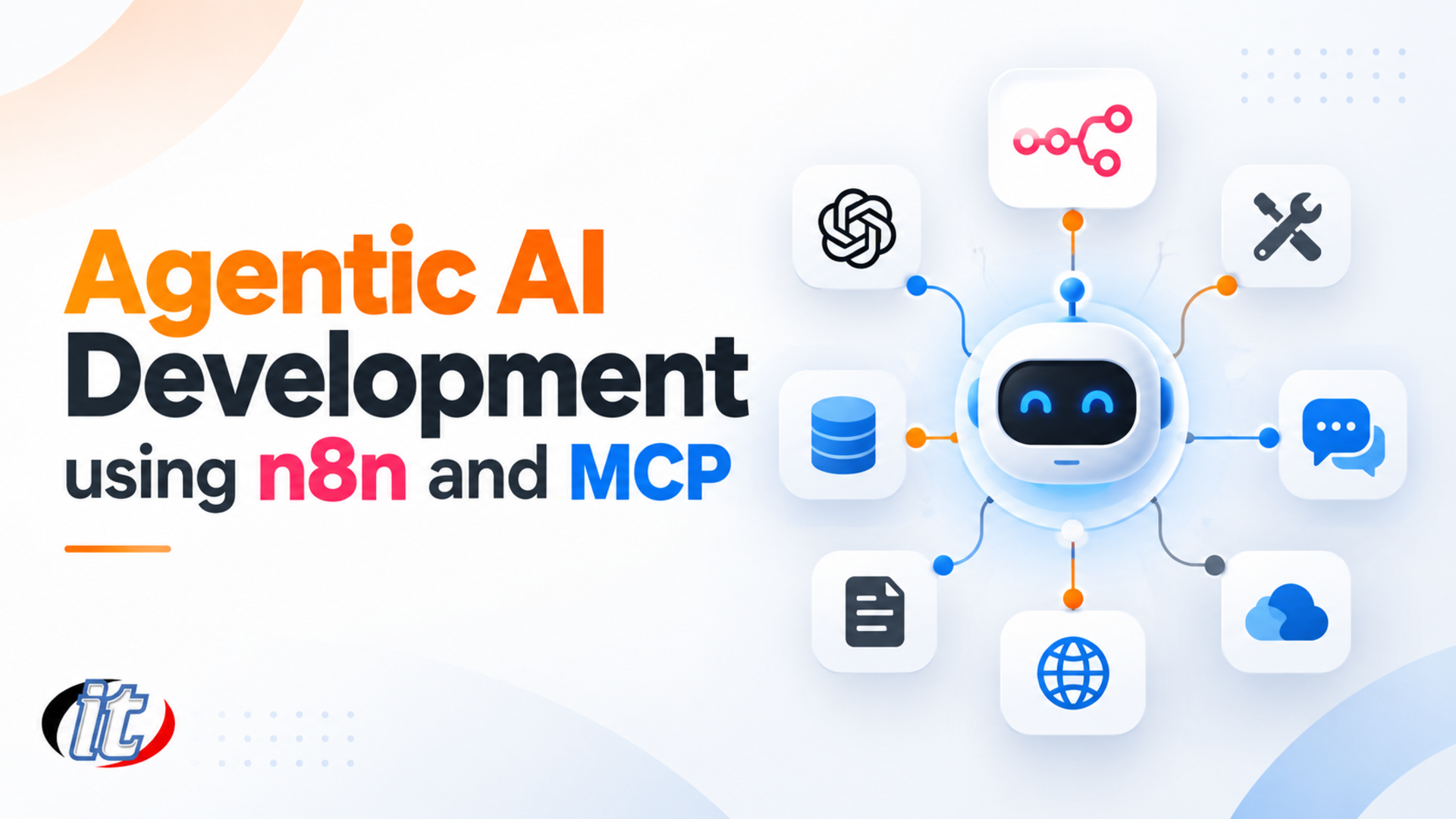
Agentic AI Development using n8n and MCP is a 18-hour training course by IT Genius Institute. Traditional automation follows conditions written in advance, so it stalls on a message that does not fit the pattern or a question that needs data from…
Traditional automation follows conditions written in advance, so it stalls on a message that does not fit the pattern or a question that needs data from several places. Agentic AI changes this by letting an LLM interpret the request, plan, and choose which tools and data sources to use before it answers or acts. The real challenge is connecting that LLM to an organization's email, chat, databases and documents in a way that works reliably and stays under control.
This course uses n8n as the backbone for assembling AI agents and the Model Context Protocol (MCP) as the standard way for agents to reach tools and data. Learners start with the concepts of agentic AI and reasoning patterns such as ReAct, Reflexion and Chain-of-Thought, then build an AI email classification and reply system on n8n Cloud. They move on to self-hosting n8n Community Edition
with Docker, connect an MCP server to Slack and a Microsoft SQL Server database, and build a RAG system with Qdrant. Everything comes together as a customer service agent that answers from real transaction history and policy documents, handles multi-turn conversations, hands off to a human when needed, and is ready to scale into production. (3 days, 6 hours per day, 18 hours in total, Intermediate level.)
What you’ll gain
Explain the principles and components of agentic AI and the ReAct, Reflexion and Chain-of-Thought patterns
Understand the n8n architecture and choose between n8n Cloud and self-hosting
Install n8n Community Edition with Docker Compose and manage credentials securely
Connect an MCP server to n8n so agents can call tools and data
Integrate Gmail, Google Calendar, Slack and a Microsoft SQL Server database into workflows
Build a RAG system with Qdrant and OpenAI embeddings to search policy documents
Design and build a customer service agent that answers from real organizational data
Handle multi-turn conversations and human handoff, and tune the system before going live
Who this course is for
Developers who want to build AI agents connected to real organizational systems
Existing n8n users who want to move from automation to agentic AI
Business analysts and project managers designing automated customer service
IT and DevOps teams who install and operate self-hosted n8n
Anyone who wants AI to answer customers based on the organization's own data and policies
Prerequisites
Comfortable with computers and the basics of APIs, webhooks and JSON data
Some light coding experience helps, but you do not need to be a programmer
Gmail and Slack accounts for testing, plus an OpenAI API key with credit
A laptop that can run Docker Desktop (used on days 2 and 3) with permission to install software
Curriculum
Course Details
A 3-day course, 6 hours per day (18 hours in total, 09:00-16:00), delivered as lectures with labs that follow one continuous use case across all three days. Intermediate level. Day one runs on n8n Cloud; days two and three run on each learner's own machine with Docker. Learners bring their own Gmail and Slack accounts and an OpenAI API key with credit; OpenAI
API usage is billed by actual use. The course focuses on building AI agents with n8n and MCP rather than on workflow automation basics. Anyone who wants a solid n8n foundation first should take the separate n8n Workflow Automation for Modern Business course. Learners take home a lab guide, n8n workflow files for every lab, and docker-compose files for n8n, the MCP server, MSSQL and Qdrant.
Day 1Agentic AI, n8n and an Intelligent Email System
Section 1: Agentic AI and How Agents Reason
What agentic AI means and how it differs from rule-based automation
Core components: perception, planning, reasoning, memory and action
ReAct: the agent alternates reasoning with tool calls until it reaches an answer
Reflexion: the agent reviews its own output and corrects it
Chain-of-Thought, and choosing a pattern that fits the task and the cost
Real use cases in customer service, document work and operations
Section 2: The n8n Architecture
Low-code / no-code workflow automation and where n8n fits
Core building blocks: nodes, connections, workflows and credentials
Runtime architecture and how workflows are executed
n8n Cloud compared with self-hosting
Community Edition compared with Enterprise Edition
Section 3: Key Nodes for Agentic AI
Trigger nodes: Webhook, Gmail and Schedule
AI nodes: OpenAI and Text Classifier for categorizing messages
Communication nodes: Gmail, Slack and HTTP Request
Data processing nodes: Code, JSON and Split in Batches
Database nodes (MSSQL, MongoDB) and utility nodes (IF, Switch, Merge)
Section 4: Lab: n8n Cloud and AI Email Classification
Sign up for and configure n8n Cloud, with good practice on the cloud platform
Connect Gmail and OpenAI credentials securely
Configure a Gmail trigger to bring new email into the workflow
Use Text Classifier to sort email into work, personal, travel and other
Use IF / Switch nodes to route each category down a different path
Section 5: Lab: Automated Email Replies and Scheduling
Connect an OpenAI model to the email classification workflow
Write prompts that draft replies with the right context and tone
Configure the Gmail node to send replies automatically
Create Google Calendar events from the content of an email
Test the whole workflow and check results in the execution log
Day 2n8n on Docker, MCP and a RAG Knowledge Base
Section 6: Lab: Installing n8n Community Edition with Docker
Prepare the machine and install Docker and Docker Compose
Write and customize a docker-compose.yml file for n8n
Run n8n and open its web interface on your own machine
Configure environment variables and store credentials securely
Move workflows from n8n Cloud to the self-hosted instance
Section 7: Lab: MCP Server with n8n
MCP architecture: host, client, server and exposing tools to an agent
Install an MCP server with Docker and configure it
Connect the MCP server to n8n so the agent can call its tools
Test the MCP server and inspect the results of tool calls
Section 8: Lab: Connecting Slack to the Workflow
Create a Slack app and obtain an API token with only the scopes needed
Configure webhooks and Event Subscriptions so n8n receives messages
Connect Slack to an n8n workflow
Test sending and receiving messages through the Slack API
Section 9: Lab: MSSQL Database through MCP
Install Microsoft SQL Server on Docker and load sample customer data
Configure the database connection through the MCP server
Have the agent retrieve customer transaction data and test the results
Limit the database account so the agent can reach only what it needs
Section 10: Lab: A RAG System with Qdrant
The idea behind retrieval-augmented generation and why it helps question answering
Install the Qdrant vector database on Docker
Load customer service policy documents into Qdrant with OpenAI embeddings
Build the retrieval component and connect RAG to the MCP server
Test searching for the policies relevant to a customer's question
Day 3A Customer Service Agent Ready for Real Use
Section 11: Designing the Customer Service Agent
Design the user flow and conversation sequence with the customer
Context management so the agent knows who it is talking to and about what
Designing the system prompt and prompts that keep answers within policy
Planning data handling and how answers are built from several sources
Section 12: Lab: Building the Customer Service Agent
Build a workflow that receives Slack messages and lets the agent interpret them
Retrieve the customer's transaction history from MSSQL through MCP
Search Qdrant for the relevant policies
Generate an answer from customer data and policy, then reply in Slack
Log the conversation history to MSSQL for later reference
Section 13: Lab: Handling Complex Conversations
Support multi-turn conversations
Strategies for retaining context across messages
Fallback when the agent is unsure, and handoff to a human agent
Refine prompts so answers follow policy consistently
Section 14: Performance Tuning and Scaling
Analyze performance and find bottlenecks in the workflow
Tune the Docker configuration for production
Scaling strategies for n8n and the MCP server as load grows
Guidance for taking the agent into real organizational use
Schedule & training options
For individuals — public rounds
No public rounds are open right now. Join the waiting list and we will contact you first when the next round opens, or ask us on LINE. Or call 02-570-8449 or 088-807-9770
Who is Agentic AI Development using n8n and MCP for, and what background is needed?
Built for Developers who want to build AI agents connected to real organizational systems · Existing n8n users who want to move from automation to agentic AI · Business analysts and project managers designing automated customer service Background you should have: Comfortable with computers and the basics of APIs, webhooks and JSON data · Some light coding experience helps, but you do not need to be a programmer Not sure the fit is right? Talk to our team on LINE @itgenius or call 02-570-8449.
How much does Agentic AI Development using n8n and MCP cost and how long does it run?
THB 7,900 (currently THB 7,110 on promotion). The course runs 18 hours. The price excludes 7% VAT (for payment in a company's name). Pay by bank transfer to the company account, confirm it on our payment page, and we can issue the receipt or tax invoice in your company's name.
Do I get a certificate?
Yes. Everyone who completes the course receives a Certificate of Completion from IT Genius Institute. Each certificate carries its own number, and anyone holding that number can verify it online on our certificate page, so you can add it to your portfolio or pass it to HR as evidence of training.
Where does the training take place, and is there an online option?
You can attend onsite at IT Genius Institute or arrange to join online, and we also run it as a private in-house session for your team. Ask about dates and venues on LINE @itgenius or call 02-570-8449.
What if I fall behind or miss a session — can I retake it?
Yes. You may retake the same course free of charge in a later round, under the institute's conditions. Tell our team which course and round you attended, and we will check it and offer you the rounds that still have seats. Ask us on LINE @itgenius or call 02-570-8449.
How do I enrol, or request a quotation for my company?
Enrol online with the registration form on this page. You can register several attendees at once and enter your tax ID and billing address for the tax invoice. Or request a company quotation straight from the quote button. For anything else call 02-570-8449 or reach us on LINE @itgenius.
In an era where manual work is becoming less and less agile and businesses compete on speed and efficiency, Workflow Automation has become an important answer that helps businesses of all sizes reduce the time spent on repetitive work and increase efficiency…
General AI models are strong at language but do not know your organization's internal information - manuals, policies, contracts, customer data or accumulated know-how. When asked something specific to the organization, AI often answers incorrectly…
12 hours2 days
8,910THB9,900 THB
View details
Agentic AI Development using n8n and MCP18 hrs · 3 days