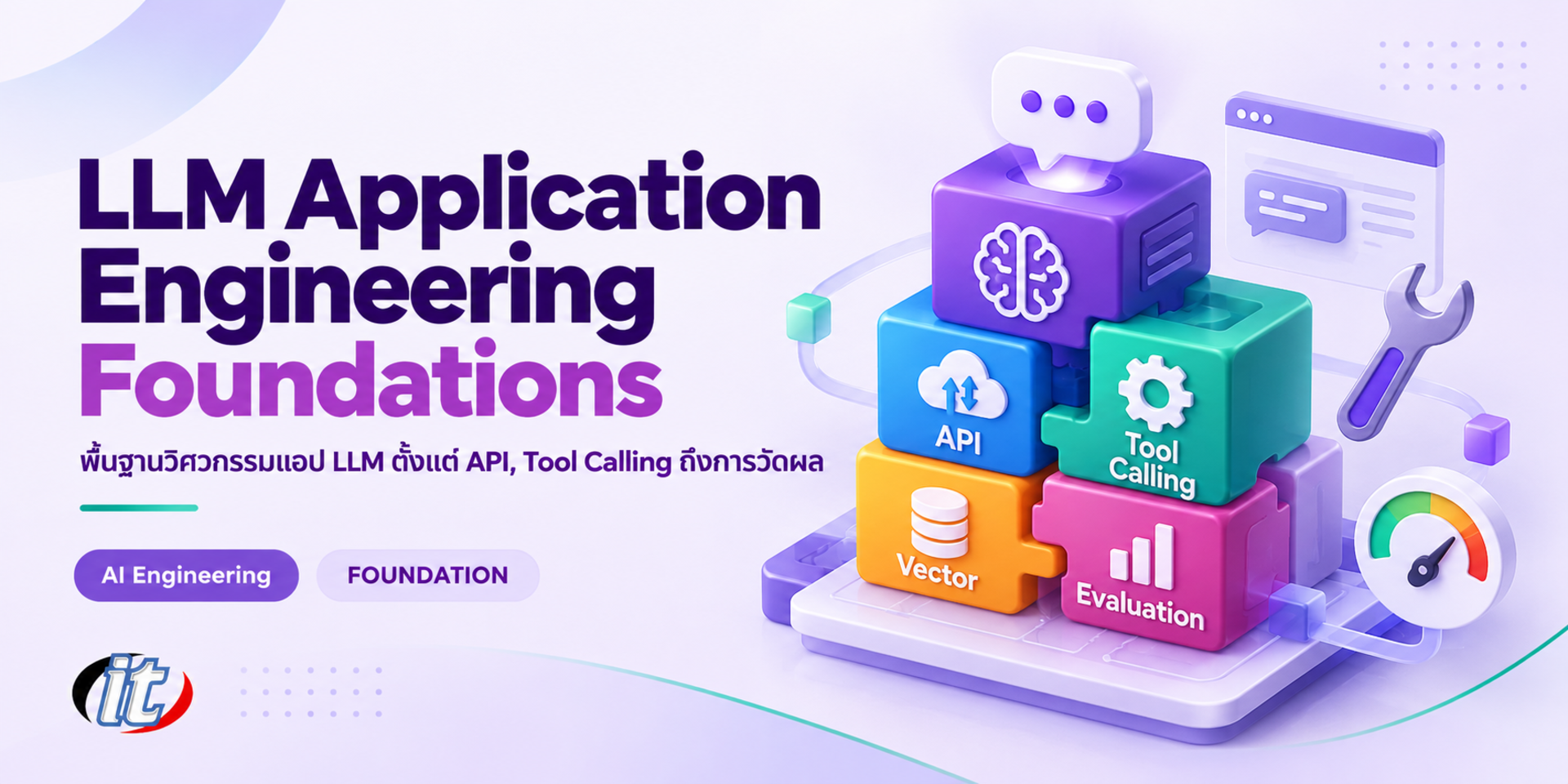
LLM Application Engineering Foundations is a hands-on Python course in building LLM applications, from calling the OpenAI, Claude and Gemini APIs to structured output, tool calling, embeddings, basic evaluation and cost control. It suits backend and Python developers who want solid foundations before moving on to RAG and AI agents, and you leave with a working LLM app prototype of your own.
Calling an LLM API and getting an answer back takes only a few lines of code, but building an application that works in practice is another matter. Developers have to deal with answers in unpredictable formats, runaway costs, rate limits, data the model does not know, and the question of whether a prompt change actually made things better. Many teams jump straight into RAG or agent frameworks without solid foundations, which makes problems hard to fix when the system does not behave as expected.
This course builds the engineering foundations for LLM applications through hands-on Python coding. It starts with tokens, context windows and the key parameters, calling the OpenAI, Claude and Gemini APIs, managing prompts as code and enforcing output with structured output and Pydantic. Learners then let the LLM call tools and internal APIs, work with embeddings and semantic search on a vector database, and write code that
can switch between providers or in-house models. The course then turns to what makes an app ready for use: evaluation with test sets, cost and latency control, error handling and security, and logging. It closes with a capstone LLM application that is ready to grow into the RAG and AI agent courses. (3 days, 6 hours per day, 18 hours in total, Beginner to Intermediate level.)
What you’ll gain
Explain how LLMs work from a developer's point of view, including tokens, context windows and key parameters
Call the OpenAI, Claude and Gemini APIs from Python, both standard and streaming
Enforce output that matches a schema with structured output and validate it with Pydantic
Design tool calling so the LLM can use internal APIs and databases safely
Use embeddings and a vector database for semantic search
Evaluate LLM applications with test sets, automated checks and LLM-as-a-judge
Control the cost, latency, errors and security of LLM applications
Who this course is for
Backend and full-stack developers starting to bring LLMs into their applications
Python developers who want solid foundations before learning RAG and AI agents
Data engineers and data scientists who use LLMs to extract or classify data
Tech leads who set the team's approach to writing code that uses LLMs
Students and career changers with Python skills who want to become AI engineers
Prerequisites
Python skills such as functions, classes, virtual environments and installing packages
An understanding of REST APIs and JSON, and basic Git
Experience using ChatGPT, Claude or Gemini at work
A laptop that can run Python and VS Code, with an API key from at least one provider
Curriculum
Course Details
This course runs for 3 days, 6 hours per day (18 hours in total, 09:00-16:00), as lectures with Python coding labs that build on one service throughout. Beginner to Intermediate level. Learners use API keys from their own or company accounts and cover their own API costs, and the labs can be done with a single provider or with in-house models through Ollama. The course is the entry point to the LLM engineering track, laying foundations in APIs, structured output, tool calling, embeddings, evaluation and cost before moving on to the RAG & Knowledge Base and AI Agents for Business courses. Learners take home a lab guide, sample code for every lab and a capstone project template.
Day 1LLM APIs and Output Your Code Can Use
Section 1: LLMs from a Developer's Point of View
How LLMs work as a developer needs to know it: tokens, next-token prediction and the context window
Temperature, max tokens and the parameters that shape answers
Choosing models for the task: large, small and reasoning models
Token-based pricing and estimating cost at design time
Lab: count tokens for Thai and English text and compare the cost
Section 2: Lab: Calling LLM APIs from Python
Set up a Python project and store API keys safely in environment variables
Call the OpenAI, Claude and Gemini APIs through their official SDKs
Message roles: system, user and assistant, and keeping conversation history
Streaming answers so users see results sooner
Comparing the API styles of each provider
Section 3: Prompts as Code
Separate prompts from code with templates and variables
Write clear system prompts and use few-shot examples
Version prompts in Git just like code
Pass long inputs into the context in a structured way without exceeding the context window
Lab: build a team prompt library with usage examples
Section 4: Lab: Structured Output
Why asking for JSON in the prompt alone is not enough
Define schemas with Pydantic and use each provider's structured output feature
Validate output, handle schema mismatches and retry within limits
Design schemas that are easy for the model, such as enums and well-described fields
Lab: extract data from Thai emails and quotations into JSON
Section 5: Lab: An Extraction Service with FastAPI
Wrap LLM calls in a REST API with FastAPI
Accept files or text and return results that match a schema
Set timeouts and return errors that callers can understand
Test the API with Swagger UI and pytest
Lab: build a service that classifies and summarises customer complaints
Day 2Tool Calling, Embeddings and Switching Models
Section 6: Tool Calling
How tool calling works: the model chooses the tool, but your code makes the call
Write tool descriptions and parameter schemas that help the model choose correctly
The loop of repeated tool calls, and calling several tools at once
Handling failed tools and invalid arguments
Lab: let the LLM call calculation and product lookup functions
Section 7: Lab: An Assistant That Calls Internal APIs
Connect the LLM to the order database and internal APIs of a sample business
Limit tool permissions: read-only by default and confirmation before changing data
Cap the number of rounds to prevent endless loops and control cost
An overview of MCP as a standard for connecting tools, and where this leads to agents
Lab: an assistant that answers order status from real data in the database
Section 8: Embeddings and Semantic Search
What embeddings are and how text similarity is measured
Choosing an embedding model that handles Thai, and the trade-off between dimensions and cost
Splitting documents into chunks, and how chunk size affects search quality
Uses beyond RAG: finding duplicate questions, clustering and recommendations
Lab: embed frequently asked questions and search them by meaning
Section 9: Lab: Vector Database Basics
An overview of vector databases and how to choose one, such as Chroma and pgvector
Store documents with metadata and search with filters
Indexes for fast search and the trade-off with accuracy
Combine search results with the LLM's answer as a simple RAG pattern
Lab: a semantic search system for product manuals on pgvector
Section 10: Lab: Writing Code That Can Switch Models
Provider differences to watch for: message format, tools and structured output
Use OpenAI-compatible endpoints and the LiteLLM SDK to call several providers with one codebase
Run in-house models with Ollama for development and for data that must not leave the machine
Design a team abstraction layer that is not tied to a single provider
Lab: move the day one classification service to another provider and to an in-house model
Day 3Evaluation, Cost Control and Production Readiness
Section 11: Lab: Basic Evaluation of LLM Apps
Why you need a test set before changing a prompt or a model
Build a test set from real examples with expected answers
Automated rule-based checks such as schema match, key terms and correct figures
LLM-as-a-judge for free-text answers, and the limits to know
Lab: run the test set in pytest to compare two prompt versions
Section 12: Controlling Cost and Latency
Measure cost per request and per user from actual token counts
Prompt caching and ordering prompts so the cache can be used
Batch APIs for work that does not need an immediate answer
Use small models for easy tasks and send hard ones to large models
Lab: cut the cost of the day one service and measure before and after
Section 13: Errors, Rate Limits and Security
Handle rate limits and transient errors with exponential backoff retries
Timeouts, fallback to a backup model and user messages when things fail
Basic prompt injection, and keeping instructions separate from user data
Personal data and PDPA: what may be sent, what to mask and how to log it
Managing API keys across a team and rotating them
Section 14: Lab: Logging and Tracing LLM Apps
Record the prompt, answer, tokens, latency and cost of every request
Set up traces that show the steps of tool calling and search
Use logs to find poorly answered questions and add them to the test set
Balance log detail against privacy
Section 15: Capstone: Your Own LLM App
Design a small LLM app from your own work or a sample brief
Use at least two of structured output, tool calling and semantic search
Build a test set, measure cost and handle errors fully
Present the work, review it together and map the path on to RAG and AI agents
Schedule & training options
For individuals — public rounds
No public rounds are open right now. Join the waiting list and we will contact you first when the next round opens, or ask us on LINE. Or call 02-570-8449 or 088-807-9770
Who is LLM Application Engineering Foundations for, and what background is needed?
Built for Backend and full-stack developers starting to bring LLMs into their applications · Python developers who want solid foundations before learning RAG and AI agents · Data engineers and data scientists who use LLMs to extract or classify data Background you should have: Python skills such as functions, classes, virtual environments and installing packages · An understanding of REST APIs and JSON, and basic Git Not sure the fit is right? Talk to our team on LINE @itgenius or call 02-570-8449.
How much does LLM Application Engineering Foundations cost and how long does it run?
THB 9,900 (currently THB 8,910 on promotion). The course runs 18 hours. The price excludes 7% VAT (for payment in a company's name). Pay by bank transfer to the company account, confirm it on our payment page, and we can issue the receipt or tax invoice in your company's name.
Do I get a certificate?
Yes. Everyone who completes the course receives a Certificate of Completion from IT Genius Institute. Each certificate carries its own number, and anyone holding that number can verify it online on our certificate page, so you can add it to your portfolio or pass it to HR as evidence of training.
Where does the training take place, and is there an online option?
You can attend onsite at IT Genius Institute or arrange to join online, and we also run it as a private in-house session for your team. Ask about dates and venues on LINE @itgenius or call 02-570-8449.
What if I fall behind or miss a session — can I retake it?
Yes. You may retake the same course free of charge in a later round, under the institute's conditions. Tell our team which course and round you attended, and we will check it and offer you the rounds that still have seats. Ask us on LINE @itgenius or call 02-570-8449.
How do I enrol, or request a quotation for my company?
Enrol online with the registration form on this page. You can register several attendees at once and enter your tax ID and billing address for the tax invoice. Or request a company quotation straight from the quote button. For anything else call 02-570-8449 or reach us on LINE @itgenius.
RAG systems built on vector search alone answer well when the answer sits in a single passage, but they often miss when a question has to connect several documents, such as which product models a customer uses that are affected by the latest notice, or when…
General AI models are strong at language but do not know your organization's internal information - manuals, policies, contracts, customer data or accumulated know-how. When asked something specific to the organization, AI often answers incorrectly…
Organizations have mostly used AI in a question-and-answer style: a person asks, AI answers, and the person then does the follow-up work every time. Today AI has moved beyond an assistant waiting for commands to an AI agent that takes a goal in human language…
12 hours2 days
8,910THB9,900 THB
View details
LLM Application Engineering Foundations18 hrs · 3 days