Web Development · WDC-73

MEAN Stack

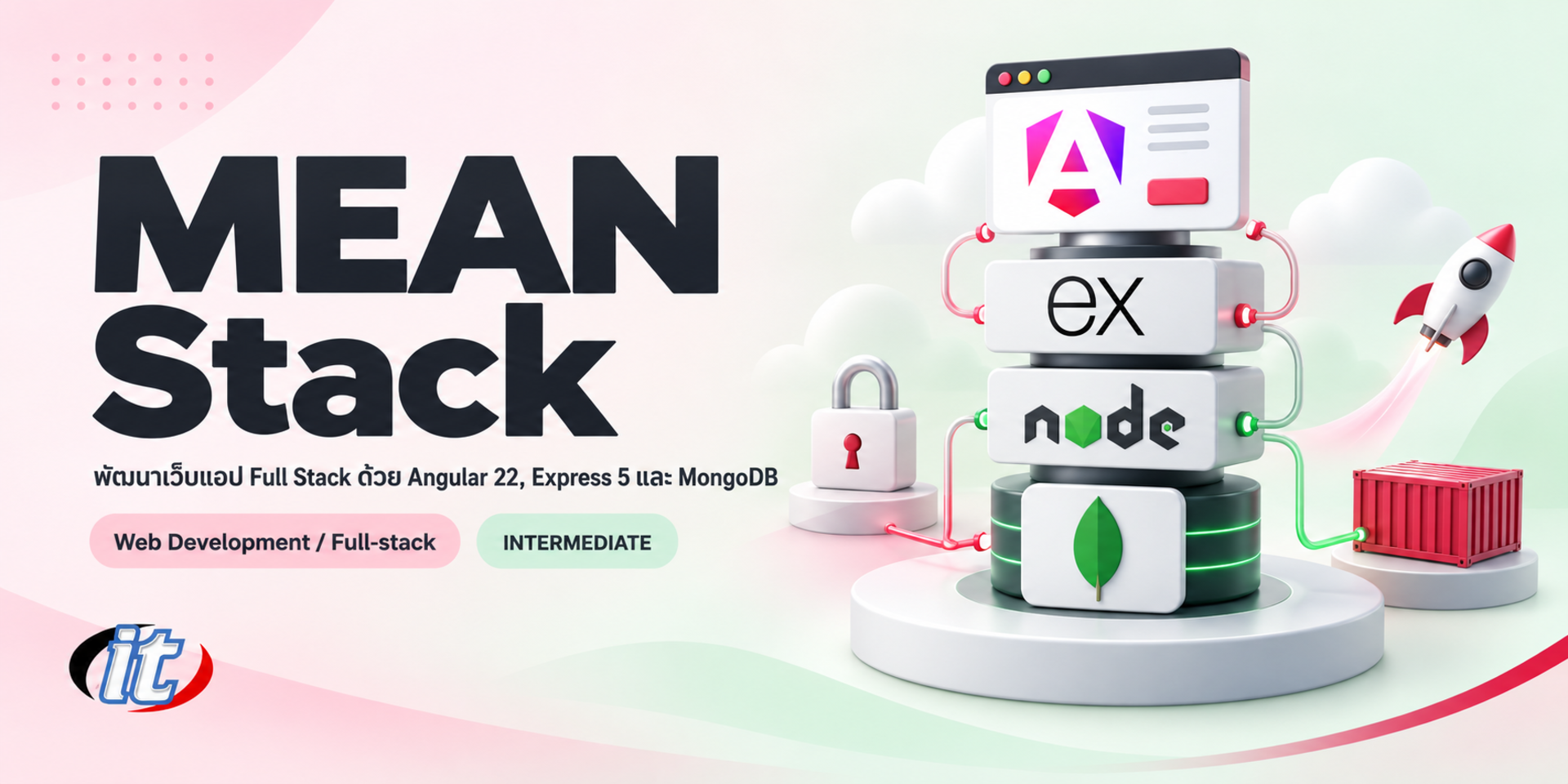
MEAN Stack is a full-stack web development course using Angular 22 for the frontend and Node.js with Express 5 for a REST API backed by MongoDB 9.0 through Mongoose, covering forms, JWT login and Docker. It suits developers and IT managers with some JavaScript and Angular experience, and you leave able to deploy a CRUD system to production.

Updated
From 5,850 THB / person 6,500 −10% excl. VAT 7% · group rates available
PDFDownload the course outline
  • Duration12 hours · 2 days
  • FormatOnsite / live online
  • Next roundOn request
  • CertificateIncluded

Course overview

MEAN Stack is a set of technologies that uses JavaScript and TypeScript across the whole system: MongoDB for data, Express and Node.js for the API, and Angular for the web front end. Teams can use one language on both frontend and backend, share data models and build business web apps quickly.

This course builds a full-stack system with current versions throughout. It starts with tool setup and a language refresher, then covers Node.js 24 LTS, Express 5 and MongoDB 9.0 through Mongoose 9, before building the front end with Angular 22 using standalone components and signals, connecting it to the API, adding forms and JWT login, and finishing by deploying the whole system to production. (2 days, 6 hours per day, 12 hours in total, Intermediate level.)

What you’ll gain

  • Understand how MongoDB, Express, Angular and Node.js work together
  • Write REST APIs with Node.js 24 LTS and Express 5
  • Design data and build CRUD features with MongoDB 9.0 through Mongoose 9
  • Build a web front end with Angular 22 and connect it to the API
  • Work with third-party APIs and build login with JWT
  • Deploy a MEAN stack project to production

Who this course is for

  • People who want to build full-stack web applications with JavaScript and TypeScript
  • Angular developers who want to write their own backend and database
  • Developers maintaining older MEAN stack systems who need to update versions
  • IT managers who want to understand how their team's full-stack system fits together

Prerequisites

  • Some experience building websites with HTML and CSS
  • JavaScript, including functions, arrays, objects, async and await
  • Some Angular experience, such as components and data binding
  • A basic understanding of web services and databases
  • A laptop that can run the Node.js LTS release, VS Code and Docker Desktop

Curriculum

Course Details

This course is the 2026 edition of MEAN Stack. It runs for 2 days, 6 hours per day (12 hours in total, 09:00-16:00), as lectures with labs. Intermediate level. This edition moves from Angular 18 to Angular 22 with standalone components, signals and httpResource, uses Node.js 24 LTS, Express 5 and Mongoose 9 with MongoDB 9.0, and uses ES modules instead of CommonJS. It keeps the original core of tool setup, JavaScript fundamentals, Node.js, the event loop, Express, routing, CRUD, third-party APIs and deployment. The previous edition connected to several databases; this edition focuses on MongoDB, as the MEAN name implies, and adds JWT login and deployment with Docker. Learners take home a lab guide and the source code of a full-stack product management system.

Day 1 Node.js, Express 5 and MongoDB

Section 1: Lab: Setting Up the MEAN Stack Tools

  • How the MEAN stack fits together and what changed in current versions
  • Install Node.js 24 LTS, the Angular CLI and VS Code extensions on Windows and macOS
  • Run MongoDB with Docker or create a free MongoDB Atlas cluster
  • Lab: a project skeleton with separate client and server folders

Section 2: Modern JavaScript and TypeScript

  • ES modules, destructuring, spread and arrow functions
  • Promises, async/await and running tasks together with Promise.all
  • Types and interfaces for models shared by both sides
  • Lab: asynchronous functions that process product data

Section 3: Lab: Node.js 24 Fundamentals

  • The event loop and built-in modules such as node:fs/promises and node:path
  • Create an HTTP server with node:http and handle requests and responses
  • Load configuration with --env-file and restart automatically with --watch
  • Lab: a server that reads a JSON file and returns it as an API

Section 4: Lab: REST APIs with Express 5

  • Routing, Express Router and the path syntax changes in Express 5
  • Read route parameters, query strings and the body with express.json
  • Error middleware and automatic forwarding of async errors
  • Lab: a product API split into routers and controllers

Section 5: Lab: MongoDB 9.0 and Mongoose 9

  • Documents, collections and NoSQL data design with mongosh
  • Schemas, models and validation in Mongoose 9
  • Async middleware and relationships with ref and populate
  • Lab: product, category and user models

Section 6: Lab: A Well-Designed CRUD API

  • Create, read, update and delete with POST, GET, PUT and DELETE
  • Validate input with Zod and return the right HTTP status codes
  • Pagination, search and CORS settings
  • Call third-party APIs safely from the server
  • Lab: test every endpoint with a REST client or Postman
Day 2 Angular 22, Integration and Deployment

Section 7: Lab: Angular 22 for the MEAN Stack

  • Create a project with ng new and the standalone structure
  • Signals, computed() and control flow (@if, @for)
  • Pass data between components with input() and output()
  • Lab: a product list that can be searched and filtered

Section 8: Routing and Services

  • Define routes with provideRouter and lazy load with loadComponent
  • Read route parameters and navigate between pages
  • Move logic into services and use them with inject()
  • Lab: product list, detail and edit pages

Section 9: Lab: Connecting Angular to the Express API

  • Configure provideHttpClient and the ng serve proxy
  • Read data reactively with httpResource
  • Create, update and delete data with HttpClient
  • Lab: a full CRUD product page with loading and error states

Section 10: Lab: Forms and Validation

  • Reactive forms with FormGroup and Validators
  • Signal Forms with form() and FormField
  • Show error messages from the client and from the API
  • Lab: an add-product form with image upload

Section 11: Lab: Authentication with JWT

  • Sign-up with passwords hashed by bcrypt
  • Log in, issue a JWT and check tokens with Express middleware
  • Functional interceptors and CanActivateFn in Angular
  • Lab: an admin page available only to logged-in users

Section 12: Workshop: Deploying the MEAN Stack to Production

  • Build Angular with ng build and set the API URL per environment
  • Write a Dockerfile and Docker Compose for the API and front end
  • Move the database to MongoDB Atlas and configure access
  • Deploy to Render or a VPS with HTTPS
  • Workshop: a working full-stack product management system

Schedule & training options

For individuals — public rounds

No public rounds are open right now. Join the waiting list and we will contact you first when the next round opens, or ask us on LINE. Or call 02-570-8449 or 088-807-9770

For organisations — in-house / private

  • Tailor the content to your team’s tools and projects
  • Your dates, at your office or live online
  • Quotation with tax ID for procurement
Corporate training quote

Instructors

Frequently asked questions

How does the event loop work in Node.js?

Node.js runs JavaScript on a single thread. When it meets work that must wait, such as reading a file, querying a database or calling an API, it hands that work to the system in the background and keeps running other code. When the work finishes, the waiting callback or promise is queued and the event loop runs it once the call stack is empty. This lets a server handle many requests at once, but you should avoid heavy computation that blocks the main thread.

What is middleware in Express, and what is it used for?

Middleware is a function that runs between receiving a request and sending a response, with access to req, res and next. It is used to parse the body with express.json, log requests, check tokens and permissions, or set CORS before the request reaches its route. Error middleware, which takes four parameters, handles errors in one place, and in Express 5 errors thrown in async functions are forwarded to it automatically, so you do not need try and catch everywhere.

What are the steps to write a REST API with Express?

Start by designing resource-based endpoints such as /api/products, then create an Express 5 app with middleware like express.json, split routes with Express Router and move logic into controllers. Connect to MongoDB with Mongoose, validate input with Zod, return the right HTTP status codes and test every endpoint with a REST client or Postman before Angular calls it.

Who is the MEAN Stack course for, and what should I know beforehand?

It suits people who want to build full-stack web apps with JavaScript and TypeScript, Angular developers who want to write their own backend, maintainers of older MEAN systems who need to update versions, and IT managers who want to understand the architecture. You should know HTML, CSS and JavaScript, have some Angular experience and understand web services and databases at a basic level. The course opens with a language refresher.

What can I do after completing the MEAN Stack course?

You can build a complete full-stack system: design data in MongoDB, write Express 5 REST APIs with proper validation and error handling, build an Angular 22 front end connected to the API, add forms and JWT login, run everything with Docker and deploy to production. You also take home the sample project's source code to build on for real work.

What software does the MEAN Stack course use?

The course uses Node.js 24 LTS, the Angular CLI, VS Code and Docker Desktop on Windows or macOS. The database is MongoDB 9.0 on a free MongoDB Atlas plan or MongoDB in Docker, with mongosh and MongoDB Compass. APIs are tested with the VS Code REST Client or Postman, and deployment goes through GitHub to Render or a VPS. All software is free, and cloud services use the learner's own accounts.