
Advanced iOS Development
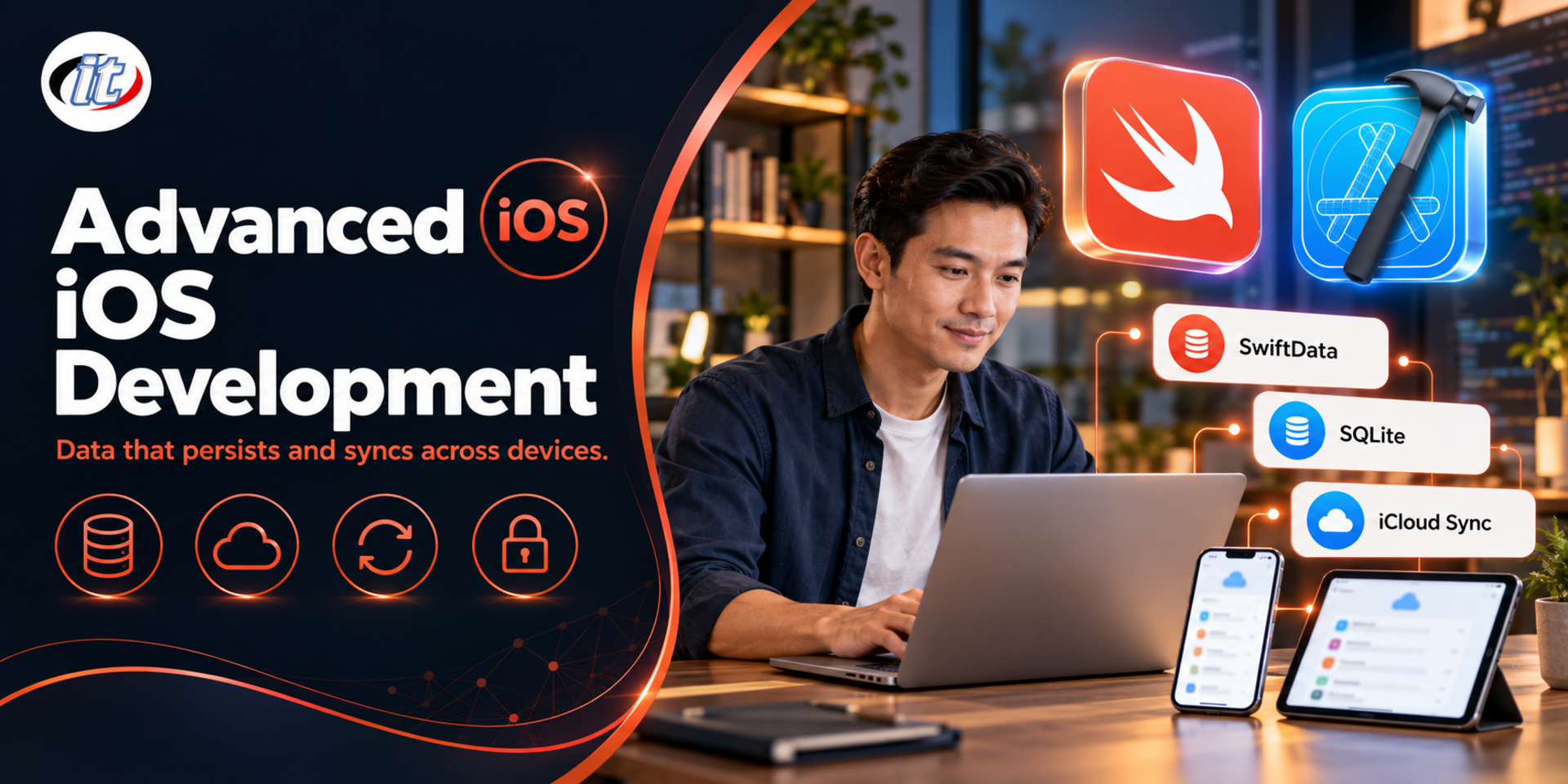
Advanced iOS Development is a course in handling data in iOS apps built with Swift and SwiftUI, from the sandbox file system, UserDefaults, the Keychain and localisation to SQLite databases, advanced SwiftData and syncing through iCloud and CloudKit. It suits iOS developers and students who can already build apps with SwiftUI and want their apps to manage data properly.
- Duration18 hours · 3 days
- FormatOnsite / live online
- Next roundOn request
- CertificateIncluded
Course overview
Once you can build screens with SwiftUI, what separates a simple app from one people can rely on is how it handles data: storing files in the right place, choosing between UserDefaults, SQLite and SwiftData, changing the data structure without breaking users' existing data, and making that data follow users across their devices through iCloud.
This new edition of the course is updated for Swift 6.4, Xcode 27 and iOS 27 and builds on Basic iOS Development with Swift and SwiftUI. It focuses on data in iOS apps, from the sandbox file system, Codable, UserDefaults, the Keychain and String Catalogs to SQLite through GRDB, advanced SwiftData with schema migration, iCloud key-value storage, iCloud Drive and syncing SwiftData through CloudKit, and finally sharing data with a widget. (3 days, 6 hours per day, 18 hours in total, Advanced level.)
What you’ll gain
- Manage files in the sandbox and read and write data with FileManager and Codable
- Store settings with UserDefaults and @AppStorage, and secrets with the Keychain
- Localise an app with String Catalogs and format dates, numbers and currency with FormatStyle
- Use SQLite databases in Swift apps through GRDB, including migrations
- Design models, relationships and advanced queries in SwiftData
- Evolve the data structure with VersionedSchema and SchemaMigrationPlan
- Store and sync app data through iCloud and CloudKit
- Share data between an app and its widget through App Groups
Who this course is for
- iOS developers who can build apps with SwiftUI and need to handle data seriously
- Students who have completed iOS basics and want to build apps for real use
- Developers moving existing apps from Core Data or SQLite to SwiftData
- Anyone who wants to build apps that sync data across iPhone, iPad and Mac through iCloud
Prerequisites
- Experience building iOS apps with Swift and SwiftUI, or completion of Basic iOS Development with Swift and SwiftUI
- Understanding of structs, classes, protocols and async/await in Swift
- Able to use a Mac (macOS), as Xcode development requires one
- Basic SQL helps on the second day but is not required
Curriculum
Course Details
This course is the 2026 edition of Advanced iOS Development. It has been rewritten and updated for Swift 6.4, Xcode 27 and iOS 27. It runs for 3 days, 6 hours per day (18 hours in total, 09:00-16:00), as lectures alternating with labs and workshops. Advanced level. It builds on Basic iOS Development with Swift and SwiftUI and focuses on data in apps, from the sandbox file system, Codable, UserDefaults, the Keychain and String Catalogs to SQLite through GRDB, advanced SwiftData with schema migration, iCloud and syncing SwiftData through CloudKit, and sharing data with a widget through App Groups. Learners take home a lab guide and source code for every lab.
Day 1 Files, Settings and Localisation
Section 1: Lab: Project Setup and Swift 6 Concurrency for Data Work
- The data storage options on iOS and how to choose the right one
- Create a project in Xcode 27 and turn on Swift 6 strict concurrency
- async/await, Task and actors for long-running read and write work
- @MainActor and passing results back to update the UI safely
Section 2: Lab: The Sandbox File System
- The sandbox layout: the bundle, Documents, Application Support, Caches and tmp
- List files in the main bundle with Bundle and FileManager
- Copy files from the main bundle to Documents on first launch
- Create, move, delete and measure files with FileManager and URL
- Choose the right location for backups and device storage
Section 3: Lab: Reading and Writing Files with Codable, and Sharing Them
- Convert data to JSON and property lists with Codable
- Write files atomically and set file protection
- Import and export files with fileImporter and fileExporter in SwiftUI
- Share files with other apps through ShareLink
- Lab: a list app that stores its data as a JSON file
Section 4: Lab: UserDefaults, @AppStorage and the Keychain
- Store user settings with UserDefaults
- Bind settings to the UI with @AppStorage in SwiftUI
- What kind of data should never go into UserDefaults
- Store tokens and passwords in the Keychain through the Security framework
- Lab: a settings screen with a remembered sign-in
Section 5: Lab: Localisation with String Catalogs and FormatStyle
- Internationalisation and localisation concepts
- Translate text with String Catalogs and String(localized:), including plurals
- Format dates with Date.FormatStyle, including the Buddhist calendar
- Format numbers and currency with FormatStyle
- Test different languages and regions with Xcode schemes
Day 2 SQLite and Advanced SwiftData
Section 6: Lab: SQLite and SQL Basics
- What SQLite is and which mobile app tasks it suits
- Create database files with DB Browser for SQLite and sqlite3
- SQLite expressions and selecting data with SELECT, WHERE and ORDER BY
- Insert, update and delete data with INSERT, UPDATE and DELETE
- JOINs and indexes for data spread across several tables
Section 7: Lab: Using SQLite in an App with GRDB
- Add GRDB.swift with Swift Package Manager
- Ship a prepared SQLite file with the app and open it from Application Support
- Open the database with DatabaseQueue and DatabasePool
- Create record types with Codable, FetchableRecord and PersistableRecord
- Lab: display and search SQLite data in a SwiftUI screen
Section 8: Lab: Migrations and Observation with GRDB
- Update the database version with DatabaseMigrator
- Check whether the database is older or newer than the app before using it
- Track data changes with ValueObservation and update the UI
- Work with the database off the main thread safely
Section 9: Lab: Models and Relationships in SwiftData
- What SwiftData is and how it relates to Core Data
- Create models with @Model and configure @Attribute
- Define one-to-many relationships with delete rules
- Enforce uniqueness with #Unique, and set up ModelContainer and ModelContext
- Save, edit and delete data with undo support
Section 10: Lab: Advanced Queries in SwiftData
- Fetch data with @Query and FetchDescriptor
- Filter with #Predicate and build queries from the user's search terms
- Sort with SortDescriptor and page with fetchLimit and fetchOffset
- Count and summarise data without loading every record
- Work in the background with ModelActor, for example when importing large data sets
Day 3 Migration, iCloud and Widgets
Section 11: Lab: Schema Migration in SwiftData
- Why migrations must be planned before shipping a new app version
- Version the schema with VersionedSchema
- Write a SchemaMigrationPlan with lightweight and custom stages
- Test migrations against data from the previous app version
Section 12: Lab: iCloud Key-Value Storage and iCloud Drive
- The concepts and principles behind iCloud and CloudKit
- Enable the iCloud capability and set up an iCloud container
- Sync settings across devices with NSUbiquitousKeyValueStore
- Store documents in iCloud Drive through the ubiquity container
- Find files in iCloud with NSMetadataQuery
Section 13: Lab: Syncing SwiftData through CloudKit
- Enable iCloud with CloudKit and Background Modes for remote notifications
- Model requirements for syncing, such as default values, relationships and unique constraints
- Configure ModelConfiguration and turn syncing on or off
- Inspect data and the schema in the CloudKit Console
- Test syncing between two devices and debug common problems
Section 14: Lab: Sharing Data with a Widget through App Groups
- Enable App Groups and move the SwiftData store into the group container
- Create a widget extension and a timeline provider with WidgetKit
- Read data from SwiftData and show it in the widget
- Reload the widget when data in the app changes
Section 15: Workshop: A Notes App That Syncs Across Devices
- Design the models and choose the right storage for each part of the app
- Store data with SwiftData and sync it through CloudKit
- Attach documents, support two languages and show a summary in a widget
- Present the work, review it together and plan for App Store submission
Schedule & training options
For individuals — public rounds
No public rounds are open right now. Join the waiting list and we will contact you first when the next round opens, or ask us on LINE. Or call 02-570-8449 or 088-807-9770
For organisations — in-house / private
- Tailor the content to your team’s tools and projects
- Your dates, at your office or live online
- Quotation with tax ID for procurement
Instructors

Frequently asked questions
What is SwiftData and how is it used to store data in an iOS app?
SwiftData is Apple's framework for structured data storage. It runs on the same technology as Core Data but is written entirely in Swift code. You mark classes with @Model, set up a ModelContainer for the app, use a ModelContext to insert, edit and delete data, and display data with @Query in SwiftUI, filtering with #Predicate and sorting with SortDescriptor. To change the data structure in a later version you use VersionedSchema and SchemaMigrationPlan, and data can sync across devices through CloudKit.
What is the difference between UserDefaults and @AppStorage?
UserDefaults is a small key-value store for an app's settings, such as the theme, language or a user's choices. @AppStorage is a SwiftUI property wrapper that reads and writes the same values in UserDefaults and refreshes the view automatically when they change. Neither suits large amounts of data or secrets: tokens and passwords belong in the Keychain, and larger data sets belong in SwiftData or SQLite.
What are the steps to localise an app with a String Catalog?
Add a String Catalog file to the project and add the languages you need in the project settings. When you build, Xcode collects text from SwiftUI and String(localized:) into the catalog automatically. You then enter translations for each language, including plural forms, in the same file. Use FormatStyle for dates, numbers and currency so that they follow the user's language and region, and test by setting the language in an Xcode scheme.
Who is the Advanced iOS Development course for, and what should I know beforehand?
It suits iOS developers, students and anyone who wants to build apps that manage data properly or sync across devices. You should already build apps with Swift and SwiftUI, or have completed Basic iOS Development with Swift and SwiftUI, understand structs, classes, protocols and async/await, and be comfortable using a Mac. Basic SQL helps but is not required.
What will I be able to do after the Advanced iOS Development course?
You will be able to manage sandbox files with FileManager and Codable, store settings with @AppStorage and secrets in the Keychain, localise apps with String Catalogs, use SQLite through GRDB with migrations, design and query data with advanced SwiftData, change the data structure safely, sync data through iCloud and CloudKit, and share data with a widget. Participants who complete the training receive a Certificate of Completion with its own number, which can be verified online.
What do I need to prepare for the Advanced iOS Development course?
Bring your own Mac running macOS Tahoe 26.6 or later that can install Xcode 27. An iPhone or iPad for testing is recommended, along with an Apple Account for running apps on a real device. Enabling iCloud, CloudKit and App Groups requires your own Apple Developer Program membership; without it you can still complete every other lab and follow the instructor's iCloud demonstrations.
Related articles
Articles are published in Thai.