Cybersecurity · CYC-06

AI for Cybersecurity Operations

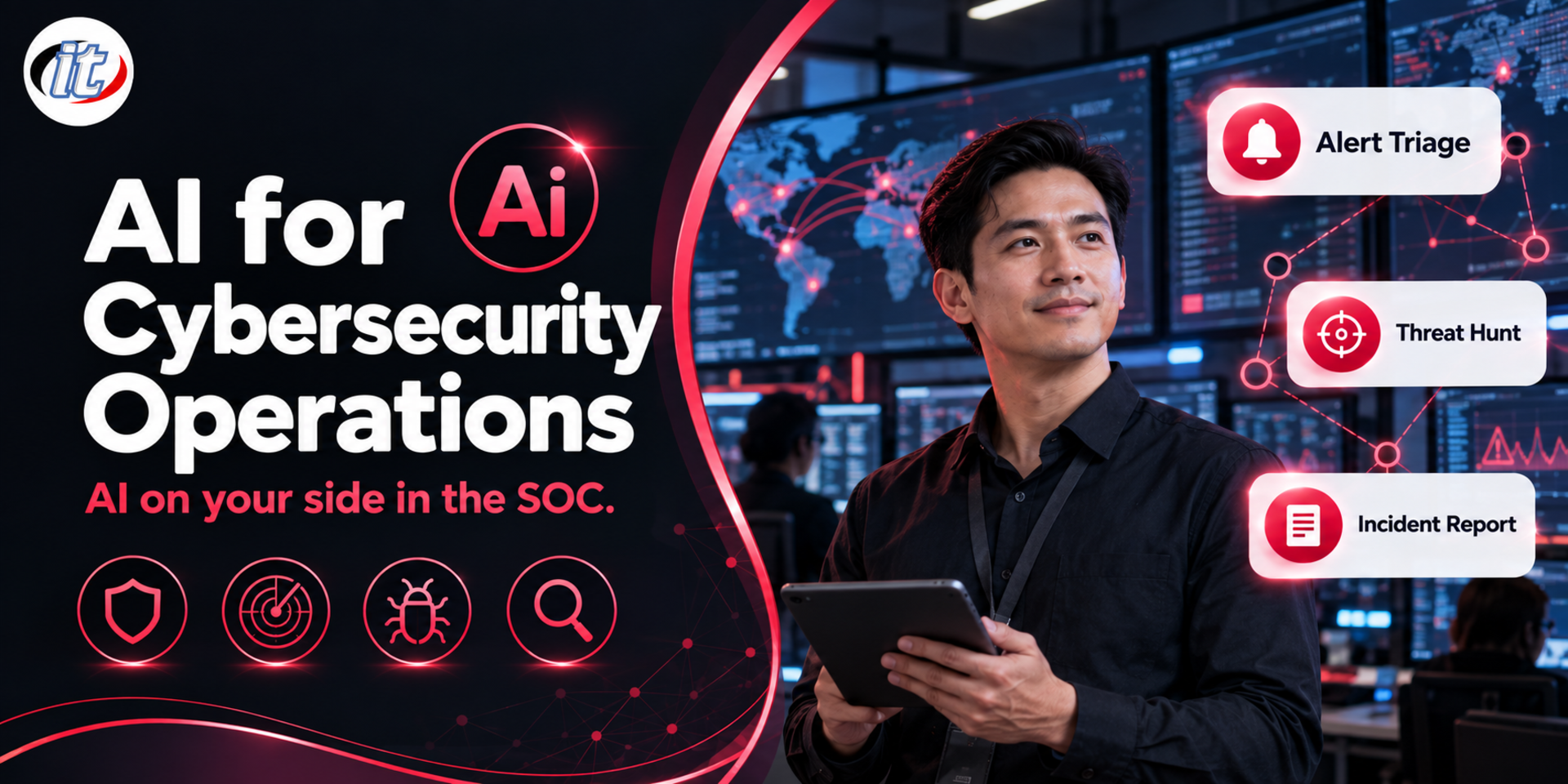
AI for Cybersecurity Operations is a course in bringing AI and LLMs into SOC work on top of Wazuh, covering alert triage, threat intelligence enrichment, automated pipelines in n8n, threat hunting and safe AI-assisted incident response. It suits SOC analysts, Wazuh administrators and incident responders who want to cut repetitive work while keeping people in charge of decisions.

Updated
From 8,010 THB / person 8,900 −10% excl. VAT 7% · group rates available
PDFDownload the course outline
  • Duration12 hours · 2 days
  • FormatOnsite / live online
  • Next roundOn request
  • CertificateIncluded

Course overview

Most SOC teams are not short of data. They are buried in alerts that must be opened one at a time, switching screens to look up IPs or hashes, rewriting queries for every hunt and spending hours turning incidents into reports. AI and LLMs can take a lot of this work off their hands, but used without a framework they bring their own risks: answers that sound right but are wrong, logs full of personal data leaking to external services, and attackers who plant instructions in logs to mislead the AI.

This course builds on SOC and SIEM with Wazuh. It does not repeat Wazuh installation or basics, and instead shows learners how to bring AI into every stage of SOC work. Learners connect Wazuh to a locally run LLM, design alert triage prompts that return structured, measurable output, enrich alerts with threat intelligence and build an automated triage pipeline in n8n. They then use AI to hunt for threats, connect Wazuh to an AI agent through MCP, draft incident timelines and reports, and find detection gaps against MITRE ATT&CK. A human reviews every step before a decision is made, and the course closes with a capstone in a simulated AI-assisted SOC. (2 days, 6 hours per day, 12 hours in total, Intermediate level.)

What you’ll gain

  • Judge which SOC tasks AI should assist with and which need a human decision
  • Connect Wazuh to a local LLM or an API, taking personal data in logs into account
  • Design alert triage prompts that return structured output with measurable accuracy
  • Build an automated alert triage and enrichment pipeline in n8n with an approval step
  • Use AI to write threat hunting queries and verify the results before relying on them
  • Connect Wazuh to an AI agent through MCP with safe permissions
  • Use AI to draft incident timelines, reports and new detection rules
  • Recognise the risks of AI in the SOC, such as prompt injection through logs, and put controls in place

Who this course is for

  • Tier 1 and Tier 2 SOC analysts who want to cut the time spent triaging and investigating alerts
  • Wazuh or SIEM administrators who want LLMs to help with detection and log analysis
  • Incident responders and threat hunters who want AI to help with analysis and reporting
  • SOC team leads who need to set safe rules for using AI in the team
  • Graduates of SOC and SIEM with Wazuh, or people with similar experience

Prerequisites

  • Working knowledge of Wazuh agents, decoders, rules and the dashboard, or completion of SOC and SIEM with Wazuh
  • A basic understanding of SOC workflows and MITRE ATT&CK
  • Basic Python and Linux command-line skills
  • A laptop with at least 16 GB of RAM that can run Docker Desktop, with permission to install software

Curriculum

Course Details

A 2-day course, 6 hours per day (12 hours in total, 09:00-16:00), alternating lectures with labs. Intermediate level. The course builds on SOC and SIEM with Wazuh and does not repeat Wazuh installation or basic rule writing. Instead it starts straight away on bringing AI into SOC work, from alert triage, threat intelligence enrichment and threat hunting to incident response and detection engineering. Every lab runs on the learner's own machine with Docker, using simulated log data. Learners use a local LLM through Ollama, or their own or company API key, with API usage billed by actual use, and free accounts of their own for threat intelligence services. Learners take home a lab guide, a set of SOC prompts, n8n workflow files and Python scripts.

Day 1 AI-Assisted Alert Triage and Analysis

Section 1: AI in the SOC: Where It Helps and Where It Hurts

  • SOC tasks where AI helps most: summarising alerts, adding context, writing queries and drafting reports
  • Decisions that must stay with people, and why AI should never trigger active response on its own
  • Answers that sound right but are wrong, and how to make AI cite evidence from the logs
  • Logs contain personal data: choosing a local LLM or an external service by data classification and PDPA

Section 2: Lab: Connecting Wazuh to a Local LLM

  • Bring back the Wazuh 4.14 Docker lab, loaded with a simulated alert set
  • Install Ollama and choose a small model suited to log analysis
  • Pull alerts through the Wazuh server API and query the Wazuh indexer from Python
  • Lab: have the LLM summarise the latest high-level alerts in clear Thai for the team

Section 3: Lab: Prompts for Alert Triage

  • Design prompts that return JSON: severity, ATT&CK technique and reasoning
  • Have AI flag false positives with evidence that can be traced back
  • Measure accuracy against a labelled alert set and tune the prompt from the results
  • Lab: build a 30-alert test set and compare two prompt designs

Section 4: Lab: Enrichment with Threat Intelligence

  • Check IPs, domains and hashes from alerts against free threat intelligence services
  • Combine asset data, host owners and alert history with the analysis
  • Have AI turn results from several sources into one recommendation, citing every source
  • Lab: enrich an alert for an outbound connection to a suspicious IP and summarise the risk

Section 5: Lab: An Automated Triage Pipeline with n8n

  • Send alerts from Wazuh to n8n through a custom webhook integration
  • Chain enrichment, LLM analysis and urgency rating
  • Add human approval before any step that changes a system
  • Lab: a workflow that triages SSH brute force alerts and asks for approval before blocking an IP

Section 6: Lab: AI-Assisted Log Analysis and Rule Writing

  • Draft custom Wazuh decoders and rules from sample logs
  • Test every AI-drafted rule with wazuh-logtest before using it
  • Translate the logic of a Sigma rule into a Wazuh rule and check the result yourself
  • Lab: build a rule that detects abnormal API use in a sample application log

Day 2 Threat Hunting, Incident Response and SOC Agents

Section 7: Lab: Threat Hunting in Natural Language

  • Form hunting hypotheses from MITRE ATT&CK techniques with AI assistance
  • Turn natural-language questions into queries against the Wazuh indexer
  • Review AI-written queries before running them and compare the results with a manual search
  • Lab: hunt for Windows persistence traces in Sysmon data

Section 8: Lab: Connecting Wazuh to an AI Agent through MCP

  • The Model Context Protocol and community open source MCP servers for Wazuh
  • Configure an MCP server so an AI agent can query alerts, agent status and vulnerabilities
  • Start read-only, use a dedicated API account and log every call the agent makes
  • Lab: have the agent answer questions such as which hosts raised high-level alerts in the past day

Section 9: Lab: AI-Assisted Incident Response

  • Gather related alerts and logs and have AI order them into an incident timeline
  • Draft the incident report at two levels: technical detail and an executive summary
  • Check every conclusion against the evidence before passing it on
  • Lab: build a timeline and report from an incident that runs from brute force to a rogue account

Section 10: Lab: Detection Engineering with AI

  • Find detection gaps by comparing existing rules with MITRE ATT&CK
  • Have AI propose new rules with sample logs that should and should not match
  • Build rule test sets so that editing a rule never silently breaks an existing detection
  • Lab: close the detection gap for one technique, from draft rule to passing tests

Section 11: Governing the Risks of AI in the SOC

  • Prompt injection through log fields such as User-Agent or file names, and how to limit its impact
  • Data policy: what may go to an external LLM and what must stay in the organisation
  • Measuring AI use: triage time, MTTR, accuracy and cost
  • Workshop: write AI usage guidelines for the organisation's SOC team

Section 12: Workshop: Capstone AI-Assisted SOC

  • Receive a multi-stage simulated incident from the instructor
  • Triage it through the automated pipeline and investigate further with the AI agent
  • Hunt for more traces, contain the incident by playbook and propose new rules
  • Present the incident report, showing where AI helped and where it got things wrong

Schedule & training options

For individuals — public rounds

No public rounds are open right now. Join the waiting list and we will contact you first when the next round opens, or ask us on LINE. Or call 02-570-8449 or 088-807-9770

For organisations — in-house / private

  • Tailor the content to your team’s tools and projects
  • Your dates, at your office or live online
  • Quotation with tax ID for procurement
Corporate training quote

Instructors

Frequently asked questions

Who is AI for Cybersecurity Operations for, and what background is needed?

Built for Tier 1 and Tier 2 SOC analysts who want to cut the time spent triaging and investigating alerts · Wazuh or SIEM administrators who want LLMs to help with detection and log analysis · Incident responders and threat hunters who want AI to help with analysis and reporting Background you should have: Working knowledge of Wazuh agents, decoders, rules and the dashboard, or completion of SOC and SIEM with Wazuh · A basic understanding of SOC workflows and MITRE ATT&CK Not sure the fit is right? Talk to our team on LINE @itgenius or call 02-570-8449.

How much does AI for Cybersecurity Operations cost and how long does it run?

THB 8,900 (currently THB 8,010 on promotion). The course runs 12 hours. The price excludes 7% VAT (for payment in a company's name). Pay by bank transfer to the company account, confirm it on our payment page, and we can issue the receipt or tax invoice in your company's name.

Do I get a certificate?

Yes. Everyone who completes the course receives a Certificate of Completion from IT Genius Institute. Each certificate carries its own number, and anyone holding that number can verify it online on our certificate page, so you can add it to your portfolio or pass it to HR as evidence of training.

Where does the training take place, and is there an online option?

You can attend onsite at IT Genius Institute or arrange to join online, and we also run it as a private in-house session for your team. Ask about dates and venues on LINE @itgenius or call 02-570-8449.

What if I fall behind or miss a session — can I retake it?

Yes. You may retake the same course free of charge in a later round, under the institute's conditions. Tell our team which course and round you attended, and we will check it and offer you the rounds that still have seats. Ask us on LINE @itgenius or call 02-570-8449.

How do I enrol, or request a quotation for my company?

Enrol online with the registration form on this page. You can register several attendees at once and enter your tax ID and billing address for the tax invoice. Or request a company quotation straight from the quote button. For anything else call 02-570-8449 or reach us on LINE @itgenius.