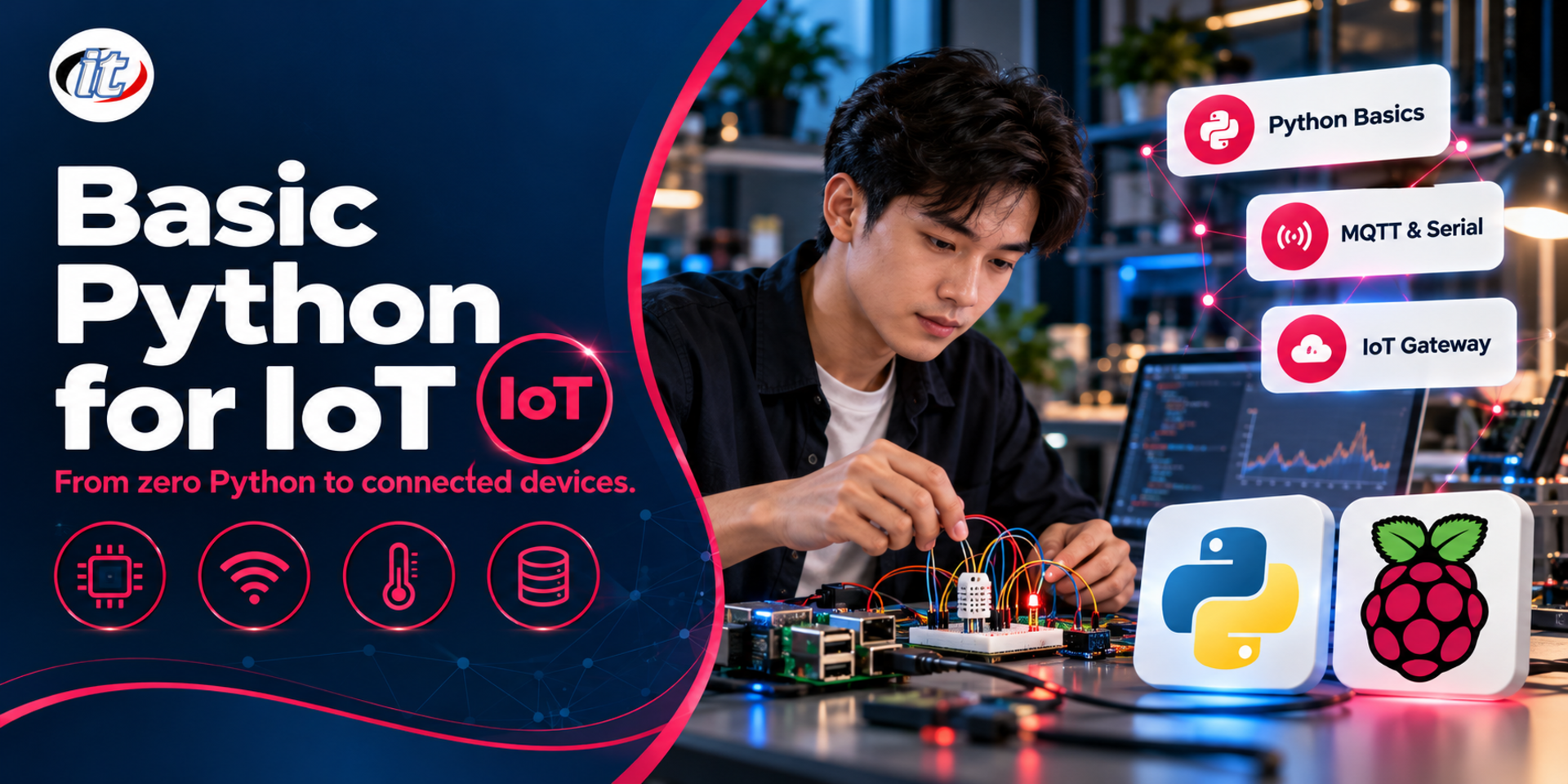
Basic Python for IoT is a beginner course that teaches Python from scratch through sensor-data exercises, covering data types, functions, OOP and file handling, then connects to devices over serial, MQTT and HTTP APIs. It suits students, teachers and IT staff starting out in IoT, and you leave able to build an IoT gateway that stores sensor data.
Internet of Things work is not only about programming small boards. It also needs software on a computer, Raspberry Pi or gateway that receives sensor data, transforms it, stores it in a database and passes it on to other systems. Python is the most popular language for this part, because it is easy to read and has complete libraries for serial, MQTT and HTTP, yet many beginners learn general Python and then do not know how to connect it to real devices.
This course teaches Python from scratch with Python 3.14, using sensor-data exercises throughout: variables, data types, operators, conditions, loops, functions, data structures, OOP, modules, decorators, file handling and error handling. Learners then connect it to the real IoT world, reading data from boards over serial, exchanging data over MQTT, calling HTTP APIs and controlling GPIO on a Raspberry Pi with gpiozero. The course closes with a workshop that builds an IoT gateway program which receives sensor data, stores it in SQLite and raises alerts when values go out of range. (3 days, 6 hours per day, 18 hours in total, Beginner level.)
What you’ll gain
Install and use Python 3.14 with VS Code and manage projects with uv or venv
Write correct programs with variables, data types, operators, conditions and loops
Write functions and use lists, dictionaries and other data structures to handle sensor data
Write object-oriented programs with classes, inheritance and dataclasses
Use modules, packages and decorators to structure reusable code
Read and write CSV and JSON files, handle errors and write logs
Exchange data with IoT devices over serial, MQTT and HTTP APIs
Build an IoT gateway program that stores data in a database and raises alerts
Who this course is for
Students who want to start writing Python for IoT projects
Teachers, lecturers and trainers who teach or supervise IoT projects
IT staff, system administrators and engineers who write programs that receive data from devices
Anyone interested in using Python for Internet of Things work
Prerequisites
Able to use Windows or macOS and install software
Able to use the internet and search for information
No previous programming or Python experience needed; the basics are covered
Learners with their own Raspberry Pi, Arduino or ESP32 board are welcome to bring it
Curriculum
Course Details
This course is the 2026 edition of Basic Python for internet of things (IoT). It has been updated for Python 3.14 with uv for project management, adds dataclasses, type hints, error handling and logging, and now connects to real devices over serial, MQTT, HTTP APIs and gpiozero on the Raspberry Pi. It runs for 3 days, 6 hours per day (18 hours in total, 09:00-16:00), as lectures with labs in every topic. Beginner level. Every lab can be done on a laptop with simulated sensors, and the instructor demonstrates the real hardware. The course focuses on Python on the computer and gateway side, unlike Internet of Things with MicroPython, which programs ESP32 boards directly. Learners take home the code for every lab and the IoT gateway project.
Day 1Python Fundamentals for IoT
Section 1: Lab: Python for IoT and Setting Up Your Tools
Where Python fits in an IoT system: computers, Raspberry Pi and gateways
How Python differs from MicroPython and when to use each
Install Python 3.14 and VS Code, and create a project with uv or venv
Use the Python shell (REPL) and run your first script
Common built-in functions: print, input, type, len and round
Section 2: Lab: Variables, Data Types and Operators
int, float, str and bool variables, and type conversion
Arithmetic operators and the math module for sensor calculations
Comparison, logical and assignment operators
Bitwise operators for reading device flags and registers
Lab: convert raw sensor readings into temperature and percentages
Section 3: Lab: Conditions and Loops
if, elif, else and match for decisions based on readings
while loops for continuous reading, and for loops with range
break, continue and pausing with time.sleep
Lab: a temperature monitor that warns when a threshold is crossed
Section 4: Lab: Strings and Parsing Device Data
Working with strings: slicing, split, strip and replace
Formatting output with f-strings, including decimals and units
bytes versus str, and encoding and decoding data from devices
Lab: parse messages such as T=25.3,H=60 into values you can calculate with
Section 5: Lab: Functions
Defining functions, parameters and default values
Returning multiple values, and packing and unpacking with *args and **kwargs
Global and local variables and variable scope
Type hints to make code readable and checkable in VS Code
Lab: a set of functions for unit conversion and filtering outliers
Day 2Data Structures, OOP and Files
Section 6: Lab: Lists, Tuples, Sets and Dictionaries
Lists for a stream of readings, and finding the average, maximum and minimum
When to use tuples and sets
Dictionaries for settings and data from several devices
List and dictionary comprehensions
Lab: summarise sensor data from several points into a short report
Section 7: Lab: Object-Oriented Programming (OOP)
Classes, objects, attributes and methods
Inheritance: a base Sensor class and one class per sensor type
dataclasses for compact reading records
Lab: model IoT devices with reusable classes
Section 8: Modules, Packages and the Standard Library
Create your own modules and packages, and how import works
Standard library: time, datetime, random, json and pathlib
Install third-party libraries with uv or pip, and the pyproject.toml file
Structure an IoT project into reading, processing and sending parts
Section 9: Lab: Advanced Functions and Decorators
Functions as objects and functions that return functions
Write function decorators, including decorators that take parameters
Lab: decorators that time a call and retry when a reading fails
Where decorators appear in real libraries
Section 10: Lab: Files, Errors and Logging
Open, read and write files with with and pathlib
Save sensor data as CSV and read JSON settings files
Handle errors with try, except, else and finally
Write logs with the logging module instead of print
Lab: a data logger that keeps running even when a reading fails
Day 3Connecting Python to IoT Devices and Systems
Section 11: Lab: Receiving Data from Boards over Serial
How serial communication works between a computer and an Arduino or ESP32
Find ports with serial.tools.list_ports and open them with pySerial
Read line by line with readline and a timeout
Lab: read sensor values from a board or simulator and save them to a file
Section 12: Lab: Exchanging Data with MQTT
How MQTT works: brokers, topics, QoS and retained messages
Install Mosquitto locally or use a public test broker
Publish and subscribe with paho-mqtt 2 and CallbackAPIVersion.VERSION2
Lab: a simulated sensor publishes to the broker and a program displays the values
Section 13: Lab: HTTP APIs and JSON Data
REST APIs and the JSON formats IoT systems commonly use
Call APIs with requests, with timeouts and status code checks
Send sensor data to a web service with POST
Lab: fetch weather data and compare it with your own readings
Section 14: Raspberry Pi and GPIO with gpiozero
Raspberry Pi OS and writing Python on a Raspberry Pi
Control LEDs and read buttons with gpiozero
Event-driven code with when_pressed and when_released
The lgpio pin factory that supports Raspberry Pi 5
Demo: press a button to send a message over MQTT
Section 15: Workshop: An IoT Gateway for Sensor Data
Design a gateway that receives data over serial or MQTT
Store the data in SQLite with the sqlite3 module
Raise alerts when values cross a threshold and forward data over MQTT or HTTP
Present the work and discuss next steps with a dashboard
Schedule & training options
For individuals — public rounds
No public rounds are open right now. Join the waiting list and we will contact you first when the next round opens, or ask us on LINE. Or call 02-570-8449 or 088-807-9770
Python is easy to read and write, quick for prototyping and has many libraries for IoT work, such as pySerial for reading data from boards over a serial port, paho-mqtt for exchanging data over MQTT and gpiozero for controlling GPIO pins on a Raspberry Pi. Small microcontrollers such as the ESP32 can run MicroPython, which is written in a very similar way, so one language covers devices, gateways and servers.
How do you send and receive MQTT data with Python?
Install paho-mqtt version 2 and create a client with CallbackAPIVersion.VERSION2, the callback style recommended today. Write an on_connect function that subscribes to the topics you need and an on_message function that handles incoming messages, then connect to a broker such as Mosquitto and call loop_forever or loop_start. To send data, call publish with the topic and QoS.
How do you handle errors in Python with try and except?
Wrap code that might fail in a try block and name the error types to handle in except, such as ValueError when a value cannot be converted or OSError when a file or device cannot be read. Use else for code that runs when nothing goes wrong and finally for work that must always happen, such as closing a file or connection. In IoT work, record errors with the logging module so the program keeps running and you can trace what happened when a sensor reading fails.
Who is the Basic Python for IoT course for, and what should I know beforehand?
It suits students, teachers and lecturers, IT staff and system administrators, engineers and anyone interested in using Python for IoT. No previous programming experience is needed, as the basics are covered from scratch; you just need to use Windows or macOS, install software and use the internet comfortably. Every lab can be done on a laptop with simulated sensors, and you are welcome to bring your own board.
What will I be able to do after the Basic Python for IoT course?
You will be able to write Python from variables, conditions, loops and functions through to OOP, modules and decorators, read and write CSV and JSON files, handle errors and write logs, receive data from boards over serial, exchange data over MQTT, call HTTP APIs, control GPIO on a Raspberry Pi and build an IoT gateway program that stores data in SQLite. Participants who complete the training receive a Certificate of Completion with its own number, which can be verified online.
Can the Basic Python for IoT course be run in-house for our team?
Yes. It can be run in-house for your team, with examples adapted to your own work, such as programs that receive, log and process data from the devices or protocols your team actually uses. You can request a quotation from this page, or contact us on LINE @itgenius or by phone on 02-570-8449.
Python is one of the most widely used programming languages today, in web development, automation, data work, IoT and AI. Its readable syntax and gentle learning curve make it the first language of choice for many schools and organisations. Yet many beginners…
Most organisations hold large amounts of sales, customer and system usage data, yet often use it only for backward-looking reports. The same data can drive predictive models, for example forecasting sales, predicting which customers are likely to cancel,…
Django is a long-established Python web framework for building database-driven web sites and business systems, because it comes with everything you need, from the ORM, admin site, forms and user system to protection against common vulnerabilities. Teams can…