AI · AIC-103

ChatGPT Prompt Engineering for Developers

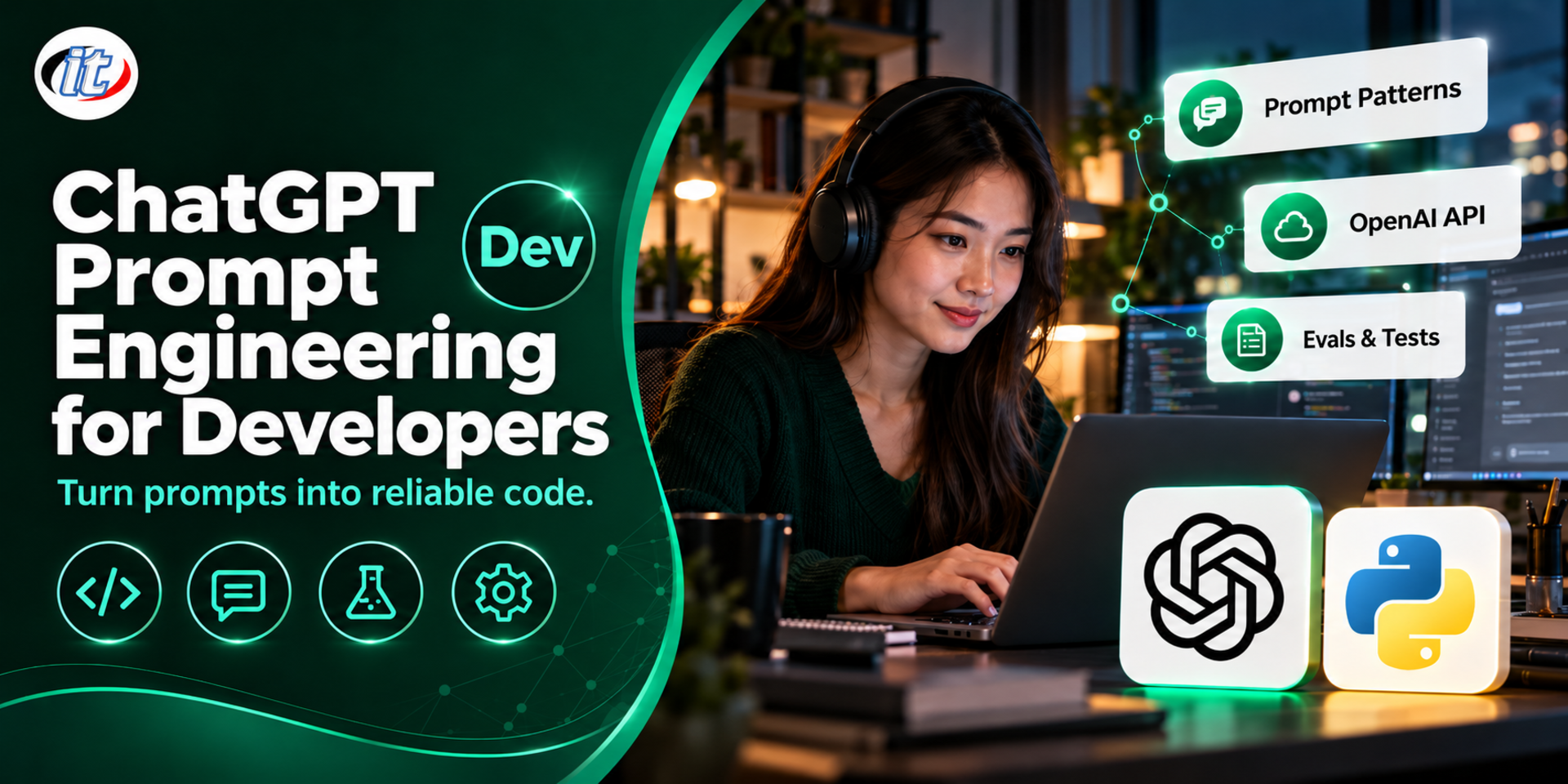
ChatGPT Prompt Engineering for Developers is a hands-on course in prompt design for software work, from writing, reviewing, testing and debugging code with ChatGPT to building AI features with the OpenAI Responses API, Structured Outputs and function calling. It suits developers, tech leads and QA engineers, and you leave with a team prompt library and a measurable command line tool.

Updated
From 6,210 THB / person 6,900 −10% excl. VAT 7% · group rates available
PDFDownload the course outline
  • Duration12 hours · 2 days
  • FormatOnsite / live online
  • Next roundOn request
  • CertificateIncluded

Course overview

Almost every development team now uses ChatGPT to write code, explain existing code and track down problems, but the results are still inconsistent, and sometimes the code looks right but does not work. At the same time, organisations want to build LLM capabilities into their own systems, which calls for controllable prompts, structured output and a clear way to measure quality, not just asking a question and eyeballing the answer.

This course has two parts. Day 1 practises prompt engineering for software development through ChatGPT, from writing, reviewing and testing code to debugging and documentation. Day 2 applies the same principles to the OpenAI Responses API to build AI features with Structured Outputs and function calling, measure prompt quality with automated tests and defend against prompt injection. Everything builds on one project, the DevAssist Toolkit, and the principles carry over to other LLM providers. (2 days, 6 hours per day, 12 hours in total, Intermediate level.)

What you’ll gain

  • Understand how LLMs work in ways that affect answer quality, such as tokens, context and reasoning
  • Write clear prompts with context and a defined output format, systematically
  • Use ChatGPT effectively to write code, review code, generate unit tests and find the cause of bugs
  • Check and evaluate AI-generated code before using it for real
  • Call the OpenAI Responses API from code correctly and securely
  • Use Structured Outputs and function calling to build AI features
  • Build an evaluation suite to measure prompt quality and compare models objectively
  • Understand risks such as prompt injection and data leakage, and how to prevent them

Who this course is for

  • Software developers who use ChatGPT every day and want more consistent results
  • Developers who need to build AI features into their organisation's systems with the OpenAI API
  • Tech leads who want to set practices for using AI in their development team
  • QA engineers who want AI to help design test cases and write tests

Prerequisites

  • Able to program in at least one language; class examples use Python
  • A basic understanding of HTTP, JSON and calling APIs
  • Comfortable with the command line and Visual Studio Code
  • No machine learning background is needed; developers who prefer another language can apply the ideas with that language's SDK

Curriculum

Course Details

This course is aimed specifically at software developers and the OpenAI API. It differs from Prompt Engineering for Business, which focuses on business work, and from Advanced Prompt Engineering & AI Evaluation, which goes deep into prompt techniques and evaluation across several AI platforms; ChatGPT Codex for Development Teams focuses on using a coding agent in a team. It runs for 2 days, 6 hours per day (12 hours in total, 09:00-16:00), as lectures with labs and workshops on one project, the DevAssist Toolkit, that

continues across both days. Intermediate level. Code examples are mainly in Python. Learners use their own or their organisation's ChatGPT account and OpenAI API key, and API usage is billed by actual use; the institute does not provide accounts or keys. Fine-tuning, full RAG systems with a vector database and multi-agent systems are out of scope, but they are introduced as concepts to show where to go next. OpenAI model names and features change often, and the content follows the latest version on the training day.

Day 1 Prompt Engineering for Software Development

Section 1: How LLMs Work from a Developer's Point of View

  • Tokens, context windows and their effect on input and output length
  • Why output varies, and why it must always be checked
  • Reasoning models and tasks that need several steps of thought
  • Key limits: hallucination, knowledge cutoff and APIs that do not exist

Section 2: Principles of a Good Prompt

  • The parts of a prompt: role, context, task, constraints and output format
  • Using delimiters to separate instructions from data
  • Zero-shot, few-shot and choosing good examples
  • Breaking complex work into steps and having the model check its own output
  • Lab: improve a learner's existing prompt and compare the results before and after

Section 3: Lab: Prompts for Writing and Improving Code

  • Generate code from requirements, stating the language, version and team standards
  • Refactoring and explaining legacy code
  • Translating code across languages and versions with care
  • Lab: have ChatGPT build and refine DevAssist code against requirements

Section 4: Lab: Prompts for Review, Testing and Debugging

  • Code review with a checklist covering security, performance and readability
  • Generate unit tests and edge cases from code or requirements, then check the coverage is real
  • Analyse error logs and stack traces by asking step-by-step questions
  • Lab: review code and trace the cause of bugs from sample bug reports

Section 5: Prompts for Documentation and Using AI in the Organisation

  • Generate READMEs, API documentation and commit messages
  • Write SQL and regular expressions with explanations
  • Check AI-generated code before use: tests, dependencies and licences
  • Data that must never be sent to ChatGPT, and team guidelines

Section 6: Workshop: The DevAssist Prompt Library

  • Build at least 5 prompts: code generation, code review, unit tests, bug analysis and documentation
  • Test them against sample code and bug reports
  • Record a before-and-after comparison as the prompts are improved
  • Store them as templates the team can reuse

Day 2 Building AI Features with OpenAI API (Master Workshop)

Section 7: Lab: Getting Started with the OpenAI Responses API

  • Request structure: instructions, input and model
  • Choosing a GPT-6 family model for quality, speed and cost
  • Handling API keys, timeouts, retries and rate limits
  • Multi-turn conversations and streaming output
  • The Assistants API has been shut down, and how to move to the Responses API

Section 8: Structured Outputs

  • Define a JSON schema so output matches what the system needs
  • Use Pydantic to define the schema and validate results
  • Handle refusals and incomplete data
  • Lab: code review results as JSON (issue, severity, recommendation)

Section 9: Function Calling (Tools)

  • Define tools and parameters for the model to choose from
  • The loop: the model requests a tool, the system runs the function and returns the result
  • Design tools safely: limit permissions and validate every argument
  • Lab: a tool that reads related files in the sample project

Section 10: Evaluation: Measuring Prompt Quality Systematically

  • Build a set of test cases with clear pass criteria
  • Rule-based checks and LLM-as-a-judge scoring
  • Compare prompts and models with pytest while tracking cost
  • Lab: measure two versions of the code review prompt

Section 11: Security and Working with Other Models

  • Direct and indirect prompt injection, and how to defend against it
  • Keeping secrets and personal data out of prompts in line with PDPA
  • Principles that apply to other LLM providers, and what to adjust when switching models
  • Lab: attack DevAssist with prompt injection, then put defences in place

Section 12: Master Workshop: DevAssist CLI

  • A Python CLI that takes a code file and reviews it through the Responses API
  • Return results as JSON to a schema, and use function calling to read related files
  • An evaluation suite in pytest that also passes the prompt injection tests
  • Present a quality comparison of each prompt version

Schedule & training options

For individuals — public rounds

No public rounds are open right now. Join the waiting list and we will contact you first when the next round opens, or ask us on LINE. Or call 02-570-8449 or 088-807-9770

For organisations — in-house / private

  • Tailor the content to your team’s tools and projects
  • Your dates, at your office or live online
  • Quotation with tax ID for procurement
Corporate training quote

Instructors

Frequently asked questions

How does this course differ from Advanced Prompt Engineering & AI Evaluation and Prompt Engineering for Business?

Prompt Engineering for Business focuses on using AI for general business work without code, while Advanced Prompt Engineering & AI Evaluation goes deep into advanced prompt techniques and evaluation with ChatGPT, Claude and Gemini for a broad audience. This course is designed specifically for developers: Day 1 uses ChatGPT for writing, reviewing, testing and debugging code, and Day 2 builds AI features with the OpenAI Responses API, Structured Outputs, function calling and evaluation in pytest.

How is it different from ChatGPT Codex for Development Teams?

ChatGPT Codex for Development Teams focuses on using a coding agent to work on the team's code. This course focuses on writing prompts whose output you can control, and on calling the OpenAI API from code to build AI features into your own systems. The two complement each other, so developers who want both AI-assisted coding and AI features in their products can take them in sequence.

Which accounts do I need, and does the institute provide them?

The institute does not provide accounts or API keys. Learners use their own ChatGPT account for the Day 1 labs and their own or their organisation's OpenAI API key for Day 2. API usage is billed by actual use, and the labs use only a small amount. If you use an organisation account, check your organisation's AI and data policies first.

Can I join if I do not write Python?

Yes. Day 1 uses ChatGPT with code in any language. Day 2 examples use Python because it is easy to read and has an official OpenAI SDK; developers who prefer JavaScript/TypeScript or Java can apply the same ideas with that language's SDK, and the instructor points out the equivalents during class. You should be able to read basic Python and understand how API calls work.

Will the content still apply when OpenAI changes models, or if my organisation uses another LLM provider?

Yes. The principles of prompt design, Structured Outputs, function calling and evaluation apply to almost every LLM provider. The class uses the Responses API and the GPT-6 family models current on the training day, and includes a session on what to adjust when switching models or providers. The evaluation suite you build also shows straight away whether a new model performs better or worse.

Can I use my team's real code or data in class?

The main labs use prepared sample source code and bug reports. You may bring your team's code to try as well, provided it contains no secrets, API keys or personal data and your organisation's policy allows it, which is the same practice the course teaches in its security sessions.

Related articles

Articles are published in Thai.