Programming · PRC-36

Computer Vision with YOLO for Business

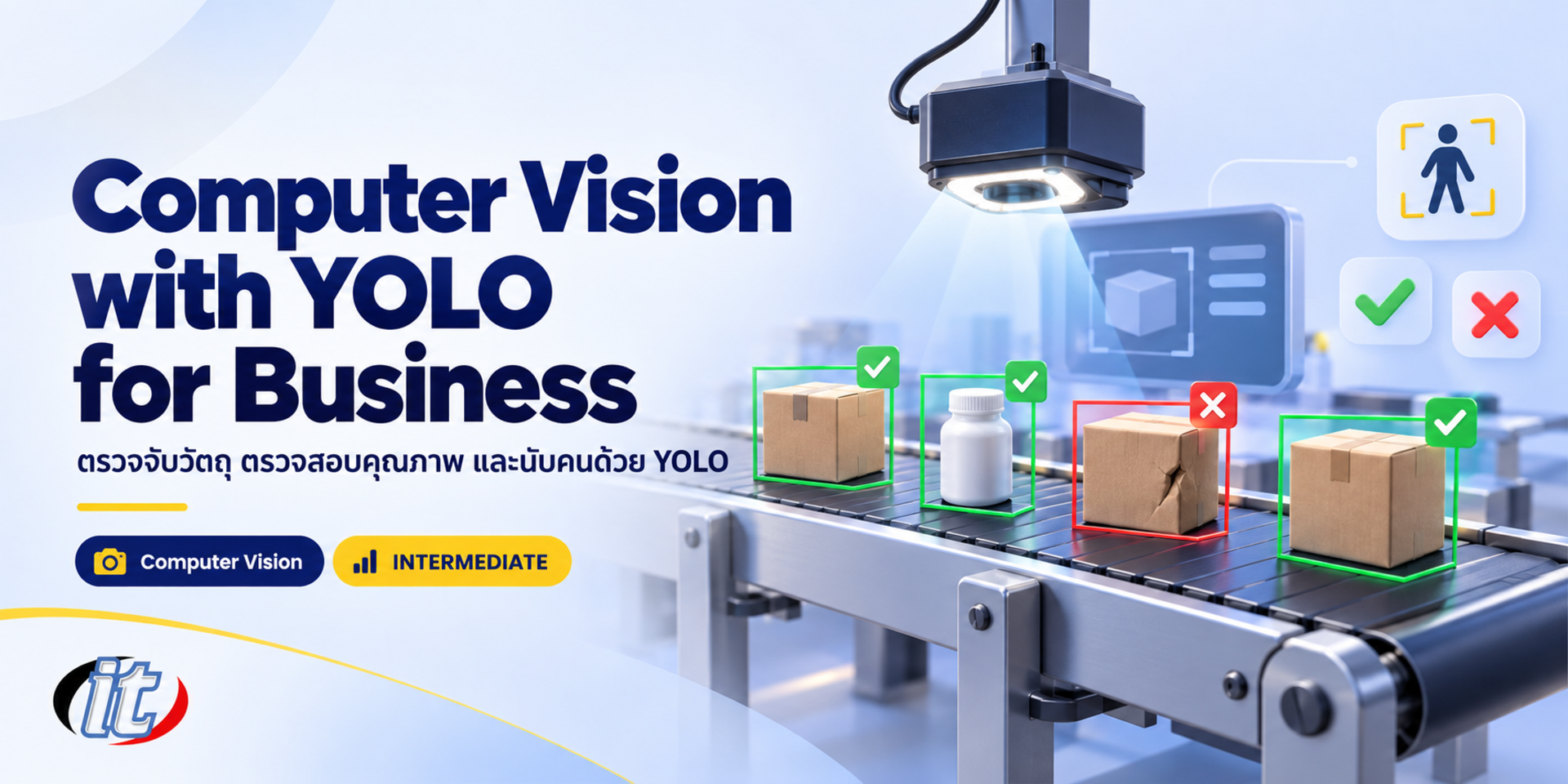
Computer Vision with YOLO for Business is a hands-on course in running an object detection project with YOLO26, from collecting images and labelling on Roboflow to training on Google Colab, evaluating and exporting for on-site use. It suits Python developers, factory engineers and retail teams, and you leave with a defect detection model and a people counting prototype.

Updated
From 7,110 THB / person 7,900 −10% excl. VAT 7% · group rates available
PDFDownload the course outline
  • Duration12 hours · 2 days
  • FormatOnsite / live online
  • Next roundOn request
  • CertificateIncluded

Course overview

Visual inspection is everywhere in business: spotting defective parts on a production line, counting stock on shelves, counting people entering a store, or checking that staff wear their protective equipment. These jobs take a lot of people, are tiring and give inconsistent results. The YOLO model family has made real-time object detection far more accessible, yet many projects never reach real use because the images do not match the site, labels are inconsistent or the results are not measured properly.

This course takes learners through a complete computer vision project with Ultralytics YOLO26 on Google Colab. They start by running a pretrained model, plan image collection around the problem, label data on Roboflow, prepare a dataset and train their own model. They then measure it with mAP, precision and recall, analyse the images the model gets wrong, and apply it to two core problems: defect detection and people counting with object tracking. Finally they export the model to run fast on site hardware, connect it to cameras and alerts, and finish with their own project. (2 days, 6 hours per day, 12 hours in total, Intermediate level.)

What you’ll gain

  • Match computer vision tasks to business problems, including detection, segmentation and classification
  • Use Ultralytics YOLO26 from Python on Google Colab for both inference and training
  • Plan image collection and label data on Roboflow consistently and ready for training
  • Train a custom object detection model with transfer learning
  • Measure results with mAP, precision and recall, and analyse the images the model gets wrong
  • Build defect detection and people counting with object tracking
  • Export models to ONNX or OpenVINO to run on site hardware
  • Connect models to cameras and alerting while respecting PDPA

Who this course is for

  • Python developers and data scientists who want to start practical computer vision work
  • Factory engineers and quality teams who want cameras to help with inspection
  • Retail and operations teams who want to count people or stock automatically
  • IT and innovation teams running a vision AI proof of concept
  • Anyone who has covered OpenCV basics and wants to move on to deep learning

Prerequisites

  • Basic Python, such as variables, loops, functions and installing libraries
  • Some experience with Jupyter Notebook or Google Colab will help you move faster
  • No prior deep learning experience is needed
  • A Google account for Google Colab and a free Roboflow account

Curriculum

Course Details

This course runs for 2 days, 6 hours per day (12 hours in total, 09:00-16:00), as lectures with labs on Google Colab using prepared sets of part images and sample videos. Intermediate level. It builds on Basic Image with OpenCV and Python, which focuses on basic image processing; this course uses deep learning with Ultralytics YOLO26 and covers the full cycle from collecting images to using the model on site. Learners

use their own Google Colab and Roboflow accounts. Colab's free GPU has limited quota, so longer training may need a paid Colab plan or a cloud GPU paid for by the learner. Roboflow's free plan requires projects to be public, and Ultralytics YOLO is licensed under AGPL-3.0, so use in closed-source commercial products needs an Enterprise License. Learners take home notebooks for every lab and a labelling guideline template for their own projects.

Day 1 From Images to Your Own Model

Section 1: Computer Vision in Business

  • How classification, detection, segmentation and pose differ
  • Example uses: quality inspection, people counting, stock counting and safety equipment checks
  • How YOLO has evolved and what YOLO26 offers for on-site hardware
  • Lab: open Google Colab, select a GPU and install Ultralytics

Section 2: Lab: Running a Pretrained YOLO26 Model

  • Run inference on images and video from Python and the command line
  • Read the output: bounding boxes, classes, confidence and IoU
  • Tune the confidence threshold and choose a model size from Nano to X
  • Lab: detect people and products in shopfront images with a pretrained model

Section 3: Project Planning and Image Collection

  • Define classes and criteria before you start, such as which marks count as a defect
  • Collect images that match the site: lighting, camera angle, distance and background
  • How many images you need, and what to do when defect images are rare
  • PDPA and consent when images include faces or people

Section 4: Lab: Labelling Data on Roboflow

  • Create a project and upload images to Roboflow
  • Draw bounding boxes and polygons accurately and consistently
  • Write a labelling guideline so the team works the same way
  • Use a model to assist labelling and have people review the result
  • Lab: label the good and defective part images together as a class

Section 5: Preparing the Dataset for Training

  • Split into train, validation and test sets without near-duplicates leaking across
  • Preprocessing and augmentation that genuinely help, and what to avoid
  • Handle class imbalance and images with no objects (background images)
  • Lab: export the dataset in YOLO format and pull it into Colab

Section 6: Lab: Training Your Own Object Detector

  • Transfer learning from a pretrained model
  • Set epochs, imgsz and batch to suit the Colab GPU
  • Read the loss curves and validation results during training
  • Save the weights to Google Drive for day 2
Day 2 Evaluation, Real Use Cases and Deployment

Section 7: Evaluating the Model and Analysing Errors

  • What mAP50, mAP50-95, precision and recall mean for the business
  • Read the confusion matrix and PR curve
  • Review missed and false detections to find the cause
  • Lab: improve the data, train a second round and compare

Section 8: Workshop: Defect Detection

  • Choose between detection, segmentation and classification for QC
  • Handle small defects with high-resolution images and image tiling
  • Set the threshold by weighing the cost of missed defects against rejecting good parts
  • Lab: a pass or fail system that saves image evidence

Section 9: Lab: People Counting with Object Tracking

  • Object tracking with ByteTrack and BoT-SORT in Ultralytics
  • Count people crossing a line and people inside a defined zone
  • Deal with occlusion, camera angle and double counting
  • Lab: count people entering and leaving a store video and summarise by hour

Section 10: Exporting and Running on Site Hardware

  • Export to ONNX, OpenVINO or TensorRT to suit the hardware
  • Balance speed and accuracy through model size and image resolution
  • Run on the CPU of a mini PC or on an edge AI board
  • Lab: measure speed before and after export on your own laptop

Section 11: Connecting Cameras and Alerts

  • Read frames from a webcam, a video file or an IP camera over RTSP with OpenCV
  • Send results to a dashboard, a CSV file or alerts through LINE or email
  • Blur faces, keep only counts and set image retention periods in line with PDPA
  • Look after the model in use: collect new images and retrain when the site changes

Section 12: Workshop: Capstone Vision Project

  • Pick your own problem or use the prepared dataset
  • Label, train and evaluate until the model meets the target you set
  • Demonstrate it on real images or video
  • Present the work and wrap up with a checklist before installing on site

Schedule & training options

For individuals — public rounds

No public rounds are open right now. Join the waiting list and we will contact you first when the next round opens, or ask us on LINE. Or call 02-570-8449 or 088-807-9770

For organisations — in-house / private

  • Tailor the content to your team’s tools and projects
  • Your dates, at your office or live online
  • Quotation with tax ID for procurement
Corporate training quote

Instructors

Frequently asked questions

Who is Computer Vision with YOLO for Business for, and what background is needed?

Built for Python developers and data scientists who want to start practical computer vision work · Factory engineers and quality teams who want cameras to help with inspection · Retail and operations teams who want to count people or stock automatically Background you should have: Basic Python, such as variables, loops, functions and installing libraries · Some experience with Jupyter Notebook or Google Colab will help you move faster Not sure the fit is right? Talk to our team on LINE @itgenius or call 02-570-8449.

How much does Computer Vision with YOLO for Business cost and how long does it run?

THB 7,900 (currently THB 7,110 on promotion). The course runs 12 hours. The price excludes 7% VAT (for payment in a company's name). Pay by bank transfer to the company account, confirm it on our payment page, and we can issue the receipt or tax invoice in your company's name.

Do I get a certificate?

Yes. Everyone who completes the course receives a Certificate of Completion from IT Genius Institute. Each certificate carries its own number, and anyone holding that number can verify it online on our certificate page, so you can add it to your portfolio or pass it to HR as evidence of training.

Where does the training take place, and is there an online option?

You can attend onsite at IT Genius Institute or arrange to join online, and we also run it as a private in-house session for your team. Ask about dates and venues on LINE @itgenius or call 02-570-8449.

What if I fall behind or miss a session — can I retake it?

Yes. You may retake the same course free of charge in a later round, under the institute's conditions. Tell our team which course and round you attended, and we will check it and offer you the rounds that still have seats. Ask us on LINE @itgenius or call 02-570-8449.

How do I enrol, or request a quotation for my company?

Enrol online with the registration form on this page. You can register several attendees at once and enter your tax ID and billing address for the tax invoice. Or request a company quotation straight from the quote button. For anything else call 02-570-8449 or reach us on LINE @itgenius.