AI · AIC-86

Document AI: OCR to Structured Data

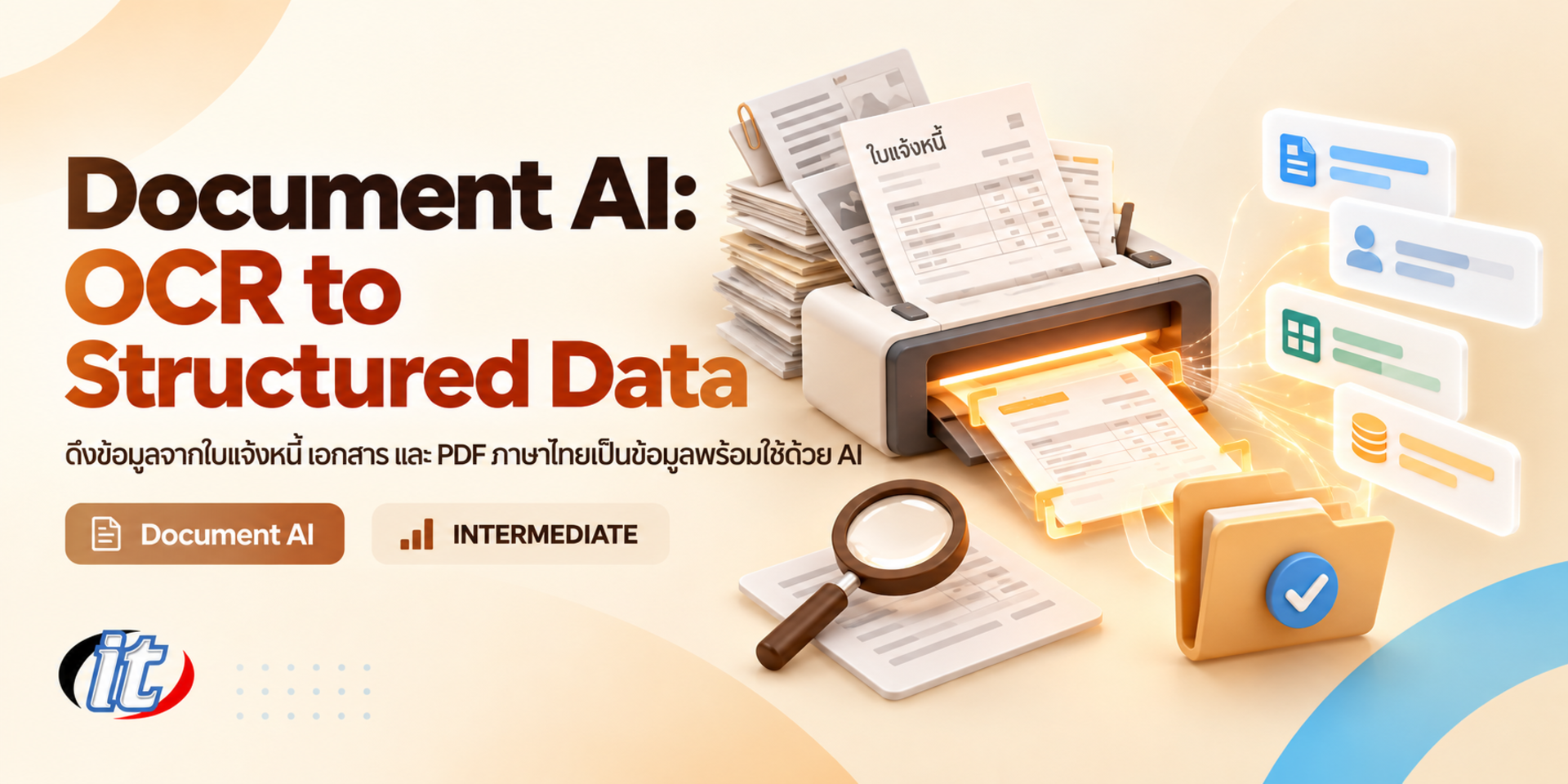
Document AI: OCR to Structured Data is a hands-on course in turning Thai and English invoices, forms and contracts into validated JSON with OCR and vision LLMs, backed by a human review step. It suits Python developers and automation teams who handle large volumes of documents, and you leave with a working extraction pipeline to adapt for your organisation.

Updated
From 7,110 THB / person 7,900 −10% excl. VAT 7% · group rates available
PDFDownload the course outline
  • Duration12 hours · 2 days
  • FormatOnsite / live online
  • Next roundOn request
  • CertificateIncluded

Course overview

Every organisation has documents that someone re-keys every day: invoices, tax invoices, receipts, application forms and contracts, often arriving as scanned PDFs or phone photos. Traditional OCR struggles with Thai and has no idea which number is the net total, while the latest AI models read documents far better but, used without checks, can return wrong figures or details the model simply made up, a risk that accounting and contract work cannot accept.

This course shows learners how to build a Document AI system that turns Thai and English documents into validated JSON. Learners prepare files and images and compare three approaches: an open OCR model such as Typhoon OCR, a cloud service such as Azure Document Intelligence, and vision LLMs such as Gemini and OpenAI models. They then force the output into a schema with structured output and Pydantic, check it against business rules, route uncertain documents to human reviewers, measure accuracy and cost, and assemble an automated pipeline with FastAPI and n8n. It closes with a capstone that extracts data from the learner's own document type. (2 days, 6 hours per day, 12 hours in total, Intermediate level.)

What you’ll gain

  • Choose between OCR, a Document AI service or a vision LLM to suit the documents and the organisation's constraints
  • Prepare Thai PDFs and scanned images so that AI can read them well
  • Use Typhoon OCR, Azure Document Intelligence and vision LLMs to extract text and structure from documents
  • Design JSON schemas and use structured output to get correctly shaped data every time
  • Validate data with business rules such as tax ID format, totals and VAT
  • Design a human-in-the-loop step so people review only the documents that need it
  • Measure field-level accuracy and compare the cost of each approach
  • Assemble an automated pipeline that respects PDPA and data security

Who this course is for

  • Python developers and AI engineers who need to build document data extraction systems
  • IT and automation teams supporting accounting, procurement, HR or administration with heavy paperwork
  • Data engineers who need to load data from PDF documents into systems or databases
  • People who have used traditional OCR and hit problems with Thai text or unstructured documents
  • Solution architects who must choose a cost-effective and secure Document AI approach

Prerequisites

  • Working Python skills such as functions, installing packages and reading JSON files
  • A basic understanding of using LLMs and writing prompts
  • Basic command-line skills and calling REST APIs
  • A laptop that can run Python and VS Code, plus a Google account for Google AI Studio and Google Colab

Curriculum

Course Details

The course runs for 2 days, 6 hours per day (12 hours in total, 09:00-16:00), as lectures with a lab in every section, using a set of sample documents that contain no real data. Intermediate level. It builds on RAG & Knowledge Base, which focuses on finding answers in documents, and shifts the goal to extracting fields from Thai invoices, forms and contracts as validated JSON that can be loaded into

other systems. Learners compare Typhoon OCR, Azure Document Intelligence and vision LLMs with real measurements. Learners use their own or company API accounts, which are billed by usage (some services offer a free tier or trial credit), and run open models on Google Colab or a cloud GPU paid for by the learner. Learners take home a lab guide, Python code for every lab, the sample documents with ground truth, and a sample n8n workflow.

Day 1 From Document Images to Structured Data

Section 1: Document AI Overview and Choosing an Approach

  • Document work that suits AI: invoices, tax invoices, receipts, forms and contracts
  • How traditional OCR, Document AI services and vision LLMs differ
  • What makes Thai documents hard: no spaces between words, tone marks, Thai digits and handwriting
  • Selection criteria: accuracy, cost per page, speed and whether data may leave the organisation
  • Lab: set up Python and the sample document set used in every lab

Section 2: Preparing Files and Images for AI

  • Separate PDFs with a text layer from scanned PDFs and extract text without OCR
  • Convert PDFs to images, adjust resolution, rotate, crop and reduce noise
  • Handle multi-page documents, phone photos and skewed scans
  • Lab: a script that sorts and prepares document files automatically

Section 3: Lab: Thai OCR with Typhoon OCR

  • Typhoon OCR, an open vision-language model for Thai and English documents
  • Run the model on Google Colab or a cloud GPU and call it through an API
  • Markdown output that keeps tables, headings and reading order
  • Lab: OCR Thai invoices and forms and check the accuracy

Section 4: Cloud Document AI Services

  • Azure Document Intelligence: the Read, Layout and prebuilt invoice models with Thai support
  • Extract tables, key-value pairs and checkboxes from forms
  • Cost per page, free tiers and where the data is processed
  • Lab: extract invoice data with the prebuilt model and compare it with Typhoon OCR

Section 5: Vision LLMs Reading Documents Directly

  • Send images or PDFs to Gemini and OpenAI models with clear instructions
  • Prompts for documents: name the fields, units, date formats and how to treat blanks
  • OCR first and let the LLM structure the text, compared with sending the image straight to the LLM
  • The risk of invented values and how to make the model answer not found
  • Lab: read Thai receipts and contracts with a vision LLM

Section 6: Lab: Structured Output and JSON Schema

  • Design invoice and form schemas with Pydantic
  • Use structured output in the Gemini API and OpenAI API to get JSON that matches the schema
  • Multi-line item lists, nested fields and optional values
  • Lab: convert a whole batch of invoices into JSON that passes the schema
Day 2 Validation, Human Review and a Production Pipeline

Section 7: Lab: Validation and Business Rules

  • Check the 13-digit tax ID format, Buddhist and Gregorian dates and currency
  • Check that line items, 7% VAT and the net total add up
  • Match against master data such as the vendor list and purchase order numbers
  • Lab: write a rule set and an error report for each document

Section 8: Classifying Documents and Extracting Contract Data

  • Classify document types automatically before choosing the schema
  • Split several documents that were scanned into one file
  • Extract parties, dates, value, term and renewal conditions from contracts, with page references
  • Lab: classify and extract data from a mixed document set

Section 9: Lab: Human-in-the-Loop Review

  • Use confidence and rule results to decide which documents pass automatically and which need a person
  • Build a review screen in Streamlit that shows the document image next to the extracted fields
  • Record reviewer corrections and use them to improve prompts and rules
  • Audit trail: who changed what, when, and why it was approved

Section 10: Measuring Accuracy and Controlling Cost

  • Build a ground truth set from documents that people have checked
  • Measure field-level accuracy, review rate and time per document
  • Cut cost with batching, caching and smaller models for simple documents
  • Lab: a report comparing the three approaches on the same document set

Section 11: Automated Pipeline and PDPA

  • Receive documents from email, folders or an API and process them through FastAPI
  • Connect an n8n workflow that sends results to Google Sheets, a database or a downstream system
  • Handle errors, retries and documents that fail processing
  • PDPA: mask personal data, control access, set retention periods and run models in-house when needed

Section 12: Workshop: Document AI Capstone

  • Choose a brief: vendor invoices, application forms or contracts
  • Design the schema, validation rules and the criteria for human review
  • Assemble the pipeline from file intake and reading to validation and data export
  • Present the accuracy results and a plan for real-world use

Schedule & training options

For individuals — public rounds

No public rounds are open right now. Join the waiting list and we will contact you first when the next round opens, or ask us on LINE. Or call 02-570-8449 or 088-807-9770

For organisations — in-house / private

  • Tailor the content to your team’s tools and projects
  • Your dates, at your office or live online
  • Quotation with tax ID for procurement
Corporate training quote

Instructors

Frequently asked questions

Who is Document AI: OCR to Structured Data for, and what background is needed?

Built for Python developers and AI engineers who need to build document data extraction systems · IT and automation teams supporting accounting, procurement, HR or administration with heavy paperwork · Data engineers who need to load data from PDF documents into systems or databases Background you should have: Working Python skills such as functions, installing packages and reading JSON files · A basic understanding of using LLMs and writing prompts Not sure the fit is right? Talk to our team on LINE @itgenius or call 02-570-8449.

How much does Document AI: OCR to Structured Data cost and how long does it run?

THB 7,900 (currently THB 7,110 on promotion). The course runs 12 hours. The price excludes 7% VAT (for payment in a company's name). Pay by bank transfer to the company account, confirm it on our payment page, and we can issue the receipt or tax invoice in your company's name.

Do I get a certificate?

Yes. Everyone who completes the course receives a Certificate of Completion from IT Genius Institute. Each certificate carries its own number, and anyone holding that number can verify it online on our certificate page, so you can add it to your portfolio or pass it to HR as evidence of training.

Where does the training take place, and is there an online option?

You can attend onsite at IT Genius Institute or arrange to join online, and we also run it as a private in-house session for your team. Ask about dates and venues on LINE @itgenius or call 02-570-8449.

What if I fall behind or miss a session — can I retake it?

Yes. You may retake the same course free of charge in a later round, under the institute's conditions. Tell our team which course and round you attended, and we will check it and offer you the rounds that still have seats. Ask us on LINE @itgenius or call 02-570-8449.

How do I enrol, or request a quotation for my company?

Enrol online with the registration form on this page. You can register several attendees at once and enter your tax ID and billing address for the tax invoice. Or request a company quotation straight from the quote button. For anything else call 02-570-8449 or reach us on LINE @itgenius.