Databases · DBC-49

Data Agents and Text-to-SQL

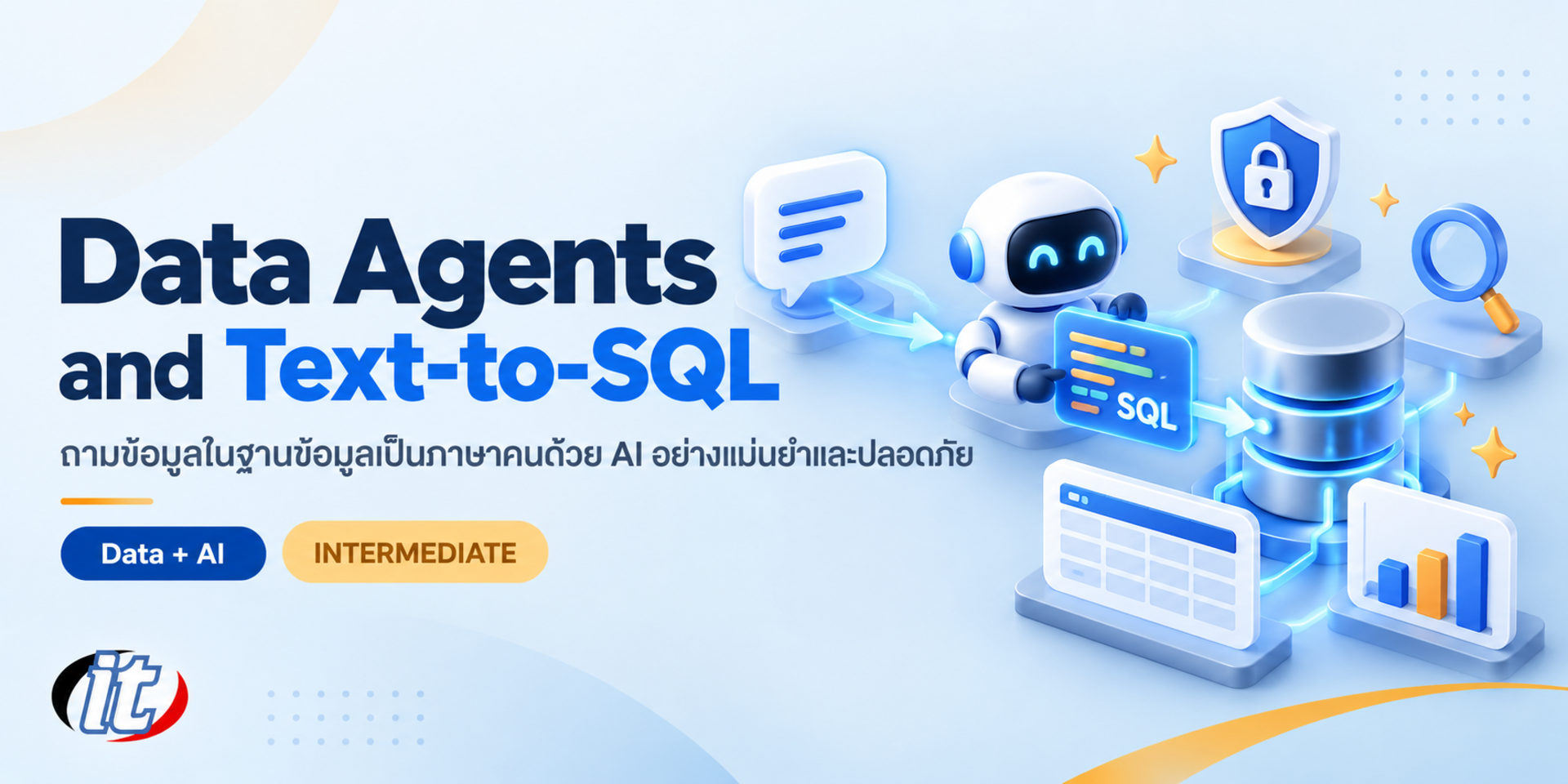
Data Agents and Text-to-SQL is a hands-on course in building AI that answers business questions from a database, covering schema context, a semantic layer, read-only roles, SQL guardrails, accuracy evaluation and database access through MCP. It suits data analysts, data engineers and AI teams building self-service data tools, and you leave with a working data agent prototype and a test set to measure it.

Updated
From 6,210 THB / person 6,900 −10% excl. VAT 7% · group rates available
PDFDownload the course outline
  • Duration12 hours · 2 days
  • FormatOnsite / live online
  • Next roundOn request
  • CertificateIncluded

Course overview

Many organisations want staff to ask questions of their databases in plain language instead of waiting for the data team to write SQL every time. Today's LLMs write SQL far better than before, but once they are connected to a real database the same problems keep appearing: the wrong table is chosen, revenue is defined differently from the way finance defines it, numbers look convincing but are wrong, or worse, a query changes data or pulls personal data out by accident.

This course shows how to build a data agent that answers questions from a database accurately and safely. Learners start with text-to-SQL through an LLM API, then improve it with schema context, column descriptions, example queries and a semantic layer that defines metrics clearly. They then add layers of protection with read-only roles, SQL checks before execution, timeouts and masking of personal data, measure accuracy with a test question set, and connect the database to an AI assistant through MCP. The course closes with building a data agent for a business team end to end. (2 days, 6 hours per day, 12 hours in total, Intermediate level.)

What you’ll gain

  • Explain the architecture of text-to-SQL and data agents, and where they usually go wrong
  • Build text-to-SQL with an LLM API and Python against a PostgreSQL database
  • Prepare schema context, column descriptions and example queries that make AI answers more accurate
  • Define metrics and table relationships in a semantic layer
  • Prevent wrong or unsafe queries with read-only roles and multiple layers of guardrails
  • Measure data agent accuracy with a test question set and clear criteria
  • Connect a database to an AI assistant through MCP safely
  • Design a data agent that shows its SQL and explanation so users can check the answer

Who this course is for

  • Data analysts and BI developers who field a constant stream of data questions from business teams
  • Data engineers and backend developers asked to build an AI system for querying data
  • AI and innovation teams running a data agent proof of concept
  • DBAs and data governance teams who must set permissions and safeguards when AI touches a database
  • Anyone already using AI to write SQL who wants to turn it into a system the organisation can rely on

Prerequisites

  • SQL at the level of SELECT, JOIN, GROUP BY and subqueries
  • Basic Python, such as functions, lists, dictionaries and using libraries
  • A Google account for Google Colab and an API key for at least one LLM, such as Claude or Gemini
  • A laptop on which you can install software, for the MCP database lab

Curriculum

Course Details

This course runs for 2 days, 6 hours per day (12 hours in total, 09:00-16:00), as lectures with labs on Google Colab using one sample sales database of a fictional company throughout. Intermediate level. It builds on Claude AI for Data Analyst, which focuses on analysts using AI for their own work; this course instead focuses on building a data question system that others in the organisation can use

accurately and safely. It also differs from PostgreSQL for AI Apps with pgvector, which focuses on vector search. Learners use their own or their company's Google account and LLM API key, and API usage may be charged. The MCP database lab runs on the learner's laptop. Learners take home notebooks for every lab and templates for a data dictionary, a semantic layer and a test question set to use with their own data.

Day 1 From Text-to-SQL to a Data Agent That Understands the Business

Section 1: Data Agents and Text-to-SQL Overview

  • How text-to-SQL, data agents and traditional BI differ, and which jobs each suits
  • The workflow: take the question, pick tables, write SQL, run it, check the result and explain
  • Why AI answers go wrong: ambiguous column names, mismatched metric definitions and bad joins
  • Lab: set up Google Colab, install PostgreSQL and load the sample sales database

Section 2: Lab: Your First Text-to-SQL with an LLM API

  • Call the Claude API or Gemini API from Python and handle API keys safely
  • Design a prompt that sends the schema and question and returns SQL only
  • Run the SQL with psycopg, show the result as a DataFrame and let the LLM summarise it
  • Lab: ask 10 business questions and record which answers are wrong and why

Section 3: Schema Context the AI Needs

  • Pull the schema from information_schema, with primary and foreign keys
  • Describe tables, columns, units and the allowed values of status columns
  • Share a few sample rows carefully without exposing personal data
  • Lab: build a data dictionary and measure results before and after adding context

Section 4: Semantic Layer and Metric Definitions

  • Why revenue, new customer or profit need a single definition across the organisation
  • Define metrics, dimensions and join paths in a YAML file the team maintains together
  • How semantic layer tools such as dbt Semantic Layer or Cube approach the problem
  • Let the AI pick a defined metric instead of inventing a formula each time
  • Lab: build a small semantic layer the agent uses to answer sales questions

Section 5: Few-shot Examples and a Query Library

  • Collect question and SQL pairs reviewed by the data team as examples for the AI
  • Retrieve the closest examples with embeddings instead of sending them all
  • Handle ambiguous questions by having the agent ask back when information is missing
  • Lab: add a query library and compare accuracy with the previous round

Section 6: Lab: A Data Agent for Multi-step Questions

  • Tool calling: let the agent explore the schema, run queries and check results step by step
  • Let the agent fix its SQL when a query errors or returns nothing
  • Break complex questions, such as regional sales against last year, into several queries
  • Lab: build a data agent that answers with the SQL it used and the assumptions it made
Day 2 Safe, Measurable and Ready for Real Use

Section 7: Locking Down Database Access for AI

  • The risks when AI runs SQL: changed data, heavy queries that slow systems and data leaks
  • Create a read-only role and a dedicated schema or views that the AI can see
  • Set statement_timeout, cap the number of rows and point the agent at a read replica
  • Lab: prove the agent cannot delete or change data, even when told to in a prompt

Section 8: Lab: SQL Guardrails Before Execution

  • Parse SQL with sqlglot to confirm it is a SELECT statement only
  • Allowlist tables and columns and add a LIMIT automatically
  • Mask personal data in results and log every question and SQL statement
  • Deal with prompt injection hidden in data or in user questions

Section 9: Evaluation: Measuring Data Agent Accuracy

  • Build a test question set with correct answers from real business team questions
  • Execution accuracy: compare query results rather than the SQL text
  • Classify errors, such as wrong table, wrong filter or wrong metric definition
  • Lab: build an evaluation notebook and report scores before and after improvements

Section 10: Lab: Database Access through MCP

  • What the Model Context Protocol (MCP) is and how it gives AI assistants access to data
  • Choose a database MCP server, such as MCP Toolbox for Databases, and confirm it runs read-only
  • Connect PostgreSQL to Claude Desktop or another MCP client using a read-only role
  • Write your own MCP tool that runs metrics from the semantic layer instead of free-form SQL

Section 11: Delivering Answers Users Can Trust

  • Answer with numbers, a chart, the SQL used and the assumptions in plain Thai
  • Tell users when a question is outside the data's scope instead of guessing
  • Collect feedback on right and wrong answers to grow the query library
  • Lab: build a simple data chat page on Colab for classmates to try

Section 12: Workshop: Capstone Data Agent for a Business Team

  • Pick a scenario, such as sales, finance or customer service, and set the scope of questions
  • Design the full set of context, semantic layer, permissions and guardrails
  • Measure with the test question set and fix what is still wrong
  • Present the work, review it together and wrap up with a checklist before opening it to real users

Schedule & training options

For individuals — public rounds

No public rounds are open right now. Join the waiting list and we will contact you first when the next round opens, or ask us on LINE. Or call 02-570-8449 or 088-807-9770

For organisations — in-house / private

  • Tailor the content to your team’s tools and projects
  • Your dates, at your office or live online
  • Quotation with tax ID for procurement
Corporate training quote

Instructors

Frequently asked questions

Who is Data Agents and Text-to-SQL for, and what background is needed?

Built for Data analysts and BI developers who field a constant stream of data questions from business teams · Data engineers and backend developers asked to build an AI system for querying data · AI and innovation teams running a data agent proof of concept Background you should have: SQL at the level of SELECT, JOIN, GROUP BY and subqueries · Basic Python, such as functions, lists, dictionaries and using libraries Not sure the fit is right? Talk to our team on LINE @itgenius or call 02-570-8449.

How much does Data Agents and Text-to-SQL cost and how long does it run?

THB 6,900 (currently THB 6,210 on promotion). The course runs 12 hours. The price excludes 7% VAT (for payment in a company's name). Pay by bank transfer to the company account, confirm it on our payment page, and we can issue the receipt or tax invoice in your company's name.

Do I get a certificate?

Yes. Everyone who completes the course receives a Certificate of Completion from IT Genius Institute. Each certificate carries its own number, and anyone holding that number can verify it online on our certificate page, so you can add it to your portfolio or pass it to HR as evidence of training.

Where does the training take place, and is there an online option?

You can attend onsite at IT Genius Institute or arrange to join online, and we also run it as a private in-house session for your team. Ask about dates and venues on LINE @itgenius or call 02-570-8449.

What if I fall behind or miss a session — can I retake it?

Yes. You may retake the same course free of charge in a later round, under the institute's conditions. Tell our team which course and round you attended, and we will check it and offer you the rounds that still have seats. Ask us on LINE @itgenius or call 02-570-8449.

How do I enrol, or request a quotation for my company?

Enrol online with the registration form on this page. You can register several attendees at once and enter your tax ID and billing address for the tax invoice. Or request a company quotation straight from the quote button. For anything else call 02-570-8449 or reach us on LINE @itgenius.
