AI · AIC-88

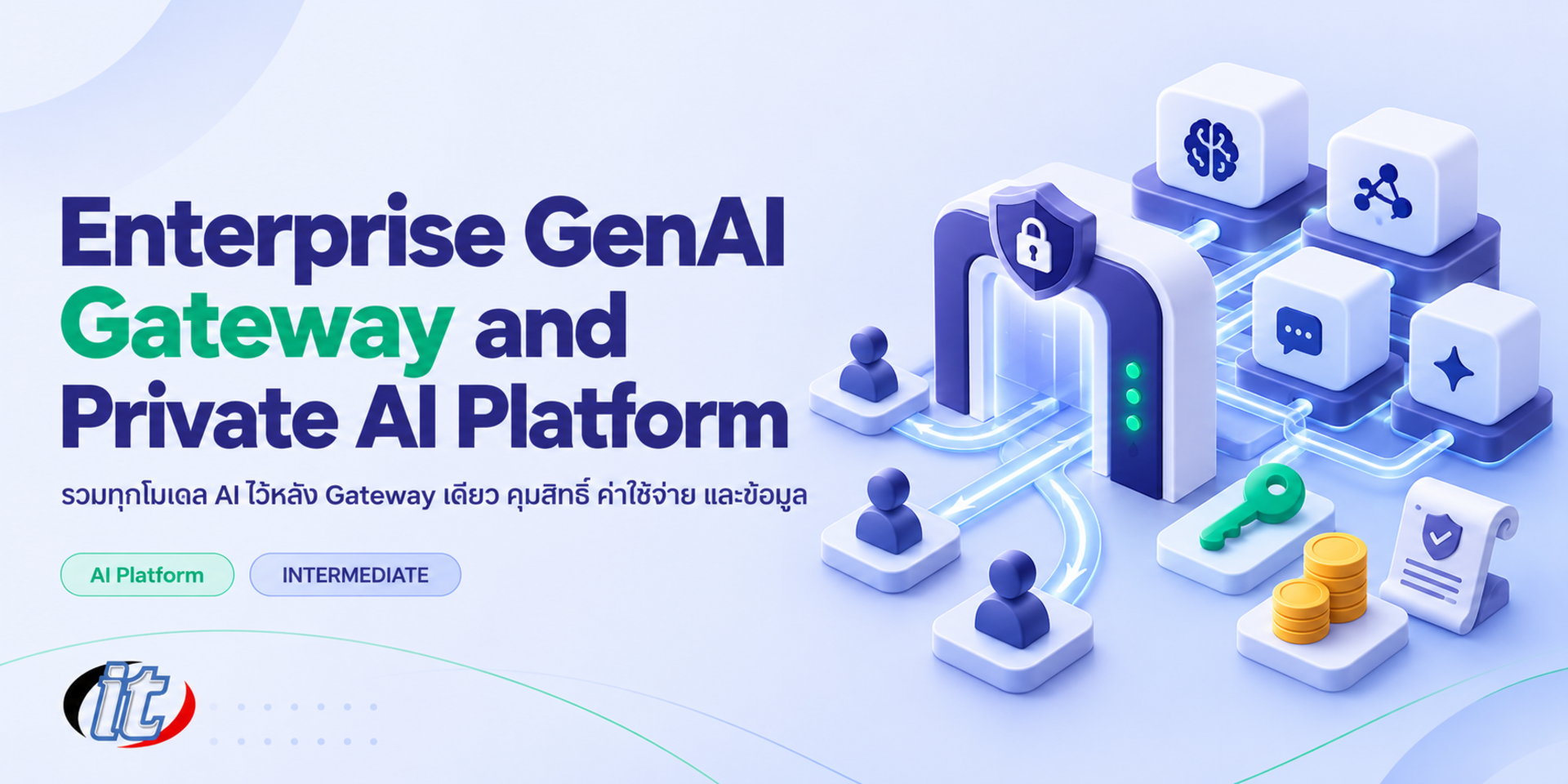
Enterprise GenAI Gateway and Private AI Platform

Enterprise GenAI Gateway and Private AI Platform is a hands-on course in building a central, governed channel for AI with LiteLLM and Open WebUI, covering model routing, access and budget control, data policy, guardrails and logging. It suits IT managers, solution architects and platform teams, and you leave with a prototype AI platform and a draft usage policy for your organisation.

Updated
From 7,110 THB / person 7,900 −10% excl. VAT 7% · group rates available
PDFDownload the course outline
  • Duration12 hours · 2 days
  • FormatOnsite / live online
  • Next roundOn request
  • CertificateIncluded

Course overview

Once staff in every department start using AI, organisations tend to hit the same problems. Each team signs up for a different service and holds its own API keys, nobody knows the total cost, customer data or confidential documents can be sent out by accident, and when something goes wrong there are no logs to look back on. Banning AI does not work. A more lasting answer is a central channel that is safe and convenient enough that people want to use it, built with a GenAI gateway and an in-house AI platform.

This course takes IT managers, solution architects and platform teams through designing and building a GenAI gateway and an internal AI platform with open source tools. It starts with a reference architecture and data classification to decide which data may go to which model. Learners then install LiteLLM to put cloud APIs and in-house models behind a single endpoint, set up routing, fallbacks, virtual keys, budgets and rate

limits, and open a chat interface with Open WebUI connected to SSO and group-based permissions. The course continues with guardrails that mask personal data, logging and tracing with Langfuse, chargeback-style cost control and production deployment. It closes with a capstone in which each learner designs an AI platform and usage policy for their own organisation. (2 days, 6 hours per day, 12 hours in total, Intermediate level.)

What you’ll gain

  • Design the architecture of a GenAI gateway and an in-house AI platform
  • Define a model selection policy based on data classification
  • Install LiteLLM to put several providers and in-house models behind one API
  • Control access, budgets and rate limits with virtual keys per team and user
  • Run an organisation chat interface with Open WebUI, SSO and group permissions
  • Set up guardrails, logging, tracing and cost reports that can be audited
  • Plan a production rollout of the platform together with an organisational AI usage policy

Who this course is for

  • IT managers and CIOs who set the direction for AI use across the organisation
  • Solution and enterprise architects who design AI systems alongside existing ones
  • Platform, DevOps and infrastructure teams who install and run central AI services
  • Security, compliance and DPO teams who oversee how data is used with AI
  • Development leads who need an AI API with access and cost controls for every team

Prerequisites

  • Basic Docker and Docker Compose skills
  • An understanding of enterprise IT such as networking, reverse proxies, Active Directory or SSO
  • Some experience with ChatGPT or another AI service and a basic idea of API keys
  • A laptop with at least 16 GB of RAM that can run Docker, with permission to install software

Curriculum

Course Details

This course runs for 2 days, 6 hours per day (12 hours in total, 09:00-16:00), as lectures, workshops and labs that build up one platform throughout. Intermediate level. Every lab runs on the learner's own machine with Docker and in-house models through Ollama, so the whole course can be completed without a cloud AI account. Any experiments with cloud APIs use the learner's own or company account. The course focuses on the platform and governance: the gateway, access control, budgets, data policy and auditability. For running in-house models in depth, the Local LLM Deployment with Ollama and vLLM course is recommended. Learners take home a lab guide, docker-compose and configuration files, an AI usage policy template and a chargeback model.

Day 1 Gateway Architecture and Access Control

Section 1: Why an Organisation Needs a GenAI Gateway

  • What goes wrong when everyone uses AI their own way: shadow AI, scattered keys and invisible costs
  • The gateway's role: one place for access, cost, policy and logs
  • A reference architecture for an in-house AI platform, from users to models
  • An overview of open source tools and cloud gateway services to inform the decision
  • Workshop: map your organisation's current AI use and its risk points

Section 2: Workshop: Data Classification and Model Policy

  • Classify data, for example public, internal, confidential and personal data
  • Match each data class to permitted models: enterprise cloud APIs or in-house models
  • Read AI providers' data terms on retention and use for training
  • PDPA considerations when sending personal data for processing
  • Workshop: draft a policy table of which data may be used with which model

Section 3: Lab: Installing LiteLLM, Routing and Fallbacks

  • Install LiteLLM with PostgreSQL and Redis using Docker Compose
  • Define the model list in config.yaml, combining cloud APIs and in-house models through Ollama under organisation-wide names
  • Call every model through one OpenAI-compatible endpoint and keep provider API keys as secrets
  • Load balancing, fallbacks, retries and timeouts when a provider is down or over quota
  • Routing by data class, and caching with Redis to cut cost
  • Lab: switch off one provider and test that the system fails over to the backup

Section 4: Lab: Virtual Keys, Teams and Budgets

  • Issue virtual keys to users, teams and apps instead of handing out real provider keys
  • Restrict which models each team can call according to data policy
  • Set budgets, rate limits and key expiry dates
  • Admin roles in LiteLLM and the features that need an enterprise licence
  • Lab: simulate a team going over budget and see how the system responds

Section 5: Lab: An Organisation Chat Interface with Open WebUI

  • Install Open WebUI and connect it to LiteLLM rather than directly to providers
  • Connect SSO through OIDC, with an overview of LDAP or Active Directory integration
  • Group users and set access to models, features and knowledge by department
  • Create model presets with system prompts for each team's work
  • The Open WebUI licence and branding terms to know before using it in an organisation

Day 2 Data Policy, Auditing and Going to Production

Section 6: Lab: Guardrails and Data Protection

  • Where guardrails sit: before the request reaches the model and after the response
  • Detect and mask personal data with Microsoft Presidio through LiteLLM
  • Basic prompt injection defences and blocking disallowed topics
  • Guardrail limits with Thai text, and testing for good coverage
  • Lab: send messages containing national ID and phone numbers and check the masking

Section 7: Lab: Logging, Tracing and Audit with Langfuse

  • Self-host Langfuse and connect it to LiteLLM
  • View each request's trace: user, model, tokens, latency and cost
  • Design a log policy: what to keep, for how long and who can access it
  • The risk of storing prompts that contain personal data, and masking before logging
  • Use logs to answer audit questions and investigate incidents

Section 8: Workshop: Cost Control and Chargeback

  • Understand providers' token pricing and the cost of in-house models
  • Report spend by team, user, app and model
  • Set budget alerts and rules for teams that overspend
  • Cut cost by matching models to tasks, caching and shorter prompts
  • Workshop: build a monthly chargeback model for each department

Section 9: Knowledge, Tools and Production Deployment

  • Provide each department's knowledge base on Open WebUI with access control
  • Connect external tools through OpenAPI or MCP and decide who approves new tools
  • High availability for the gateway, database and Redis
  • TLS, reverse proxies, network segmentation and secret management
  • An overview of deploying on Kubernetes with Helm, with backups and version upgrades
  • Monitoring with gateway metrics, Prometheus and Grafana

Section 10: Capstone: Your Organisation's AI Platform

  • Design an AI platform architecture for your own organisation or a sample case
  • Draft an AI usage policy: data classes, permitted models, access and logging
  • Assemble a prototype of LiteLLM, Open WebUI, Ollama and Langfuse with Docker Compose
  • Plan a phased rollout from a pilot team to the whole organisation
  • Present and review together, with a checklist before go-live

Schedule & training options

For individuals — public rounds

No public rounds are open right now. Join the waiting list and we will contact you first when the next round opens, or ask us on LINE. Or call 02-570-8449 or 088-807-9770

For organisations — in-house / private

  • Tailor the content to your team’s tools and projects
  • Your dates, at your office or live online
  • Quotation with tax ID for procurement
Corporate training quote

Instructors

Frequently asked questions

Who is Enterprise GenAI Gateway and Private AI Platform for, and what background is needed?

Built for IT managers and CIOs who set the direction for AI use across the organisation · Solution and enterprise architects who design AI systems alongside existing ones · Platform, DevOps and infrastructure teams who install and run central AI services Background you should have: Basic Docker and Docker Compose skills · An understanding of enterprise IT such as networking, reverse proxies, Active Directory or SSO Not sure the fit is right? Talk to our team on LINE @itgenius or call 02-570-8449.

How much does Enterprise GenAI Gateway and Private AI Platform cost and how long does it run?

THB 7,900 (currently THB 7,110 on promotion). The course runs 12 hours. The price excludes 7% VAT (for payment in a company's name). Pay by bank transfer to the company account, confirm it on our payment page, and we can issue the receipt or tax invoice in your company's name.

Do I get a certificate?

Yes. Everyone who completes the course receives a Certificate of Completion from IT Genius Institute. Each certificate carries its own number, and anyone holding that number can verify it online on our certificate page, so you can add it to your portfolio or pass it to HR as evidence of training.

Where does the training take place, and is there an online option?

You can attend onsite at IT Genius Institute or arrange to join online, and we also run it as a private in-house session for your team. Ask about dates and venues on LINE @itgenius or call 02-570-8449.

What if I fall behind or miss a session — can I retake it?

Yes. You may retake the same course free of charge in a later round, under the institute's conditions. Tell our team which course and round you attended, and we will check it and offer you the rounds that still have seats. Ask us on LINE @itgenius or call 02-570-8449.

How do I enrol, or request a quotation for my company?

Enrol online with the registration form on this page. You can register several attendees at once and enter your tax ID and billing address for the tax invoice. Or request a company quotation straight from the quote button. For anything else call 02-570-8449 or reach us on LINE @itgenius.