AI · AIC-109

Local AI Agent with Hermes and Ollama

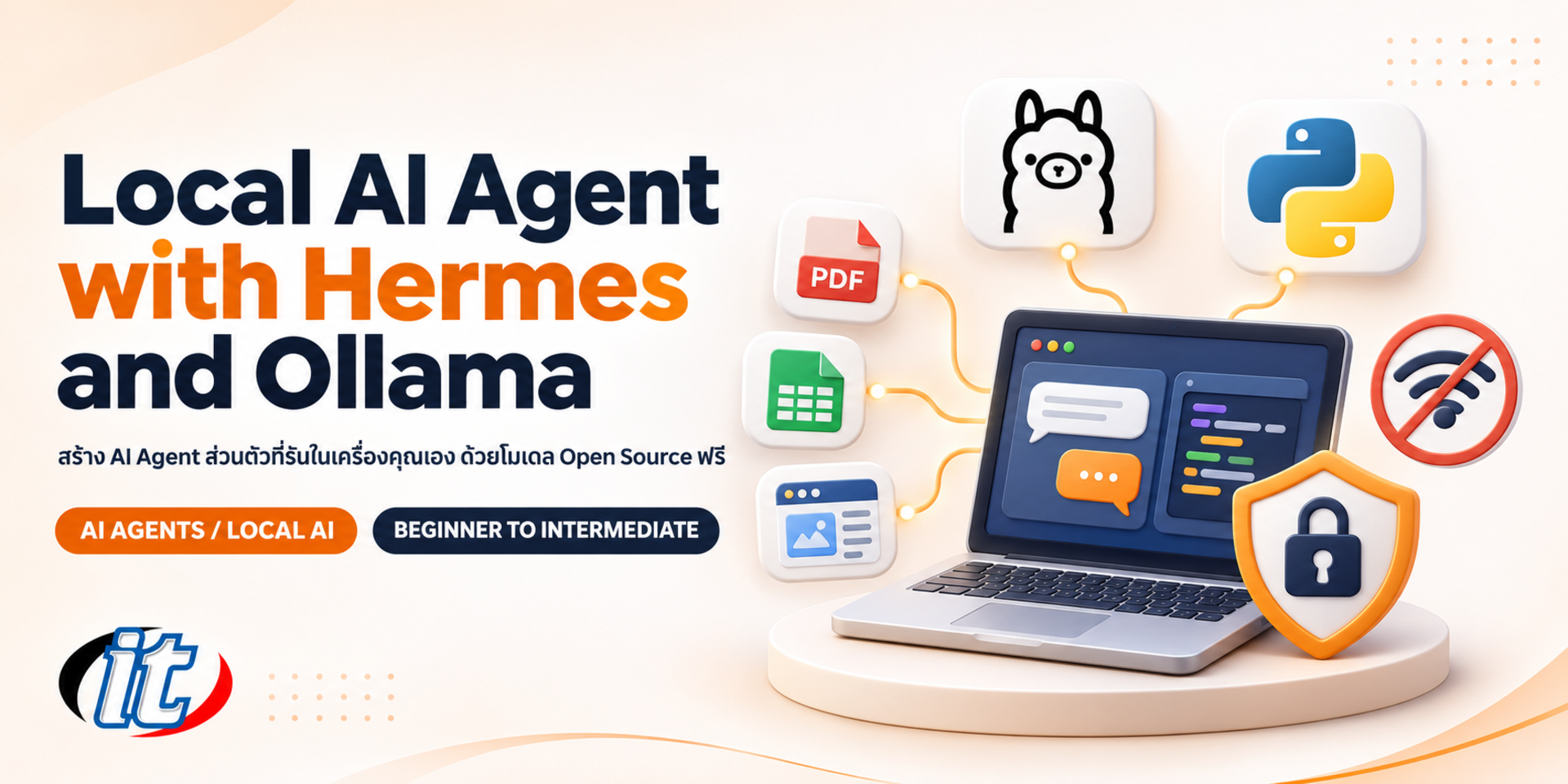
Local AI Agent with Hermes and Ollama is a hands-on course in building a personal AI agent that runs on your own computer with open-source models, from handling Excel and PDF files locally, MCP and custom skills to having the AI write Python and a small web app. It suits office staff, IT teams and developers who want data to stay in the organisation.

Updated
From 5,310 THB / person 5,900 −10% excl. VAT 7% · group rates available
PDFDownload the course outline
  • Duration12 hours · 2 days
  • FormatOnsite / live online
  • Next roundOn request
  • LevelIntermediate

Course overview

Many organisations want AI to help with documents, reports and repetitive work, but two problems get in the way: API costs that grow with every task, and concern about uploading internal files or personal data to an outside provider's cloud. Today you can run a personal AI agent on your own computer with open-source software and models that are free to download. Work that runs locally does not send data outside the organisation, and once the models are downloaded it keeps working even without an internet connection.

This course shows you how to build a personal AI agent with Hermes Agent, the open-source agent from Nous Research, together with Ollama and open-source models. Day 1 is no-code: you use the agent like a cowork assistant on your own machine, choosing a model that fits your hardware, handling Excel and PDF files, connecting MCP servers, using browser automation and creating custom skills for routine work. Day 2 moves to agentic coding: the AI writes Python from plain language, turns a workflow into an automation and builds a small web app, while you learn the real limits of local models and how to set up safety controls. (2 days, 6 hours per day, 12 hours in total, Intermediate level.)

What you’ll gain

  • Install Hermes Agent and connect it to Ollama on Windows or macOS
  • Choose an open-source model and context setting that fit your RAM and your work
  • Use the agent to handle Excel and PDF files locally without uploading them to the cloud
  • Connect MCP servers and use browser automation to collect information from the web
  • Create custom skills and scheduled tasks for routine work
  • Have the AI write and fix Python from plain language, and check the result before using it
  • Build and run a small web app on your own computer with the agent's help
  • Set permissions, a working folder and PDPA practices before letting an agent work with real data

Who this course is for

  • Office staff who handle documents, Excel and repetitive reports and want AI help without data leaving their machine
  • IT and data teams looking for an in-house AI option that cuts API costs
  • Developers and data analysts who want AI to help write Python and build web apps
  • Business owners and team leads who want to try an AI agent before rolling it out across the organisation

Prerequisites

  • Comfortable using a computer, managing files and working in Excel; no programming experience required
  • Some experience with AI chat tools or basic Python helps with the Day 2 labs
  • A Windows 10/11 or macOS laptop with 16 GB RAM or more (32 GB recommended), or a Mac with an M1 chip or later
  • Complete the installation from the institute's pre-work video before the training day, with permission to install software

Curriculum

Course Details

This course teaches you to build a personal AI agent that runs on your own computer with Hermes Agent (open source from Nous Research, MIT licence), Ollama and open-source models. It runs for 2 days, 6 hours per day (12 hours in total, 09:00-16:00), Intermediate level. Day 1 is no-code; Day 2 covers agentic coding and a web app. Every lab runs on the learner's own machine. The institute provides a pre-work video showing installation on Windows

and Mac, but does not provide hardware, accounts or API credits. The course differs from Personal AI Agents with OpenClaw and Codex, which uses OpenClaw and Codex; from Local LLM Deployment with Ollama and vLLM, which focuses on deploying and serving models on servers; and from Claude Cowork for Business, which works through Claude in the cloud. This course focuses on a personal agent, from no-code to coding, that runs locally with free models, and is honest about the limits of small models.

Day 1 No-Code AI Cowork on Your Own Computer

Section 1: Lab: Getting Started with Hermes Agent and Ollama

  • How an AI agent differs from AI chat, and what Hermes Agent, the open-source agent from Nous Research, can do
  • Check the Ollama and Hermes Agent installation from the pre-work video, in both Hermes Desktop and the terminal
  • Connect Hermes to Ollama with the ollama launch hermes command or a custom endpoint on localhost
  • Get to know the chat screen, the hermes model command and the agent's configuration file
  • Lab: give a first task in Thai and see which tool the agent chooses at each step

Section 2: Choosing an Open-Source Model That Fits Your Machine

  • Model size, quantisation and memory: 16 GB machines, 32 GB machines and Apple Silicon
  • Why an agent needs a model with tool calling and a long enough context, and how to set this in Ollama
  • The real limits of small models: slower, and weaker at multi-step planning than frontier cloud models
  • Free or pay-as-you-go cloud model options that Hermes supports, as a fallback when a task is too hard for the local model
  • Lab: test 2-3 models on the same task and compare time and quality to pick a default model

Section 3: Workshop: Handling Excel and PDF Files Locally

  • Create a dedicated working folder for the agent and restrict file writes to that folder
  • Summarise several PDF documents and extract tables or key data into Excel
  • Have the agent clean, merge and summarise Excel data into a report with charts
  • Check the numbers before using them, and PDPA principles when documents contain personal data
  • Workshop: merge branch sales files into a monthly summary report without uploading anything to the cloud

Section 4: Lab: Connecting MCP and Browser Automation

  • What MCP is, how to add MCP servers to Hermes and enable only the tools you need
  • The Hermes browser tool, which uses a local Chromium with no API key required
  • Have the agent open websites, search, read tables and fill in a test form step by step
  • Cautions: website terms of use, login details, and which tasks need an internet connection
  • Lab: collect information from several web pages into a comparison file in the working folder

Section 5: Workshop: Custom Skills for Routine Work

  • What a skill is, the SKILL.md structure on the agentskills.io open standard, and where Hermes stores skills
  • Create a skill from steps you have just done with the /learn command, or write SKILL.md yourself
  • Run a skill with /skill-name and use memory so the agent remembers how you like the work done
  • Schedule tasks with Hermes's built-in scheduler for daily or weekly reports
  • Workshop: build a skill that produces the team's weekly report and test it on a new data set

Day 2 Agentic Coding + Website

Section 6: Lab: Agent Safety and Your First Code Base

  • The risks of an agent that can run commands, browse the web and edit files on its own
  • Set up command approval and a deny list, and why you should not switch approvals off entirely
  • Separate project folders, use Git as a restore point, and the option of running inside Docker
  • Write a project context file so the agent knows your standards and the scope of the work
  • Lab: create a first code base with the agent and review every change before committing

Section 7: Lab: Having the AI Write Python from Plain Language

  • Write a clear brief: input, output, rules and sample data
  • Have the agent write, run and fix Python from its errors until the result is right
  • Read and check AI-written code even if you are not a programmer, and ask for simple tests
  • Know when a local model is good enough and when to break the task into smaller pieces
  • Lab: a Python script that converts Excel files in different layouts into one standard format

Section 8: Turning a Workflow into an Agent and Automation

  • Break routine work into steps and decide which parts use scripts and which need AI judgement
  • Wrap a Python script as a skill so the agent can reuse it
  • Schedule the workflow, with logging and an alert when a run fails
  • The idea of handing work to subagents, and sending results through a chat app when needed
  • Workshop: a workflow that pulls data, summarises it and writes a report file every morning

Section 9: Lab: Building and Running a Small Web App

  • Describe the web app's screens and functions in plain language before any code is written
  • Have the agent build a Python web app with a file upload page and a results view
  • Call the Ollama model from the web app through the local API
  • Run it on localhost, test, fix errors and refine the interface in short cycles
  • Lab: a web app that takes an Excel upload and returns a summary and charts, with all data kept on the machine

Section 10: Capstone: A Personal AI Agent for Your Own Work

  • Choose a real task of your own or a sample brief, and define the scope and data
  • Build it end to end: skill, script or web app, and the right permission settings
  • Check it against a safety, PDPA and model-limits checklist before real use
  • Present the work, review it together and plan how to roll it out in your team

Schedule & training options

For individuals — public rounds

No public rounds are open right now. Join the waiting list and we will contact you first when the next round opens, or ask us on LINE. Or call 02-570-8449 or 088-807-9770

For organisations — in-house / private

  • Tailor the content to your team’s tools and projects
  • Your dates, at your office or live online
  • Quotation with tax ID for procurement
Corporate training quote

Instructors

Frequently asked questions

How does this course differ from Personal AI Agents with OpenClaw and Codex, Local LLM Deployment with Ollama and vLLM and Claude Cowork for Business?

This course is about a personal AI agent that runs locally with free models, going from no-code work to having the AI write code and a web app with Hermes Agent. Personal AI Agents with OpenClaw and Codex uses OpenClaw and Codex, Local LLM Deployment with Ollama and vLLM focuses on deploying and serving models on servers for many users, and Claude Cowork for Business uses Claude for business work in the cloud.

What machine do I need, and what should I install before the training day?

You need a Windows 10/11 or macOS laptop with 16 GB RAM or more (32 GB recommended), or a Mac with an M1 chip or later, and free disk space for model files of several tens of GB. The institute provides a pre-work video showing how to install Ollama and Hermes Agent on Windows and Mac; please follow it and download the models before the training day. The institute does not provide hardware, and you need permission to install software on the machine you bring.

Are there extra costs, and which accounts do I need?

Hermes Agent is open source under the MIT licence, and Ollama runs models locally with no service fee, so the main labs need no paid account. If you want to try a cloud model as a fallback, some providers offer a free plan limited to certain models or charge per use; terms depend on the provider and you sign up yourself. The institute does not provide accounts or API credits.

Are local models as capable as cloud models, and do they really work without the internet?

Small local models are slower and less capable than frontier cloud models, especially for multi-step tasks, tool use and coding, and quality depends on the model and your hardware. In class you practise choosing a model and breaking work into suitable pieces. Once the models are downloaded, local work such as summarising documents or handling files runs without the internet, while browsing, online search, installing or updating, and cloud models still need a connection.

Can I take the course if I have never written code?

Yes. Day 1 is entirely no-code, giving instructions in plain language. On Day 2 the agent writes the code while you practise writing clear briefs, running the result and checking it. Some Python knowledge lets you go further, but it is not required.

How safe is it to let the agent work with company files and data?

An agent that can run commands, browse and edit files needs careful settings. In class you practise turning on command approval, setting a deny list, restricting file writes to a working folder, using Git as a restore point and reviewing the output before real use. Documents with personal data must follow PDPA and your organisation's policies. Running locally reduces data leaving the organisation, but it does not replace access control and human review.