Cloud · CLC-06

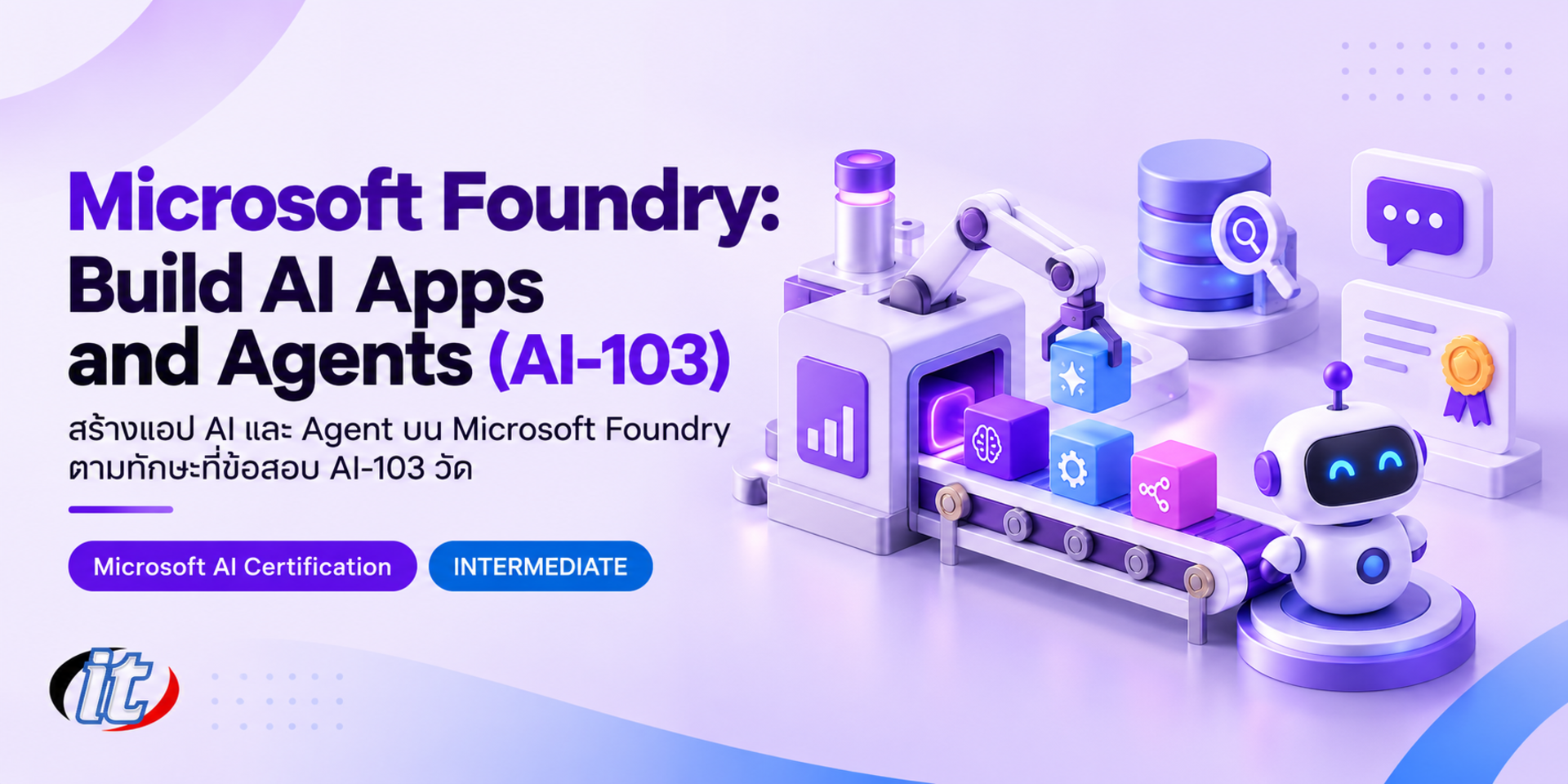
Microsoft Foundry: Build AI Apps and Agents (AI-103)

Microsoft Foundry: Build AI Apps and Agents (AI-103) is a hands-on Python course that covers the skills measured in the AI-103 exam, from secure deployment and RAG with Azure AI Search to agents with tools, MCP and multi-agent workflows, evaluation, guardrails and vision, speech and document solutions. It suits Python developers, AI engineers and anyone preparing for the AI-103 exam.

Updated
From 10,710 THB / person 11,900 −10% excl. VAT 7% · group rates available
PDFDownload the course outline
  • Duration18 hours · 3 days
  • FormatOnsite / live online
  • Next roundOn request
  • CertificateIncluded

Course overview

Building a chatbot prototype on a language model takes very little time, but taking AI apps and agents into real use across an organisation is another matter. Development teams have to choose the right models and services for each task, bring in organisational data so the AI answers correctly, let agents call tools safely, control costs and access, measure answer quality and deal with risks such as prompt injection, all on a platform that can be maintained over the long term.

This course covers the skills measured in the AI-103 Developing AI Apps and Agents on Azure exam, following the latest outline on Microsoft Learn, with learners writing Python code in Microsoft Foundry in their own Azure subscription. Day one covers planning and managing solutions: infrastructure, model deployment, security, cost and CI/CD. Day two builds RAG with Azure AI Search and agents that use

tools, MCP and multi-agent workflows with human approval steps. Day three measures quality with evaluation and tracing, sets up guardrails and then moves on to image, video, text, speech and document extraction with Content Understanding, before a closing capstone. The course helps with exam preparation, but learners book the exam with Microsoft themselves. (3 days, 6 hours per day, 18 hours in total, Intermediate level.)

What you’ll gain

  • Choose models and services in Microsoft Foundry that fit generative, RAG and agent workloads
  • Design infrastructure, deploy models and connect Foundry projects to CI/CD
  • Secure solutions with managed identities, keyless credentials, private networking and RBAC
  • Build RAG with Azure AI Search using vector, hybrid and semantic search
  • Build agents that use function calling, MCP, knowledge sources and multi-agent workflows
  • Measure quality and safety with evaluation, tracing and guardrails
  • Build image, video, text and speech solutions with multimodal models and Foundry Tools
  • Extract information from documents and media with Content Understanding for agents and RAG

Who this course is for

  • Python developers who need to build AI apps and agents on Microsoft Azure
  • AI engineers and solution developers who look after their organisation's AI solutions
  • Platform and DevOps teams who deploy and run AI systems securely and within budget
  • Anyone preparing for the AI-103 Developing AI Apps and Agents on Azure exam
  • People who have passed AI-901 or already know AI on Azure and want production-level practice

Prerequisites

  • Confident Python skills, including functions, package management and calling REST APIs with JSON
  • A basic understanding of generative AI concepts such as prompts, tokens and embeddings (AI-901 level)
  • Familiarity with core Azure services such as resource groups, storage and Microsoft Entra ID
  • A laptop with VS Code, Python, Azure CLI and Git, and an Azure subscription for the labs

Curriculum

Course Details

This course covers the skills measured in the AI-103 Developing AI Apps and Agents on Azure exam, following the latest outline on Microsoft Learn. It runs for 3 days, 6 hours per day (18 hours in total, 09:00-16:00), as lectures with Python coding labs. Intermediate level. It builds on our RAG & Knowledge Base and other agent courses, focusing on building and running solutions on Microsoft Foundry. Every lab runs in the learner's own Azure subscription (a free account, pay-as-you-go or a company sandbox);

model tokens, Azure AI Search, Content Understanding, Speech and image or video generation models are billed by actual usage at the learner's own cost, and each lab ends with clean-up steps. The course helps with exam preparation but is not official Microsoft courseware; it does not include the exam fee or a voucher, and learners book the exam with Microsoft themselves. Learners take home a lab guide, Python code for every lab, sample CI/CD files, an evaluation question set and a summary of the skills in the exam outline.

Day 1 Planning, Deploying and Managing AI Solutions

Section 1: Lab: Microsoft Foundry and the AI-103 Outline

  • The AI-103 outline: plan and manage (25-30%), generative AI and agents (30-35%), and vision, text and information extraction (10-15% each)
  • How Foundry resources, projects, connections and Foundry Tools fit together
  • Design infrastructure for AI apps and agent solutions, covering regions, networking and storage
  • Lab: create a Foundry project and connect to it from Python with the Foundry SDK

Section 2: Lab: Choosing and Deploying Models

  • Choose between LLMs, small language models, multimodal models and Foundry Tools for each task
  • Choose services for generation, grounding, vector search, agent workflows and multimodal processing
  • Deployment options and configuring model and agent deployments
  • Deploy and consume text, code and multimodal models
  • Lab: deploy two models and compare quality, speed and cost on the same task

Section 3: Lab: Security and Connecting Applications

  • Keyless credentials with Microsoft Entra ID and managed identities
  • Assign roles and permissions to developers, apps and agents with RBAC
  • Private networking and private endpoints for Foundry and related services
  • Configure an application to connect securely to a Foundry project
  • Lab: move an app from API keys to a managed identity

Section 4: Lab: Quotas, Costs and CI/CD

  • Quotas, rate limits and scaling for model and agent workloads
  • Estimate and track the cost footprint of AI workloads
  • Handle rate-limit errors with retries and backoff
  • Integrate Foundry projects with CI/CD pipelines
  • Lab: deploy an agent through a GitHub Actions pipeline

Section 5: Lab: Prompts and Tuning Model Behaviour

  • Prompt engineering for real workloads and adjusting model parameters
  • Structured output and enforcing a JSON format
  • Reflection and self-critique loops so the model checks its own answers
  • Combine several models or pair an LLM with a rules engine
  • Lab: a document summariser that reviews its own answer before replying
Day 2 RAG and Building Agents

Section 6: Lab: Retrieval and Indexing with Azure AI Search

  • Choose a retrieval and indexing approach to fit the data and the task
  • Ingest and index documents, images, audio and video
  • Semantic, hybrid and vector search for grounding
  • Enrichment with built-in and custom skills, including OCR and layout
  • Lab: index a company handbook with vector and hybrid search

Section 7: Lab: Building a RAG Application

  • Design a RAG ingestion flow from chunking to embeddings
  • Connect retrieval to the app and return answers with citations
  • Monitor ingestion quality, index health and search relevance
  • Check grounding quality and fabricated answers
  • Lab: a company document Q&A app that cites its sources

Section 8: Lab: Building Agents with Foundry Agent Service

  • Define an agent's role, goals, conversation tracking approach and tool schemas
  • How prompt agents and hosted agents differ
  • Agents that combine retrieval, function calling and conversation memory
  • Choose memory, tool and knowledge services that suit the agent
  • Lab: an employee help agent that searches documents and calls functions

Section 9: Lab: Tools, MCP and Knowledge

  • Connect external APIs through OpenAPI and custom functions
  • Use MCP servers as agent tools and control what can be called
  • Use search and Content Understanding as agent knowledge sources
  • Lab: add an order status tool to the agent through an API

Section 10: Lab: Multi-agent Solutions and Human Approval

  • Design multi-agent solutions that split roles and hand work over
  • Workflows, tool-augmented flows and multistep reasoning
  • Autonomous and semi-autonomous workflows with safeguards and human approval steps
  • Lab: one agent drafts a reply, another reviews it, and a person approves before sending
Day 3 Quality, Safety, Multimodal and Information Extraction

Section 11: Lab: Evaluation, Tracing and Monitoring

  • Evaluators for relevance, groundedness, quality and safety
  • Tracing, token analytics and latency breakdowns with Application Insights
  • Monitor performance, drift and safety events for models and agents
  • Lab: run an evaluation question set and analyse agent errors from traces

Section 12: Lab: Responsible AI and Guardrails

  • Safety filters, guardrails, risk detection and content moderation
  • Defend against prompt injection, including instructions hidden in text within images
  • Govern agents with oversight modes, constraints and tool access controls
  • Lab: audit with trace logs, provenance metadata and approval workflows

Section 13: Lab: Generating and Editing Images and Video

  • Generate images and videos from text prompts and reference media
  • Edit images with inpainting, masks and text instructions
  • Video editing workflows and visual policies such as watermarks and brand rules
  • Lab: a product image pipeline with checks for inappropriate content

Section 14: Lab: Multimodal Understanding

  • Analyse images with multimodal models and answer questions grounded in visual evidence
  • Generate captions and alt text in line with accessibility guidelines
  • Analyse video and identify objects with Content Understanding
  • Lab: generate alt text automatically for website images

Section 15: Lab: Text Analysis, Speech and Document Extraction

  • Extract entities, topics, summaries and JSON, and detect sentiment and sensitive content
  • Translate with Azure Translator or an LLM and use speech as an agent modality
  • OCR, layout and field extraction with Content Understanding analysers
  • Lab: convert documents into structured Markdown for agents and RAG

Section 16: Workshop: Capstone and Exam Preparation

  • Build an end-to-end agent with RAG, tools, guardrails and an approval step
  • Measure it with evaluation and switch on tracing before hand-over
  • Review against the AI-103 outline and try the free practice assessment
  • Workshop: clean up resources and wrap up with a pre-production checklist

Schedule & training options

For individuals — public rounds

No public rounds are open right now. Join the waiting list and we will contact you first when the next round opens, or ask us on LINE. Or call 02-570-8449 or 088-807-9770

For organisations — in-house / private

  • Tailor the content to your team’s tools and projects
  • Your dates, at your office or live online
  • Quotation with tax ID for procurement
Corporate training quote

Instructors

Frequently asked questions

Who is Microsoft Foundry: Build AI Apps and Agents (AI-103) for, and what background is needed?

Built for Python developers who need to build AI apps and agents on Microsoft Azure · AI engineers and solution developers who look after their organisation's AI solutions · Platform and DevOps teams who deploy and run AI systems securely and within budget Background you should have: Confident Python skills, including functions, package management and calling REST APIs with JSON · A basic understanding of generative AI concepts such as prompts, tokens and embeddings (AI-901 level) Not sure the fit is right? Talk to our team on LINE @itgenius or call 02-570-8449.

How much does Microsoft Foundry: Build AI Apps and Agents (AI-103) cost and how long does it run?

THB 11,900 (currently THB 10,710 on promotion). The course runs 18 hours. The price excludes 7% VAT (for payment in a company's name). Pay by bank transfer to the company account, confirm it on our payment page, and we can issue the receipt or tax invoice in your company's name.

Do I get a certificate?

Yes. Everyone who completes the course receives a Certificate of Completion from IT Genius Institute. Each certificate carries its own number, and anyone holding that number can verify it online on our certificate page, so you can add it to your portfolio or pass it to HR as evidence of training.

Where does the training take place, and is there an online option?

You can attend onsite at IT Genius Institute or arrange to join online, and we also run it as a private in-house session for your team. Ask about dates and venues on LINE @itgenius or call 02-570-8449.

What if I fall behind or miss a session — can I retake it?

Yes. You may retake the same course free of charge in a later round, under the institute's conditions. Tell our team which course and round you attended, and we will check it and offer you the rounds that still have seats. Ask us on LINE @itgenius or call 02-570-8449.

How do I enrol, or request a quotation for my company?

Enrol online with the registration form on this page. You can register several attendees at once and enter your tax ID and billing address for the tax invoice. Or request a company quotation straight from the quote button. For anything else call 02-570-8449 or reach us on LINE @itgenius.