Databases · DBC-54

Oracle to PostgreSQL Realtime Data Platform

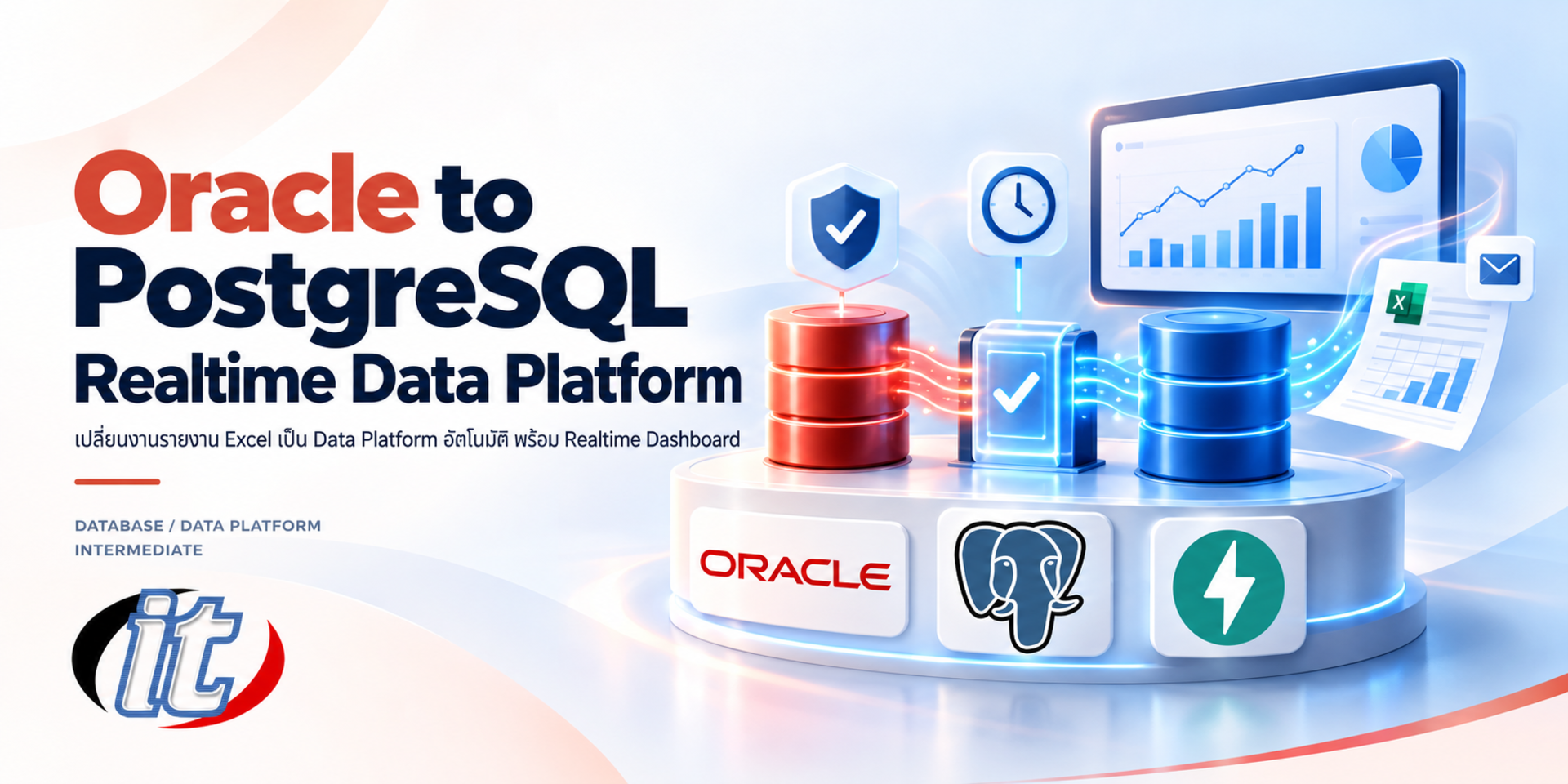
Oracle to PostgreSQL Realtime Data Platform is a hands-on course in building a reporting platform that syncs Oracle data into PostgreSQL incrementally, checks data quality, builds a data mart, shows a realtime dashboard and sends executive reports automatically. It suits developers, data engineers, DBAs and Excel-based reporting teams, and you leave with a working prototype running on Docker Compose.

Updated
From 8,010 THB / person 8,900 −10% excl. VAT 7% · group rates available
PDFDownload the course outline
  • Duration18 hours · 3 days
  • FormatOnsite / live online
  • Next roundOn request
  • LevelAdvanced

Course overview

Many organisations still build executive reports by exporting data from an Oracle-based ERP into Excel, then cleaning it, writing formulas, summarising, charting and emailing the result by hand every week. With many tables, dozens of columns each and millions of rows, the work is slow, figures slip through the cracks, nothing can be audited later and executives never see the numbers in time. Pointing a dashboard straight at the source database is no answer either, because it adds load to the live ERP system.

This course takes learners through building a complete data platform in a single project. Oracle stays the source of truth, data is synced incrementally into PostgreSQL, a transform and data quality layer quarantines bad records and explains why, materialized views summarise the results, a realtime dashboard built with FastAPI, WebSocket and Vue 3 shows them live, and weekly Excel and Thai-language PDF reports are emailed to executives automatically, but only when the figures reconcile with Oracle. Every service runs with Docker Compose on the learner's own laptop. (3 days, 6 hours per day, 18 hours in total, Intermediate level.)

What you’ll gain

  • Understand why Excel-based reporting is slow and error-prone, and design a well-reasoned replacement architecture
  • Analyse large ERP tables in Oracle and choose an extraction method that does not burden the source system
  • Build an incremental sync worker from Oracle to PostgreSQL in Python, handling data types, deletes and schema changes
  • Design tiered data quality rules, quarantine bad records and track them until they flow back in by themselves
  • Build raw, staging and mart layers with business metrics that can be audited
  • Develop a realtime dashboard with FastAPI, WebSocket and Vue 3 that serves many viewers without extra database load
  • Produce automated executive reports in Excel and Thai-language PDF, guarded by a report gate that reconciles before sending
  • Know the path to production, including CDC, secrets management and scaling

Who this course is for

  • Software developers and data engineers who need to connect Oracle systems to reports or dashboards
  • DBAs and database administrators who want to take reporting queries off production databases
  • Data analysts and reporting teams who rely on Excel and want reports that are automated and auditable
  • IT team leads and solution architects choosing a data platform approach for their organisation

Prerequisites

  • Basic SQL (SELECT, JOIN, GROUP BY) on Oracle or PostgreSQL
  • Basic command-line use, such as changing folders, running commands and reading logs
  • Some exposure to Python or JavaScript; no expertise and no prior Docker, FastAPI or Vue experience needed
  • A laptop with at least 16 GB RAM, 4 CPU cores and 20 GB free disk that can run Docker Desktop, with permission to install software

Curriculum

Course Details

This is a hands-on course in building a reporting platform from Oracle to PostgreSQL. It runs for 3 days, 6 hours per day (18 hours in total, 09:00-16:00), as lectures with labs and workshops built on one continuous project, the Regional Sales Data Platform. Intermediate level. The project uses simulated data for a fictional distribution company with subsidiaries in several countries: an Oracle-based ERP with 12 tables of 45 to 98 columns each, more than 2.2 million rows covering 26 weeks in multiple currencies, plus a simulator that keeps creating new orders. Every lab runs on the learner's

own laptop with Docker Desktop and Docker Compose (16 GB RAM or more recommended), using Oracle AI Database Free, which learners download and use under Oracle's own terms. Data Engineering Bootcamp and Modern Data Engineering and Lakehouse Architecture focus on lakehouse and streaming architecture, and Advanced PostgreSQL for Enterprise focuses on administration and performance. This course instead builds an Oracle-to-PostgreSQL reporting platform with data quality gates, a realtime FastAPI and Vue dashboard and automated executive reports. CDC with Debezium is explained conceptually without a live install, and Kubernetes deployment, PostgreSQL high availability and detailed Power BI development are out of scope.

Day 1 Architecture, the Oracle Source and Incremental Sync

Section 1: From Excel Workflow to Data Platform

  • Common problems: full extracts, broken formulas, no reconciliation point and no audit trail

  • Source of truth and separating reads from writes (CQRS) between Oracle and PostgreSQL

  • Pushing data to screens compared: polling, Server-Sent Events and WebSocket

  • Extraction methods compared: oracle_fdw, incremental ETL in Python and CDC, with a trade-off table

  • Introducing the Regional Sales Data Platform project used for all 3 days

Section 2: Lab: Setting Up the Environment with Docker Compose

  • The services: Oracle, PostgreSQL, Mailpit, Sync, Transform, Simulator, Scheduler and API

  • Configuration through .env files, healthchecks and start order with depends_on

  • Checking logs and service status, and fixing memory, port and corporate proxy problems

  • Lab: bring the whole system up with one command and check every service is ready

Section 3: Exploring the Oracle Source Database

  • ERP-style tables: WHO columns, descriptive flexfields (ATTRIBUTE1-15) and OBJECT_VERSION_NUMBER

  • The role of LAST_UPDATE_DATE, triggers and indexes in incremental sync

  • Generating large volumes of test data with CONNECT BY and ORA_HASH

  • Common anomalies in legacy systems, such as orphan records, invalid dates and wrong currencies

  • Lab: explore 12 ERP tables of 45 to 98 columns holding more than 2.2 million rows

Section 4: Connecting to Oracle with python-oracledb

  • Thin mode versus Thick mode, and why Thin mode suits containers

  • Reading the data dictionary (USER_TAB_COLUMNS) to create target tables automatically

  • Mapping Oracle types to PostgreSQL and the usual traps, such as DATE carrying a time and empty strings being NULL

  • Fetching numbers as Decimal so monetary totals stay exact

Section 5: Workshop: Incremental Sync with Watermarks and Upserts

  • The first FULL load versus INCREMENTAL loads, and storing the watermark

  • An overlap window for late-committing transactions, and upserts that do not create duplicate changes

  • Fast loading with arraysize and psycopg 3 COPY, with status recorded in ops.sync_batches

  • Measuring the load on Oracle and comparing queries with and without an index

  • Workshop Day 1: run FULL and INCREMENTAL syncs, match row counts, then change data in Oracle and watch it flow into PostgreSQL

Day 2 Transform, Data Quality and the Data Mart

Section 6: Designing the Raw, Staging and Mart Layers

  • The job of each layer, and why raw keeps every column

  • Picking business columns out of dozens of fields and normalising values such as trimming, upper case and blanks

  • Converting multiple currencies to baht with the latest rate on or before the document date, and handling holidays

  • Lab: build the staging layer for sales orders, order lines and invoices

Section 7: Lab: Designing Data Quality Rules

  • Data quality dimensions: completeness, validity, consistency, uniqueness and timeliness

  • ERROR (quarantine) versus WARN (auto-fix and log), and writing rules as SQL conditions

  • The dq.rules and dq.issues tables for tracking problems and handing them to data owners

  • Example rules: orphan customers, future dates, negative quantities, unusual discounts, duplicate customers and mistyped exchange rates

  • Lab: add 1 or 2 data quality rules of your own

Section 8: A Transform Engine That Processes Only What Changed

  • Working on the set of changed rows (scope) instead of whole tables

  • Cascading from order headers to order lines, and automatic re-evaluation when the source is fixed

  • Receiving signals through LISTEN/NOTIFY and processing only completed sync batches

  • Lab: run the transform over more than a million rows and check every planted anomaly is caught

Section 9: The Data Mart and Metric Definitions

  • Defining net sales, gross margin, receivables ageing and on-time delivery so every team uses the same numbers

  • Materialized views and REFRESH CONCURRENTLY without blocking readers

  • Using indexes and EXPLAIN to check dashboard and report queries

  • Lab: build marts for sales, receivables, returns and deliveries

Section 10: Workshop: Hard Cases from Real Projects

  • Hard deletes that a watermark cannot see, and fixing them with key reconciliation

  • Schema drift when the source adds a column, and adapting target tables automatically

  • Rebuilding the staging layer from scratch when rules change

  • Workshop Day 2: fix orphan records in Oracle and follow the orders back into the platform, then delete source rows to see key reconciliation at work

Day 3 Realtime Dashboard, Automated Reporting and Production

Section 11: FastAPI and WebSocket for Realtime

  • Query once and broadcast to every viewer, and skip queries when nobody is watching

  • LISTEN dashboard_changed, debouncing, heartbeats and a cache for new clients

  • REST endpoints for the first load and for downloading report files

Section 12: Lab: A Vue 3 Dashboard with TypeScript and ECharts

  • A WebSocket composable with exponential backoff reconnects

  • The executive view: today's sales against last week, a 30-day trend, subsidiaries and latest orders

  • A pipeline and data quality status panel for the IT team

  • Light and dark themes, mobile support and readable chart colours

Section 13: Lab: Excel and Thai-Language PDF Reports

  • Building Excel files with openpyxl that use real formulas, charts and a metric definitions sheet

  • Rendering PDFs from HTML templates with Jinja2 and WeasyPrint, with embedded Thai fonts

  • Writing key findings automatically from the numbers

Section 14: Report Gate, Email and Scheduling

  • A three-level gate: data freshness, reconciliation with Oracle by currency and the share of quarantined records

  • Pass and the report goes to executives; fail and an ALERT goes to the data team, with duplicate sends prevented

  • Sending email over SMTP (STARTTLS, SSL, AUTH) and testing with Mailpit

  • Scheduling with APScheduler cron triggers and logging runs in ops.report_runs

Section 15: The Path to Production

  • Read-only Oracle accounts, requesting indexes from the DBA and keeping passwords in a secret manager

  • When to move to CDC with Debezium (LogMiner) and what it requires on the Oracle side

  • Scaling the dashboard across instances with Redis Pub/Sub, Nginx and authentication

  • Backups, monitoring and connecting Power BI or Excel to the mart layer

Section 16: Master Workshop: Regional Sales Data Platform

  • Open the dashboard to watch data flow in realtime and send the weekly report to Mailpit

  • Simulate a large batch of bad data until the report is held back and an ALERT is raised

  • Trace the cause in the issues table, fix the data at the source and rerun the report until it reaches executives

  • Present a plan for applying the platform to your organisation's own systems

Schedule & training options

For individuals — public rounds

No public rounds are open right now. Join the waiting list and we will contact you first when the next round opens, or ask us on LINE. Or call 02-570-8449 or 088-807-9770

For organisations — in-house / private

  • Tailor the content to your team’s tools and projects
  • Your dates, at your office or live online
  • Quotation with tax ID for procurement
Corporate training quote

Instructors

Frequently asked questions

How does this course differ from Data Engineering Bootcamp, Modern Data Engineering and Lakehouse Architecture and Advanced PostgreSQL for Enterprise?

Data Engineering Bootcamp and Modern Data Engineering and Lakehouse Architecture focus on lakehouse and streaming architecture with tools such as Kafka, Spark and Iceberg, while Advanced PostgreSQL for Enterprise covers PostgreSQL administration, performance and high availability. This course tackles one specific job: building an Oracle-to-PostgreSQL reporting platform in Python with data quality gates, a realtime FastAPI and Vue 3 dashboard and automated executive reports that reconcile before they are sent.

Do I need strong programming skills or prior Docker, FastAPI or Vue experience?

No. You need basic SQL, basic command-line skills and some exposure to Python or JavaScript. Docker, FastAPI and Vue are introduced in class and every workshop comes with starter code. DBAs and analysts can concentrate on the SQL and data quality parts, while developers can go deeper into Python and Vue.

What do I need to prepare, and does the institute provide a lab or cloud environment?

Every lab runs on your own laptop with Docker Desktop. We recommend 16 GB RAM or more (6 to 8 GB for Docker), 4 CPU cores and 20 GB of free disk; on Windows, WSL 2 must be enabled and you need permission to install software. Download the images and starter code in advance using the setup guide, since the Oracle image is several gigabytes, and check that your network can reach Docker Hub, PyPI and npm. The institute does not provide machines or cloud accounts.

Do I need to buy an Oracle licence for the course?

No. The labs use the Oracle AI Database Free container, which is limited to 12 GB of user data and is enough for the simulated data in the course. You download and use it under Oracle's own terms. PostgreSQL and the other tools are open source. Before applying the approach to your organisation's real systems, check licensing with the team that manages your databases.

Does the course include a hands-on install of CDC with Debezium or GoldenGate?

Not as a live install. The course centres on incremental ETL in Python, which needs no configuration changes on the Oracle database and suits most organisations as a starting point. CDC with Debezium (LogMiner) or Oracle GoldenGate is covered conceptually, including Oracle-side requirements such as ARCHIVELOG and supplemental logging and when it is worth switching, because it needs DBA privileges and more resources than a laptop can offer within 3 days.

Can I apply the platform to my organisation's real data after the course?

You take home the full code and Docker Compose files as a prototype to adapt. Day 3 covers the path to production, including read-only Oracle accounts, secrets, scaling and monitoring. For real use, design the data quality rules and metric definitions with your data owners and always test against your own data first. The course itself uses simulated data only.

Related articles

Articles are published in Thai.