
Animated Videos with Powtoon
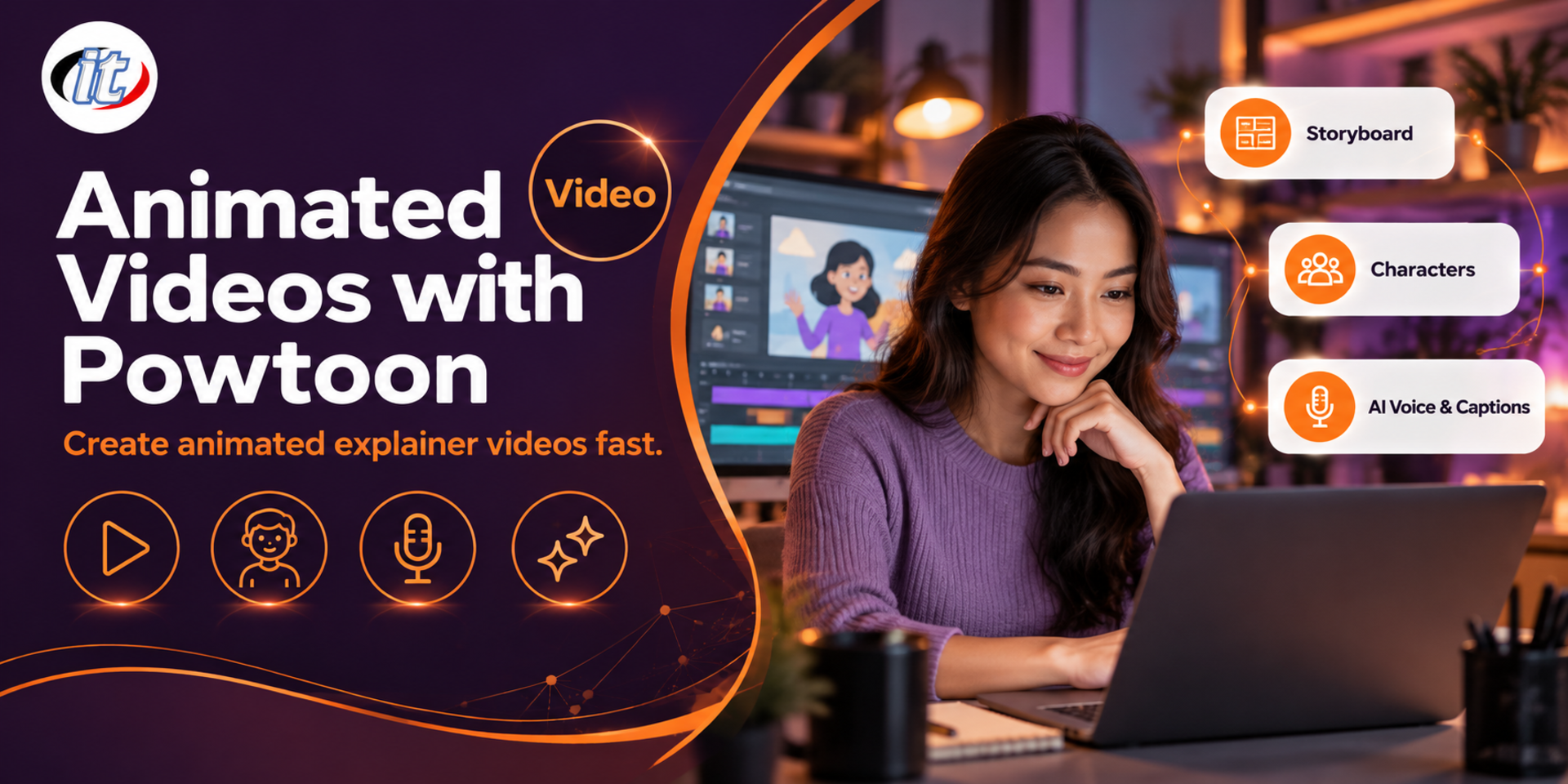
Animated Videos with Powtoon is a hands-on course in making animated videos with Powtoon, from writing a script and storyboard to building scenes, characters and text, timing them on the timeline, adding narration and using Powtoon's AI tools. It suits teachers, trainers and corporate communications teams, and you leave with your own animated video ready to share.
- Duration12 hours · 2 days
- FormatOnsite / live online
- Next roundOn request
- CertificateIncluded
Course overview
Short animated videos explain ideas, processes, products and services more clearly and engagingly than ordinary slides, which is why they are used in teaching, internal communications and social media. Powtoon is an online platform that lets people with no animation experience make these videos themselves, using templates, characters and ready-made objects that you drag onto the stage and animate straight away.
This course starts with planning, scriptwriting and storyboarding, then builds a video in Powtoon Studio, from scenes, characters, images and text to timing on the timeline and transitions. It continues with narration and music, a consistent visual style, Powtoon's AI tools for scripts, voiceovers and avatars, screen recording with Powtoon Capture, and finally exporting and sharing your work. (2 days, 6 hours per day, 12 hours in total, Beginner level.)
What you’ll gain
- Understand the types of animated media and the video production process
- Write a script and storyboard for a short animated video
- Build a video in Powtoon Studio with scenes, characters, images and text
- Set the timing of animation on the timeline and add transitions
- Add narration and music, and use Powtoon's AI tools appropriately
- Export and share videos to different channels
Who this course is for
- Teachers, lecturers and trainers who want more engaging teaching media
- HR, marketing and corporate communications teams who make explainer or promotional videos
- Students and anyone who needs to present their work
- Anyone who wants to make animated videos themselves without drawing
Prerequisites
- Comfortable using a Windows or macOS computer and a web browser
- Able to manage image and audio files on a computer
- An email address for signing up to Powtoon
- No drawing or animation experience is needed
Curriculum
Course Details
This course is the 2026 edition of Using PowToon, rewritten for the current browser-based Powtoon. It runs for 2 days, 6 hours per day (12 hours in total, 09:00-16:00), as lectures with labs and workshops. Beginner level. Day 1 covers planning, writing a script and storyboard, then building a video in Powtoon Studio with scenes, characters, images, text, the timeline and transitions. Day 2 adds narration and music, a consistent visual style, Powtoon's AI tools and screen recording with Powtoon Capture, then exports and shares a final video. Learners use their own Powtoon account. The free plan covers almost every lab, while MP4 downloads and some AI features need a paid plan.
Day 1 Planning and Animating in Powtoon
Section 1: Animated Media Today
- Animated media in teaching, organisations and social media
- Video types: explainer, whiteboard, infographic and footage-based videos
- Examples of different animated media and what makes them engaging
- The production process: plan, script, storyboard, build, review and publish
- Lab: review sample videos and set the goal for your own video
Section 2: Lab: Script and Storyboard
- Define the audience, key message and a length that suits the channel
- Write a short, tight script split into scenes
- Create a storyboard and set the timing of each scene
- Use AI to draft a script, then adapt it to the real content
- Lab: write a script and storyboard for a 60-90 second video
Section 3: Lab: Getting Started with Powtoon Studio
- Sign up for Powtoon and get to know the workspace and plans
- Parts of the Studio: slides, stage, library and timeline
- Start from a template or from a blank project
- Choose 16:9, 9:16 or 1:1 video sizes for the channel you will use
- Lab: create your first project from a template and edit the text
Section 4: Lab: Scenes, Characters, Images and Text
- Add backgrounds, objects and props from the Powtoon library
- Use ready-made characters and customise them with the Character Builder
- Upload your own images, logos and videos
- Add text, headings and a call to action
- Lab: build the scenes from your storyboard
Section 5: Lab: Timeline, Animation and Transitions
- Slide duration and placing objects on the timeline
- Set when objects enter and exit, and their animation effects
- Adjust the speed of movement and characters' poses
- Add transitions between scenes and play back to test
- Lab: animate all your scenes smoothly in line with the script
Day 2 Sound, AI and Publishing
Section 6: Lab: Narration, Music and Sound Effects
- Record your own narration and import audio files
- Generate voiceovers from text with text-to-speech
- Add background music and sound effects, and balance the volume
- Time the visuals to match the narration
- Lab: add sound to every scene of your video
Section 7: Lab: Fonts, Colours and Visual Style
- Choose fonts that support Thai and read well on small screens
- Choose a main colour palette and reuse it in every scene
- Set up your organisation's colours, fonts and logo for reuse
- Blend cartoon, whiteboard and live footage styles smoothly
- Polish the piece before publishing
Section 8: Lab: Powtoon's AI Tools
- Generate a draft video from text or a document with AI, then edit it in the Studio
- Use the AI Scriptwriter to refine a script
- Use AI Avatars and voiceovers in several languages
- Create captions and translations with AI
- AI credits, consent for using people's likeness and voice, and terms of use
Section 9: Lab: Screen Recording with Powtoon Capture
- Install Powtoon Capture in Google Chrome
- Record the screen, the camera or both at once
- Bring recordings into the Studio to edit alongside animation
- Limits on recording length and how long files are kept
Section 10: Workshop: Export, Share and Final Video
- Save and manage projects in the workspace
- Export as an MP4 file and choose the resolution
- Share a link, and upload the video to YouTube and social media
- Check the rights to images, audio and music before publishing
- Workshop: present your final video and get feedback
Schedule & training options
For individuals — public rounds
No public rounds are open right now. Join the waiting list and we will contact you first when the next round opens, or ask us on LINE. Or call 02-570-8449 or 088-807-9770
For organisations — in-house / private
- Tailor the content to your team’s tools and projects
- Your dates, at your office or live online
- Quotation with tax ID for procurement
Instructors

Frequently asked questions
What is Powtoon, and what can you make with it?
Powtoon is an online platform for making animated videos and presentations. It runs in a web browser once you sign up, and offers templates, characters, scenes and objects that you drag onto the stage and animate on a timeline without drawing anything yourself. The current version adds AI tools for drafting scripts, voiceovers, avatars and captions, plus screen recording with Powtoon Capture. It suits explainer clips, teaching media, product or service introductions and internal communications.
What are the steps to create an animated video in Powtoon?
Define the audience and key message, write a script split into short scenes and sketch a storyboard. Then choose a template or start from blank, set the video size for the channel, add characters, images and text to each scene, time when objects enter and leave on the timeline, add narration and music, put transitions between scenes, check the rights to images and audio, and finally export an MP4 or share a link.
How do you choose fonts and colours so an animated video looks tidy and is easy to read?
Use no more than two fonts, one for headings and one for body text, and choose fonts that support Thai and read well on phone screens. Keep on-screen text short and leave it up long enough to read. Pick a palette of three or four main colours, reuse them in every scene and keep strong contrast between text and background. For an organisation, set up its colours, fonts and logo for reuse so every video looks consistent.
Who is the Animated Videos with Powtoon course for, and what should I know beforehand?
It suits teachers, lecturers, trainers, HR, marketing and corporate communications teams, students and anyone who wants to make animated videos themselves. No drawing or animation experience is needed. You just need to be comfortable with a computer and a web browser, able to manage image and audio files, and have an email address for signing up to Powtoon.
What will I be able to do after the Animated Videos with Powtoon course?
You will understand the types of animated media and how they are produced, write a script and storyboard, build videos in Powtoon from a template or from blank, add scenes, characters, images and text, set timing and transitions on the timeline, add narration and music, use Powtoon's AI tools appropriately, record your screen with Powtoon Capture, and export or share your videos. Participants who complete the training receive a Certificate of Completion with its own number, which can be verified online.
Can the Animated Videos with Powtoon course be run in-house for our team?
Yes. It can be run in-house for your team, with examples adapted to your own work, such as staff onboarding videos, process explainers or promotional media, and with your organisation's colours, fonts and logo set up for shared use. You can request a quotation from this page, or contact us on LINE @itgenius or by phone on 02-570-8449.