AI · AIC-76

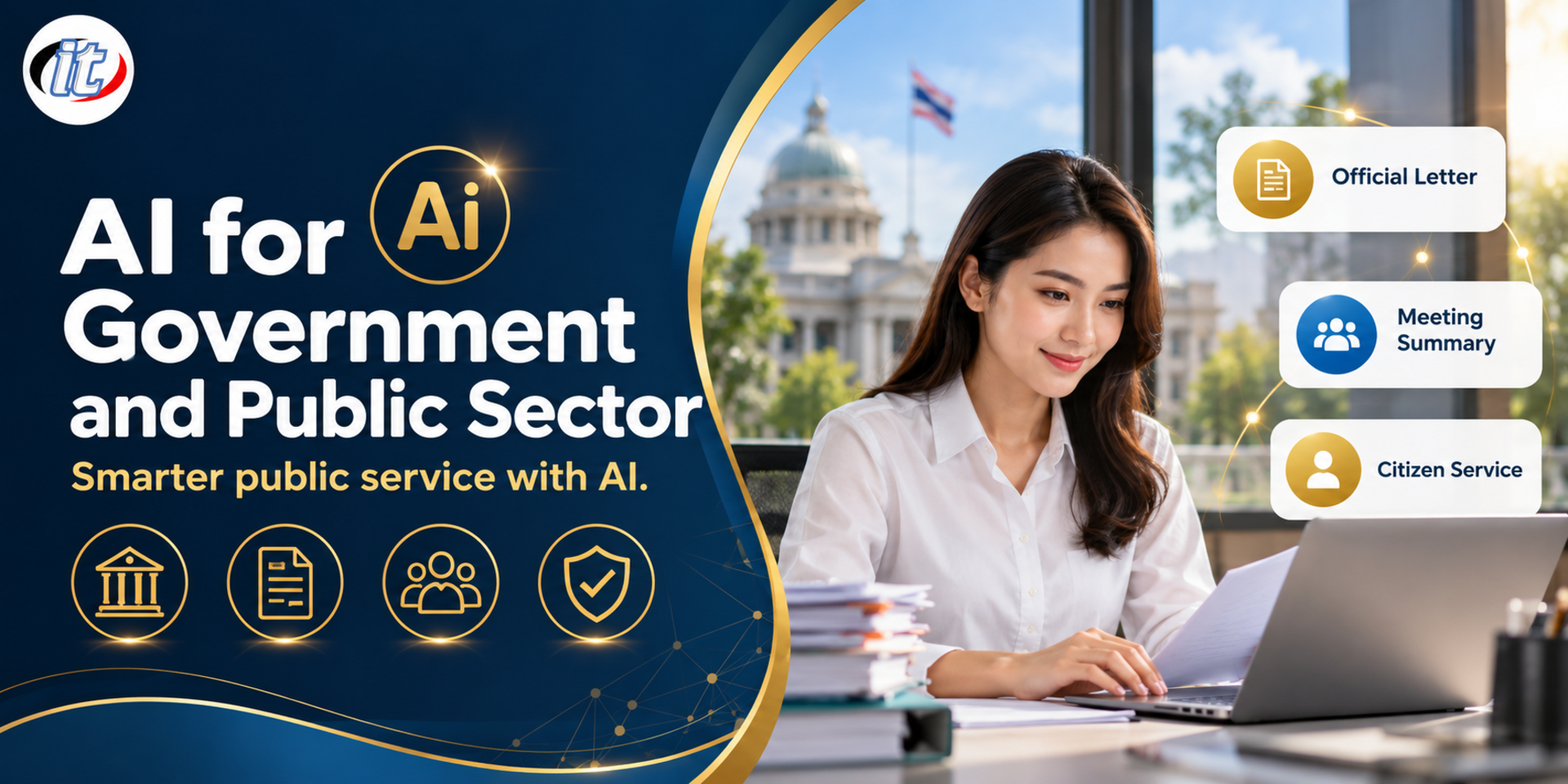
AI for Government and Public Sector

AI for Government and Public Sector is a hands-on course in using ChatGPT, Gemini, Copilot and NotebookLM for official letters, meeting minutes, budget reports and public services, classifying data and masking personal information under PDPA first. It suits civil servants and local government staff, and you leave with an AI usage guideline and an adoption plan for your unit.

Updated
From 5,850 THB / person 6,500 −10% excl. VAT 7% · group rates available
PDFDownload the course outline
  • Duration12 hours · 2 days
  • FormatOnsite / live online
  • Next roundOn request
  • CertificateIncluded

Course overview

Public sector work involves a large volume of documents that are produced again and again: official letters, internal memos, meeting minutes, performance reports and replies to citizens. Generative AI tools such as ChatGPT, Gemini, Copilot and NotebookLM can cut the time spent drafting and summarising this work considerably. But government agencies hold citizens' data, so using AI has to start with knowing which kinds of data may be used, which must never be entered, and that officers remain responsible for checking every piece of work that goes out.

This course takes civil servants and local government staff through hands-on work with sample documents, starting with data classification and PDPA principles, then prompting for government work, drafting letters and summarising meetings, and searching regulations and manuals with NotebookLM. It continues with budget data analysis, project proposals, public communication and an AI usage guideline for the agency, and closes with a 30-day adoption plan. (2 days, 6 hours per day, 12 hours in total, Beginner level.)

What you’ll gain

  • Explain which public sector tasks AI can help with and which decisions must stay with officers
  • Classify data before using AI and mask personal data in line with PDPA principles
  • Write prompts for government work that match the language and format of agency templates
  • Use AI to draft official letters, memos and meeting minutes, then review them systematically
  • Search and summarise regulations, manuals and circulars with NotebookLM and check the cited sources
  • Use AI to help analyse budget data, write project proposals and communicate with citizens
  • Draft an AI usage guideline and an adoption plan for your own agency

Who this course is for

  • Civil servants, government employees and staff of government agencies and state enterprises
  • Local government staff who handle administration, planning and public services
  • Staff in records management, finance, planning and budgeting, and public relations
  • Supervisors who want to set safe AI practices for their teams

Prerequisites

  • Everyday use of a computer, web browser and office software
  • No programming or AI background is needed
  • An account for at least one of ChatGPT, Gemini or Microsoft Copilot (a free plan is enough)
  • A Google account for NotebookLM

Curriculum

Course Details

A 2-day, 6-hours-per-day hands-on course (09:00-16:00) at Beginner level for government and local government staff, with no AI background needed. Learners use ChatGPT, Gemini, Microsoft Copilot and NotebookLM with their own accounts or accounts approved by their agency, and every lab uses sample documents with no real citizen data. Learners take home the course handbook, a prompt library for government work, a checklist for reviewing AI drafts, an AI usage guideline template and a 30-day adoption plan form.

Day 1 Using AI Safely for Government Paperwork

Section 1: AI in the Public Sector: Opportunities and Boundaries

  • What generative AI does well, and which tasks should never be left to AI instead of an officer
  • Tasks that benefit: drafting letters, summarising meetings, searching regulations and answering citizens
  • Limits to know: wrong information (hallucination), bias and out-of-date knowledge
  • Accountability: the officer checks and is responsible for every piece of work that goes out

Section 2: Lab: Data Classification and PDPA Before Using AI

  • Classifying data: public, internal use, personal and confidential
  • PDPA principles officers should know when using AI with citizens' data
  • Personal versus agency accounts, chat history settings and whether data is used to train models
  • Techniques for masking personally identifiable information before sending text to AI
  • Lab: sort sample documents by data class, then mask the personal data

Section 3: Lab: Prompting for Government Work

  • Prompt structure: role, context, task, output format and constraints
  • Setting the right register for official Thai and for communicating with the public
  • Adding examples and asking the AI to ask back when information is missing
  • Lab: compare ChatGPT, Gemini and Copilot on the same task

Section 4: Lab: Drafting Official Letters and Memos

  • Draft internal memos, external letters and replies to citizens from short briefs
  • Use the agency's own templates as examples to get the correct letter structure
  • Have AI check language, concision and politeness
  • Always double-check names, positions, figures, dates and any references AI may invent
  • Lab: draft a letter from a sample brief, then review it with a checklist

Section 5: Lab: Meeting Summaries and Minutes

  • Transcribe with tools the agency allows, and what to watch for when recording meetings
  • Summarise into minutes: issues, resolutions, owners and deadlines
  • Extract follow-up actions and draft a circular reporting the meeting results
  • Lab: turn sample meeting notes into minutes using a standard form

Section 6: Lab: Searching and Summarising Regulations with NotebookLM

  • Build a notebook from public regulations, operating manuals and circulars
  • Ask questions with cited sources and always open the original passage
  • Summarise into comparison tables, FAQs and executive briefs
  • Lab: build a knowledge base of operating manuals from sample documents

Day 2 Budgets, Public Services and an Adoption Plan

Section 7: Lab: Budget Data and Performance Reports

  • Have AI tidy data, spot anomalies and write Excel or Google Sheets formulas
  • Summarise spending against plan from a sample table in language executives can read easily
  • Produce charts and narrative for performance reports
  • AI can miscalculate, so always check figures against the source data
  • Lab: analyse sample budget data and summarise it in a one-page report

Section 8: Lab: Writing Project Proposals and Budget Requests

  • Outline a project: rationale, objectives, indicators and activities
  • Use AI to brainstorm, set indicators and analyse project risks
  • Draft a preliminary cost estimate, then have the responsible officer check it against agency rules
  • Lab: draft a project document from a sample local government brief

Section 9: Lab: Public Services and Public Relations

  • Draft FAQs, announcements and press releases in plain language
  • Adapt messages for the agency's website, Facebook page and LINE Official Account
  • Categorise sample complaints and draft polite, clear replies
  • Never send complainants' data to AI, and have an authorised officer approve before publishing
  • Lab: build an FAQ set for a sample public service

Section 10: Workshop: An AI Usage Guideline for Your Agency

  • Key risks: data leaks, wrong information, bias and copyright infringement
  • Define approved tools, permitted data types and who approves work
  • Disclosing where AI was used and keeping an audit trail
  • Workshop: draft a short AI usage guideline for your own agency

Section 11: Lab: Building a Task-specific AI Assistant

  • Task-specific assistants with GPTs in ChatGPT or Gems in Gemini, depending on account entitlements
  • Write instructions, set the scope and attach reference files that are public documents
  • Test hard questions and cases where the assistant should say it does not know
  • Lab: build an assistant for drafting letters or answering service questions

Section 12: Workshop: A 30-day AI Adoption Plan

  • Choose 2-3 frequent, repetitive tasks that show quick results
  • Design a new workflow with checkpoints where officers review the output
  • Measure time saved, work quality and citizen satisfaction
  • Present the plan and get feedback from the instructor

Schedule & training options

For individuals — public rounds

No public rounds are open right now. Join the waiting list and we will contact you first when the next round opens, or ask us on LINE. Or call 02-570-8449 or 088-807-9770

For organisations — in-house / private

  • Tailor the content to your team’s tools and projects
  • Your dates, at your office or live online
  • Quotation with tax ID for procurement
Corporate training quote

Instructors

Frequently asked questions

How should you classify data and mask personal information before using AI with government documents?

Start by sorting documents by classification, such as public, internal and confidential, and use AI only with data your agency's rules allow. Then mask anything that identifies a person before pasting it into a tool, such as names, national ID numbers, addresses and phone numbers, replacing them with placeholders, and review the output before using it. This follows the PDPA principle of using only the personal data that is necessary.

How do you use AI to draft an official government letter in the correct format?

Give the prompt the full picture: the type of document, such as an external letter or internal memo, the sender, recipient, subject, reasons and the action you want, and attach your agency's template or a sample letter so the AI follows the format and register. Then review in order: facts, figures, names, positions, cited regulations and wording, because AI drafts quickly but officials remain responsible for the content.

How does NotebookLM help you search regulations and circulars?

NotebookLM lets you upload your own documents, such as regulations, manuals and circulars, and ask questions in plain language. Its answers draw only on the sources you added and show citations you can click to see the original passage, which makes it well suited to checking what the rules say on a matter or summarising long documents. Always open the cited source text before relying on it in real work.

Who is the AI for Government and Public Sector course for, and what should I know beforehand?

It suits civil servants and staff of government agencies and state enterprises, local government personnel, officers in records, finance, planning and budgeting, and supervisors who need to set AI guidelines for their teams. It is a beginner course: general computer and office software skills are enough, and no programming or AI knowledge is required.

What will I be able to do after the AI for Government and Public Sector course?

You will be able to classify data and mask personal information before using AI, draft official letters, memos and meeting minutes and review them systematically, search and summarise regulations with NotebookLM, use AI to analyse budget data and write project proposals, and draft an AI usage guideline and a 30-day plan for your unit. Participants receive a Certificate of Completion with its own number that can be verified online.

Can the AI for Government and Public Sector course be run for our own team?

Yes, it can be run in-house for your agency, with lab examples adapted to your team's work, such as the types of letters, regulations or reports you handle regularly, while all labs still use mock documents with no real citizen data. Request a quotation from this page, or contact LINE @itgenius or call 02-570-8449.