AI · OTC-17

AI Tools for Work and Business

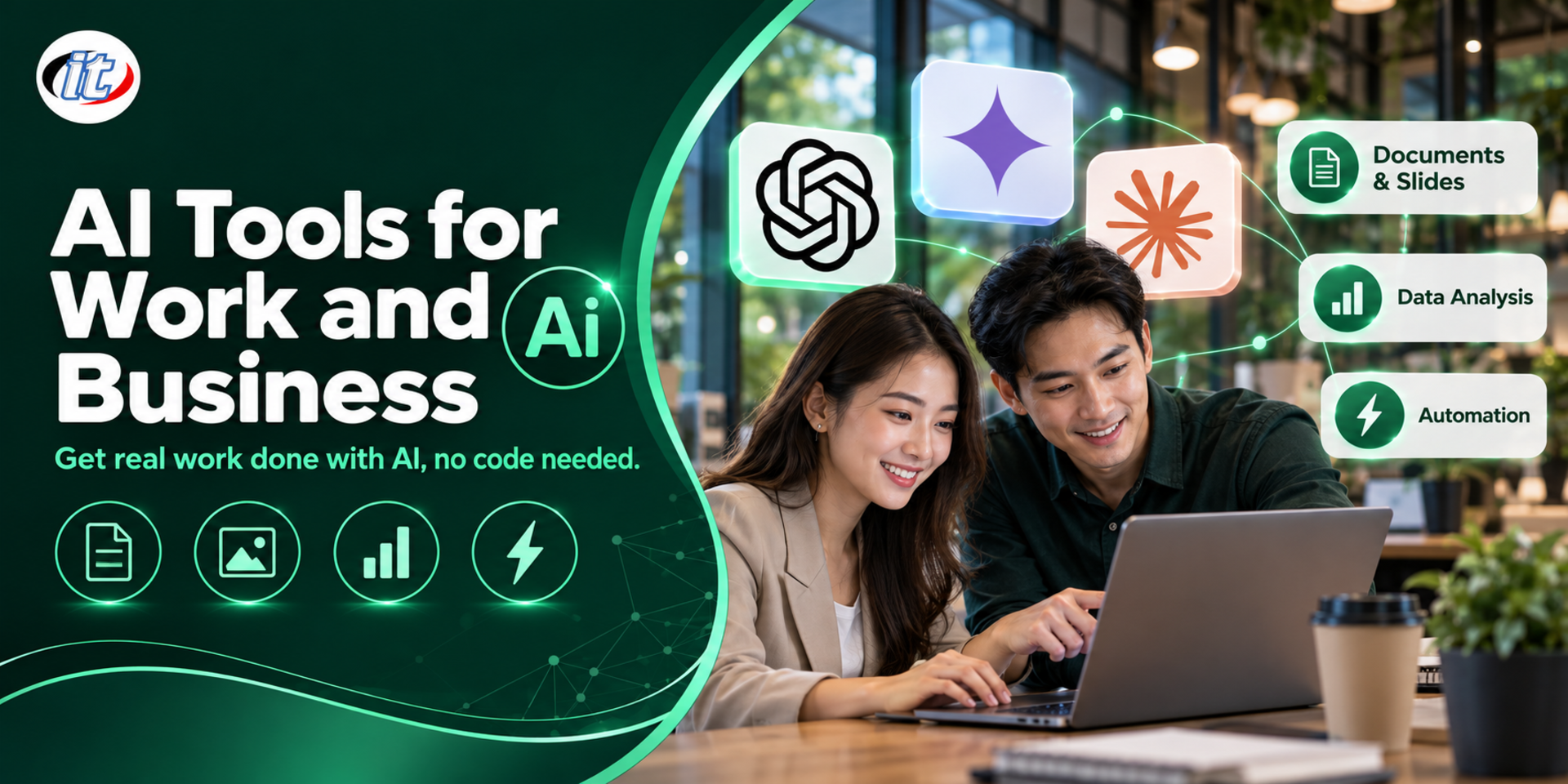
AI Tools for Work and Business is a hands-on course in using AI tools such as ChatGPT, Gemini, Claude, NotebookLM, Canva and n8n for documents, research, content creation, data analysis and simple automation, with no coding required. It suits office staff, SME owners, teachers and content creators, and you leave with a plan for applying AI in your own work.

Updated
From 4,050 THB / person 4,500 −10% excl. VAT 7% · group rates available
PDFDownload the course outline
  • Duration12 hours · 2 days
  • FormatOnsite / live online
  • Next roundOn request
  • CertificateIncluded

Course overview

AI tools are now part of everyday work: chat assistants such as ChatGPT, Gemini, Claude and Microsoft Copilot, research tools such as NotebookLM, and AI that creates images, slides, video and audio. Yet many people still use AI only for general questions, get answers that miss the point, are unsure which tool suits which job, or paste confidential company data into it without realising. Used well, AI genuinely cuts the time spent on documents, analysis and content.

This course has learners apply AI to real work: choosing the right assistant for each task, writing prompts that produce usable results, drafting documents, emails and meeting summaries, researching from verifiable sources with NotebookLM, and creating images, slides, video and audio for communication. Learners then analyse Excel data with AI, explore agent modes and build automated workflows with Zapier and n8n without writing code, together with principles for using AI safely under PDPA. The course closes with a workshop in which each learner plans how to apply AI to their own work. (2 days, 6 hours per day, 12 hours in total, Beginner level.)

What you’ll gain

  • Understand how generative AI works and choose the right AI assistant for each kind of task
  • Write prompts that set the role, context and output format and produce usable work
  • Use AI to draft documents and emails, summarise meetings and research with sources
  • Create images, slides, video and audio with AI while respecting copyright and terms of use
  • Analyse data from Excel or CSV with AI and check the results before using them
  • Build automated workflows with an AI step in Zapier or n8n
  • Use AI safely without exposing confidential data, in line with PDPA
  • Plan how to apply AI to your own work or business and how to measure the results

Who this course is for

  • Office staff who want AI to cut the time spent on documents, emails and reports
  • SME owners who want to use AI for marketing, sales and customer service
  • Teachers, lecturers and students who want to use AI for teaching, learning and research
  • Content and social media creators who want to produce images, video and copy faster
  • Team leads who want to set safe ways of using AI in their team

Prerequisites

  • Comfortable using a computer, web browser and smartphone
  • Your own or your organisation's Google and Microsoft accounts
  • Basic Excel or Google Sheets skills
  • No programming skills required

Curriculum

Course Details

This course is the 2026 edition of AI Tools for Work and Modern Business. Instead of introducing one tool at a time, it now applies AI to real tasks: documents, research with NotebookLM, content creation, data analysis, agent modes and automated workflows, with a new topic on safety and PDPA. It runs for 2 days, 6 hours per day (12 hours in total, 09:00-16:00), as lectures with labs in every topic. Beginner level, no programming required. Learners use their own or their organisation's accounts on free or trial plans, and take home a prompt library and sample files.

Day 1 AI Assistants for Documents, Knowledge and Media

Section 1: Generative AI and Choosing the Right Tool

  • How AI, machine learning, generative AI and LLMs differ
  • Comparing ChatGPT, Gemini, Claude and Microsoft Copilot for different kinds of work
  • Free and paid plans, and how each service may use your data
  • The limits of AI: hallucinations and bias
  • Lab: give three AI assistants the same task and compare the results

Section 2: Lab: Writing Prompts That Get Real Work Done

  • Prompt structure: role, task, context, constraints and output format
  • Add examples of the work you want and refine step by step
  • Have the AI ask questions before answering and check its own work
  • Lab: build a prompt library for tasks you repeat every week

Section 3: Lab: AI for Documents, Email and Meetings

  • Summarise long documents and PDFs, including the points that need a decision
  • Draft Thai emails, letters and announcements in the right tone
  • Summarise meetings from notes or audio, with a list of actions
  • Use Projects, Gems or Custom GPTs to keep instructions for routine work

Section 4: Lab: Research and Summaries with NotebookLM

  • Add documents, websites and videos as sources in a notebook
  • Ask questions and get answers that cite the source documents
  • Create Audio Overviews, mind maps and study summaries
  • Use Deep Research modes for research reports and check the sources
  • Lab: a team knowledge notebook built from internal documents

Section 5: Lab: Images and Design with AI

  • Create and edit images with the tools in ChatGPT and Gemini (Nano Banana)
  • Use the AI tools in Canva for posts, banners and on-brand material
  • Copyright, images of real people and terms for commercial use
  • Lab: a set of product promotion images for social media

Section 6: Workshop: Slides, Video and Audio with AI

  • Create a presentation from a document with Gamma and refine it to fit the content
  • An overview of creating short videos with AI in Gemini and the plans required
  • Create AI voice-overs, and the consent needed when using a real person's voice
  • Workshop: a product introduction kit with a post, slides and a short clip

Day 2 AI for Data, Automation and Real-World Plans

Section 7: Lab: Analysing Data with AI

  • Upload Excel or CSV files and have AI summarise them and find trends
  • Ask for summary tables, charts and business observations
  • Have AI write and explain Excel or Google Sheets formulas
  • Check figures calculated by AI, and mask personal data before uploading
  • Lab: a monthly sales report with charts and recommendations

Section 8: Agent Modes and Connecting AI to Your Apps

  • Agent modes that browse the web and carry out multi-step tasks for you
  • Connecting AI assistants to Gmail, Google Drive or OneDrive, and the permissions involved
  • Copilot in Microsoft 365 apps, depending on your organisation's licences
  • Where a person must review and approve before the AI acts
  • Demo: have an agent gather information and summarise it as a comparison table

Section 9: Lab: Automated Workflows with Zapier and n8n

  • Triggers, actions and AI steps in a workflow
  • Build a workflow in Zapier, and have n8n draft a workflow from a plain-language request
  • Pass data between Gmail, Google Sheets and your team's notification channel
  • Lab: when a new email arrives, AI summarises it, logs it in a sheet and sends an alert

Section 10: Lab: AI for Marketing and Customer Service

  • Plan a monthly content calendar and write captions in the brand's voice
  • Analyse customer feedback and summarise the issues to fix
  • Draft customer replies and an FAQ set from product information
  • Lab: a one-month content plan with sample posts

Section 11: Using AI Safely and Responsibly

  • What data must never go into AI, and settings that stop it being used for training
  • PDPA and customer or employee data when using AI
  • Check facts, cite sources and say when AI helped with the work
  • Draft AI usage guidelines for your team or organisation

Section 12: Workshop: Your Plan for Using AI at Work

  • Review repetitive tasks and pick those where AI helps most
  • Match each task to the tools, prompts and workflows from the course
  • Set measures such as time saved and quality of work
  • Present a 30-day plan and get feedback from the instructor

Schedule & training options

For individuals — public rounds

No public rounds are open right now. Join the waiting list and we will contact you first when the next round opens, or ask us on LINE. Or call 02-570-8449 or 088-807-9770

For organisations — in-house / private

  • Tailor the content to your team’s tools and projects
  • Your dates, at your office or live online
  • Quotation with tax ID for procurement
Corporate training quote

Instructors

Frequently asked questions

What is the difference between AI, machine learning and generative AI?

AI is the broad term for systems that perform tasks resembling human thinking. Machine learning is a part of AI in which systems learn patterns from data, for example to forecast sales or filter spam. Generative AI creates new content, including text, images, audio and video, and large language models (LLMs) sit at the heart of assistants such as ChatGPT, Gemini and Claude.

How do you write a prompt that gets AI to give you what you need?

State the role you want the AI to take, such as a marketer or HR assistant, then describe the task clearly. Give the context it needs, such as the audience and supporting facts, and specify the output format, such as a table, bullet points or approximate length. Include an example you like if you have one, refine the answer step by step and always check the facts before using it. For tasks you repeat often, keep the prompt in Projects, Gems or a Custom GPT.

How can you use AI to summarise emails and send automatic alerts?

Use an automation tool such as Zapier or n8n. Set a trigger that fires when a new email arrives, add a step that sends the email content to an AI model with a fixed instruction, such as a three-line summary with any actions required, then log the result in Google Sheets and post the summary to the channel your team uses. Test it with several sample emails, and avoid sending confidential or personal data to outside services unless it is necessary.

Who is the AI Tools for Work and Business course for, and what should I know beforehand?

It suits office staff, SME owners, teachers, lecturers and students, content and social media creators, and team leads who want to set ways of using AI in their team. No programming skills are needed: you just need to be comfortable with a computer and web browser, have basic Excel or Google Sheets skills, and have your own or your organisation's Google and Microsoft accounts.

What will I be able to do after the AI Tools for Work and Business course?

You will be able to choose the right AI assistant for a task, write prompts that produce usable work, draft documents, emails and meeting summaries, research with NotebookLM, create images, slides, video and audio for communication, analyse Excel data, build automated workflows with Zapier or n8n, and leave with a plan for applying AI to your own work. Participants who complete the training receive a Certificate of Completion with its own number, which can be verified online.

Can the AI Tools for Work and Business course be run in-house for our team?

Yes. It can be run in-house for your team, with examples adapted to your own work, such as the documents, marketing or customer service your team actually handles, and the AI tools your organisation allows. You can request a quotation from this page, or contact us on LINE @itgenius or by phone on 02-570-8449.