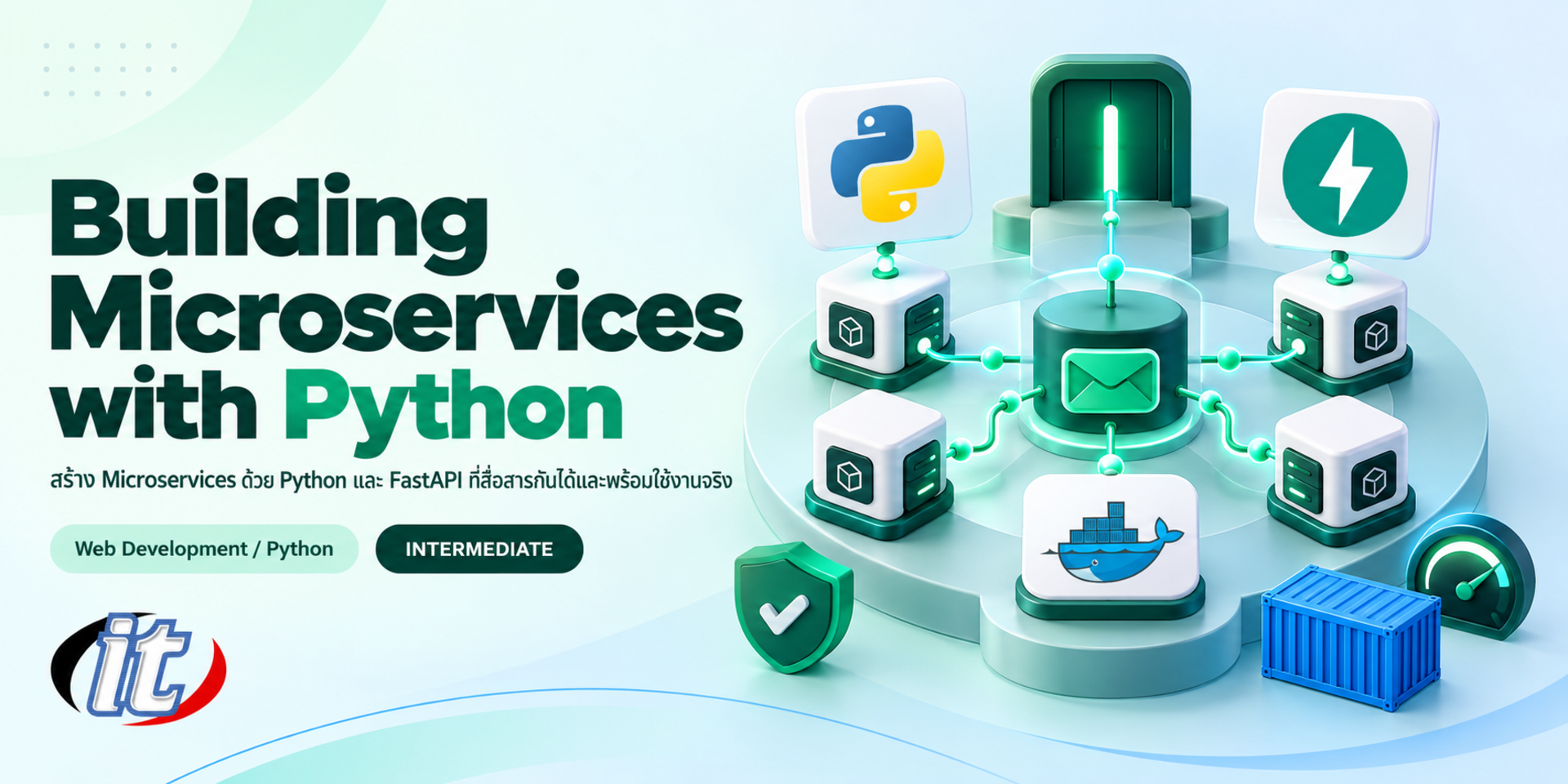
Building Microservices with Python is a hands-on course in building microservices with FastAPI, from splitting services and connecting PostgreSQL to running them with Docker Compose behind Nginx, communicating over HTTP and RabbitMQ, and adding JWT and tracing. It suits Python developers and IT staff, and you leave able to run a multi-service system with Docker Compose.
Microservices split a system into several small services, each handling its own work with its own database, and each developed, tested and deployed separately while still working together as one system. This lets several teams work in parallel and scale only the parts under heavy load, but it also brings new things to manage, such as communication between services, data spread across many places and tracking problems across the system. Python with FastAPI is a popular choice because it is quick to write, easy to read and supports async work.
This course builds microservices with FastAPI, from the ideas behind them and splitting services to REST APIs validated with Pydantic, PostgreSQL through SQLAlchemy 2.0 and choosing data management patterns. Learners run services with Docker Compose, connect them over HTTP and through RabbitMQ with FastStream, use Nginx as the single entry point, add JWT authentication, health checks, logging and tracing, write tests and bring the whole system together in a workshop. (3 days, 6 hours per day, 18 hours in total, Intermediate level.)
What you’ll gain
Understand the pros and cons of microservices and how to split a system by business boundary
Build REST APIs with FastAPI and PostgreSQL
Choose data management patterns such as database per service and API composition
Run several microservices with Docker Compose
Manage the entry point and load balancing with Nginx
Make services communicate over HTTP and through a message broker
Authenticate across services and monitor the system with logs and tracing
Write tests and build a pipeline that builds images
Who this course is for
Python developers who want to split systems into microservices
IT staff and system administrators who run and look after multi-service systems
Academics and teachers who want to understand microservice architecture
Teams with a monolith who are planning to split it up
Prerequisites
Able to write Python and understand basic functions and classes
Basic understanding of web applications and HTTP
Able to use databases and basic SQL
A laptop that can run Docker Desktop
Curriculum
Course Details
This course is the 2026 edition of Building Microservices with Python. It runs for 3 days, 6 hours per day (18 hours in total, 09:00-16:00), as lectures with labs. Intermediate level. This edition grows the original Movies and Casts services behind Nginx into a complete microservice system. It uses current FastAPI with lifespan handlers, async SQLAlchemy 2.0 with Alembic and projects managed by uv, and adds calls between services with httpx, timeouts and retries, messaging through RabbitMQ with
FastStream, sagas and the outbox pattern, JWT, OpenTelemetry, testing and GitHub Actions. It keeps the original core of microservice concepts, REST APIs with FastAPI and PostgreSQL, database per service, shared databases, API composition, Docker Compose and Nginx as the single entry point. The course focuses on Python and differs from Building Microservices with NestJS and Microservices with Spring Boot. Every lab uses open source or free tools. Learners take home a lab guide and the source code of the whole system.
Day 1Microservice Concepts and a First Service with FastAPI
Section 1: Introducing Microservices
Monoliths compared with microservices, and the downsides you must handle
When to split a system and when not to yet
Split services by business boundary (bounded context)
Why Python and FastAPI for microservices
Workshop: split a cinema ticket booking system into services
Section 2: Lab: Setting Up Your Tools
Install uv and create a Python 3.14 project
Install Docker Desktop and test Docker Compose
Structuring a repository that holds several services
Run FastAPI with the fastapi dev command and view the automatic API docs
Lab: a first service that answers a health check
Section 3: Lab: REST APIs with FastAPI
Path, query and request body parameters with type hints
Validate data with Pydantic v2 and separate input and output schemas
Structure code with APIRouter and dependency injection
Handle errors and status codes consistently
Lab: a Movies API that can add, search, update and delete
Section 4: Lab: Using PostgreSQL with FastAPI
Run PostgreSQL 18 on Docker
Async SQLAlchemy 2.0 and managing sessions through dependencies
Create and update tables with Alembic migrations
Open and close connections with FastAPI's lifespan
Lab: a Movies service that stores data in PostgreSQL
Section 5: Data Management Patterns for Microservices
Database per service
A shared database and its risks
Combining data through APIs (API composition)
Copying some data and eventual consistency
Workshop: design the data for the Movies and Casts services
Day 2Running Several Services and Making Them Talk
Section 6: Lab: Microservices on Docker
Write a Dockerfile for FastAPI that uses uv
Build a Casts service with its own database
Combine Movies, Casts and their databases with Docker Compose
Networks, volumes, environment variables and healthcheck
Lab: run both services with one command
Section 7: Lab: Calling Services over HTTP
Call other services with async httpx
Timeouts and bounded retries
The circuit breaker idea and responding when a downstream service is down
API composition combining movie and cast data
Lab: a movie detail page that still answers when Casts is down
Section 8: Lab: Nginx as an API Gateway
Use Nginx to reach every service through one host address
Route by path to each service
Load balancing when a service runs as several instances
Rate limiting and forwarded headers
Lab: a gateway for the cinema booking system
Section 9: Lab: Messaging through RabbitMQ
Synchronous compared with asynchronous communication
RabbitMQ queues, exchanges and routing
Write publishers and subscribers with FastStream
Send events when data changes and receive them in another service
Lab: a Booking service that sends events to a Notification service
Section 10: Transactions across Services
Why one transaction cannot span several databases
Sagas with choreography and orchestration
The outbox pattern to stop events being lost
Idempotency and handling duplicate messages
Lab: reserve a seat and release it when payment fails
Day 3Security, Monitoring, Testing and Workshop
Section 11: Lab: Authentication across Services
An Auth service that issues tokens with OAuth2 and JWT
Verify tokens at the gateway or in each service
Pass user information between services safely
Store secrets and passwords properly
Lab: protect the Booking API so only signed-in users can use it
Section 12: Lab: Monitoring the System
Health and readiness checks for each service
Structured logs and correlation IDs across services
Tracing with OpenTelemetry and viewing request paths in Jaeger
Metrics worth collecting, such as request counts and response times
Lab: find which service a slow request is stuck in
Section 13: Testing Microservices
Unit and API tests with pytest and TestClient
Replace dependencies with dependency_overrides
Integration tests against a database on Docker
Contract tests so an API change does not break other services
Lab: test suites for the Movies and Booking services
Section 14: Build and Deployment
Build images for every service automatically with GitHub Actions
Tag images and keep them in a container registry
Docker Compose for a real server and updating one service at a time
An overview of what comes next as systems grow, such as Kubernetes
Lab: a pipeline that runs tests and then builds images
Section 15: Workshop: A Cinema Ticket Booking System
Combine the Movies, Casts, Booking, Auth and Notification services
Connect everything through Nginx, RabbitMQ and PostgreSQL
Test normal cases and cases where a service is down
Use an AI assistant to read logs and explain code, and always check the result yourself
Workshop: present the architecture and demonstrate a working system
Schedule & training options
For individuals — public rounds
No public rounds are open right now. Join the waiting list and we will contact you first when the next round opens, or ask us on LINE. Or call 02-570-8449 or 088-807-9770
How do microservices differ from a monolith, and what are the pros and cons?
A monolith keeps every function in one application that is deployed as a whole. Microservices split the system into several small services, each handling one area and talking through APIs or a message broker. They can be developed and deployed separately and only the busy parts need scaling, but the system becomes more complex: you must manage the network, data spread across databases, transactions across services and tracing problems between them. Small systems often start as a well-structured modular monolith.
What is the difference between the database-per-service and shared database patterns?
With database per service, each service has its own database and others reach its data only through APIs or events, so each team can change its data structure freely. Reading data across services then needs techniques such as API composition, and you accept eventual consistency. With a shared database, several services use one database, which is easy to start with and allows direct joins, but changing one table can affect many services.
How do you use Nginx as a single entry point for several services in Docker Compose?
Add Nginx as another service in compose.yaml and expose a single port. In nginx.conf, write location blocks by path, such as /api/movies and /api/casts, and use proxy_pass to point at each service name and internal port, since Docker Compose creates a network where services reach each other by name. If a service runs several instances, an upstream block spreads the load. Then run docker compose up, and users reach every service through one host.
Who is the Building Microservices with Python course for, and what should I know beforehand?
It suits Python developers, IT staff, system administrators, academics and teams planning to split a system into microservices. You should be able to write Python, understand web applications and HTTP at a basic level, have used databases and SQL, and bring a laptop that can run Docker Desktop.
What will I be able to do after the Building Microservices with Python course?
You will be able to split a system into microservices and choose suitable data patterns, build REST APIs with FastAPI and PostgreSQL, run several services with Docker Compose behind Nginx on one host, make services communicate over HTTP and through RabbitMQ, authenticate with JWT, monitor the system with logs and tracing, and write tests and a pipeline that builds images. Participants who complete the training receive a Certificate of Completion with its own number, which can be verified online.
Which tools are used on the Building Microservices with Python course?
The course uses Python 3.14 with projects managed by uv, FastAPI, Pydantic v2, SQLAlchemy 2.0 and Alembic for the APIs, httpx for calling other services and FastStream for messaging, with PostgreSQL 18, RabbitMQ, Nginx and Jaeger running on Docker Desktop, pytest for testing and GitHub Actions. All are open source or free. A laptop with 16 GB of RAM or more is recommended, as several containers run at once.
Python is one of the most widely used programming languages today, in web development, automation, data work, IoT and AI. Its readable syntax and gentle learning curve make it the first language of choice for many schools and organisations. Yet many beginners…
Most organisations hold large amounts of sales, customer and system usage data, yet often use it only for backward-looking reports. The same data can drive predictive models, for example forecasting sales, predicting which customers are likely to cancel,…
Django is a long-established Python web framework for building database-driven web sites and business systems, because it comes with everything you need, from the ORM, admin site, forms and user system to protection against common vulnerabilities. Teams can…