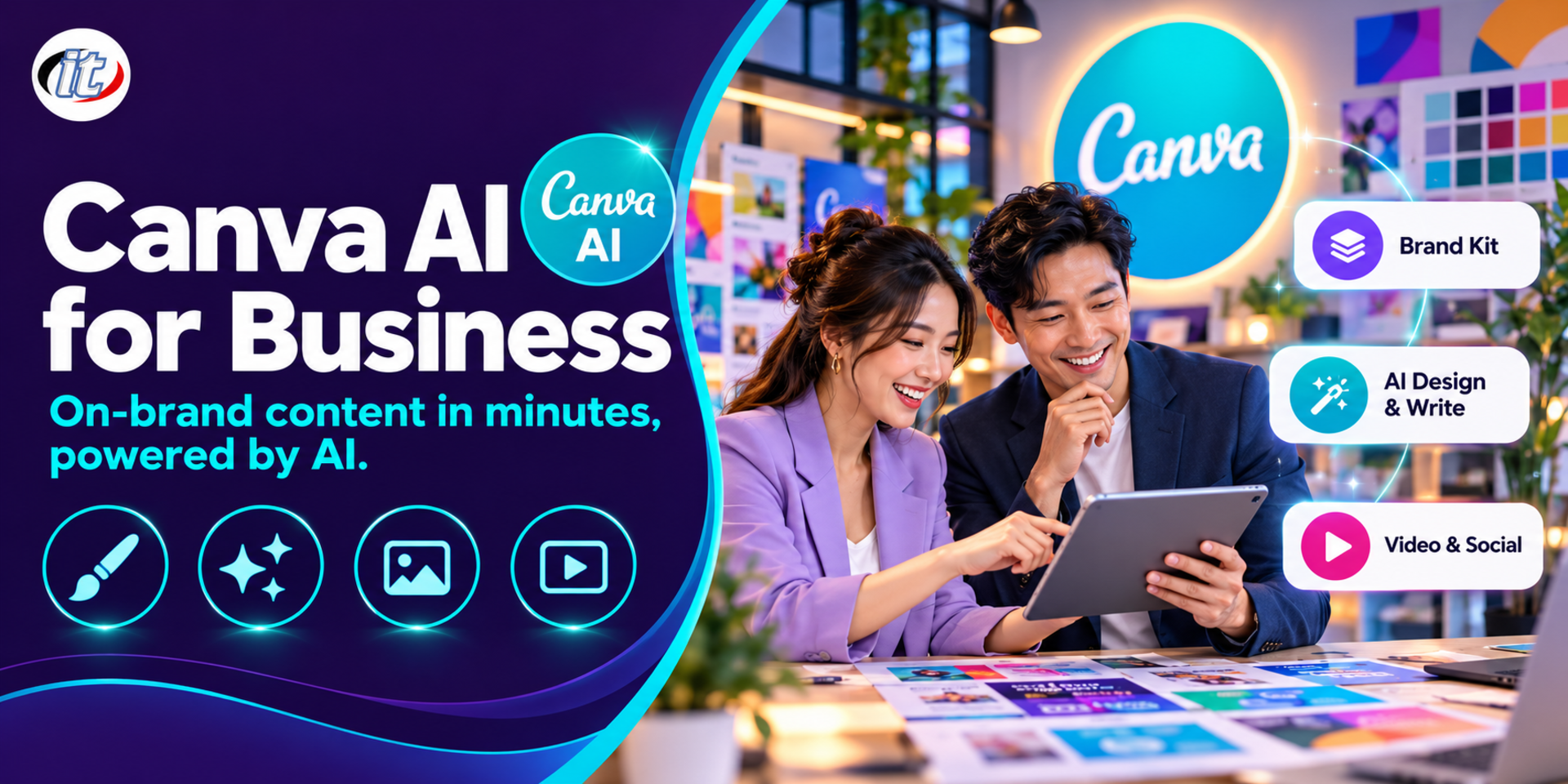
Canva AI for Business is a practical course in using Canva's AI tools to produce on-brand business material faster, from the Brand Kit, Magic Write, Magic Studio and Magic Switch to Bulk Create, with copyright and commercial use covered. It suits marketing teams, SME owners and corporate communications staff, and you leave with a campaign kit for your own business.
Marketing teams, sales teams and business owners have to produce more material every year: social posts, banners, presentations, short videos and product sheets. Most teams still work the old way, designing one piece at a time, resizing by hand and editing text file by file. Canva's AI tools can remove much of this work, but used without a system the results drift off-brand, quality is uneven, and copyright or likeness risks can slip in unnoticed.
This course builds on Canva for Beginners, which covers the basics, and moves on to producing business material with AI in Canva in a structured way. Learners set up a Brand Kit so AI uses the right colours and fonts, generate designs from prompts with Canva AI, write copy with Magic Write, edit images with Magic Studio tools, create images with Dream Lab and turn one design into many sizes with Magic Switch. They then build presentations, videos and high-volume work from data with Canva Sheets and Bulk Create, use Canva Docs and Canva Code, and learn about copyright, likeness and commercial use terms, before finishing with a real campaign kit for their own business. (2 days, 6 hours per day, 12 hours in total, Beginner to Intermediate level.)
What you’ll gain
Set up a Brand Kit and brand templates so AI-generated work stays on brand
Generate designs from prompts with Canva AI and refine them until they are usable
Write and adapt marketing copy with Magic Write for each target audience
Edit images with the AI tools in Magic Studio and create images with Dream Lab
Turn one design into many sizes, channels and languages with Magic Switch
Create business presentations and short videos with help from AI
Produce high-volume work from data with Canva Sheets, Magic Charts and Bulk Create
Use AI responsibly with respect to copyright, likeness rights and platform terms
Who this course is for
Marketing, content and social media teams who produce a lot of material
SME owners and sales teams who make their own material without an in-house designer
HR and corporate communications teams who produce announcements, slides and internal documents
Designers who want to use AI in Canva to work faster
Graduates of Canva for Beginners who want to go further with AI
Prerequisites
Some experience designing simple work in Canva, such as posts or slides, or completion of Canva for Beginners
Comfortable with a computer and browser, and able to manage image files
Your own or your organisation's Canva Pro, Canva Teams or Canva Business account
Your brand's logo, colours and fonts if you want to use them in the workshops
Curriculum
Course Details
This course builds on Canva for Beginners, which covers the basics, and moves on to using Canva's AI tools to produce business material in a structured, on-brand way. It runs for 2 days, 6 hours per day (12 hours in total, 09:00-16:00), as lectures with labs and workshops built on a sample business that grows over the two days. Beginner to Intermediate level. Learners use their own or their organisation's Canva account; many AI tools and the Brand Kit need a Canva Pro, Teams or Business plan. The institute does not provide accounts or subscriptions. Content follows the latest version of Canva on the training day. Learners take home a lab guide, a prompt library, sample data files and a pre-publication checklist.
Day 1Brand, Copy and Images with AI
Section 1: Lab: Canva AI Overview and the Brand Kit
The AI tools in Canva: Canva AI, Magic Studio, Magic Write and Dream Lab, and what each plan includes
Working with AI: set the brief, generate a draft, refine and check before publishing
Set up a Brand Kit: logos, colour palettes, fonts and brand tone-of-voice guidelines
Create brand templates for the team and lock the parts that should not be changed
Lab: set up the first Brand Kit and template set for the sample business
Section 2: Lab: Generating Designs from Prompts with Canva AI
Write prompts that hit the brief: purpose, audience, size and mood
Generate a design from a prompt, then refine it conversationally one change at a time
Edit the elements of an AI-generated design layer by layer, like your own work
Compare ready-made templates with designs generated from a prompt
Lab: generate a first promotional post from a prompt and bring it on brand
Section 3: Lab: Writing Copy with Magic Write
Draft headlines, captions and product descriptions from short notes
Adjust tone, length and language for each channel
Summarise and restructure long text so it reads well in a design
Check facts, prices and promotion terms before every publication
Lab: write one message for Facebook, LINE and an in-store sign
Section 4: Lab: Editing and Creating Images with Magic Studio and Dream Lab
Remove backgrounds with Background Remover and separate objects with Magic Grab
Add or replace parts of an image with Magic Edit and extend images with Magic Expand
Create illustrations with Dream Lab that fit the brand's style
Take care when generating images of people, logos and other companies' products
Lab: produce a set of product photos with new backgrounds plus a promotional illustration
Section 5: Lab: One Design for Every Channel with Magic Switch
Turn a design into sizes for posts, stories, banners and print
Change the content format, for example from a presentation into a summary document or post
Translate a design into other languages and check the layout afterwards
Check text and images after resizing
Lab: expand a promotional post into a full channel set in Thai and English
Day 2Presentations, Video and Work at Scale
Section 6: Lab: Presentations and Short Videos with AI
Generate a presentation outline from a prompt or an existing document and apply brand templates to every slide
Tighten slide text, write speaker notes and share a link with customers
Structure a short video with a hook, content and call to action, then edit it with captions
Use AI tools to help edit, and adapt videos to vertical and horizontal formats
Lab: build a product sales deck and a short video of 30 seconds or less
Section 7: Lab: High-Volume Work from Data with Canva Sheets and Bulk Create
Prepare product, price and image data in Canva Sheets or a CSV file
Summarise and visualise data with Magic Charts
Link data to a template and produce many designs at once with Bulk Create
Check high-volume output systematically before publishing
Lab: create 30 product cards from a single spreadsheet
Section 8: Lab: Canva Docs, Canva Code and Publishing Plans
Write product sheets and campaign summaries in Canva Docs with Magic Write
Build simple interactive pages, such as a quiz or calculator, with Canva Code from a prompt
Plan and schedule posts with the Content Planner
Work as a team: comments, task assignment and approvals
Lab: build an interactive product picker and a one-week posting calendar
Section 9: Copyright, Likeness and Commercial Use Terms
Canva's content licence and what you can and cannot do in commercial work
AI-generated work and copyright questions; outputs are never guaranteed to be free of copyright issues
Using people's images, voices and trademarks requires consent
Customer personal data under Thailand's PDPA, and disclosing AI use where appropriate
Workshop: draft the team's pre-publication checklist
Section 10: Capstone: A Complete Business Campaign Kit
Choose a real campaign for your own business or the sample business
Create a full set: posts, banners, a short video and a sales deck in one brand
Produce high-volume pieces from data and plan publication
Present the work, review it together against the checklist and agree how the team will use it
Schedule & training options
For individuals — public rounds
No public rounds are open right now. Join the waiting list and we will contact you first when the next round opens, or ask us on LINE. Or call 02-570-8449 or 088-807-9770
How does this course differ from Canva for Beginners?
This course builds on Canva for Beginners, which covers the basics such as templates, layout and downloading your work. This course focuses on Canva's AI tools for business: the Brand Kit, Canva AI, Magic Write, Magic Studio, Dream Lab, Magic Switch, high-volume production with Bulk Create, and copyright for commercial use.
Which Canva plan do I need, and does the institute provide accounts?
The institute does not provide accounts or subscriptions. You use your own or your organisation's Canva account. Many AI tools, the Brand Kit and Bulk Create need a Canva Pro, Teams or Business plan; the free plan includes only some features with limited usage. You can use a trial that Canva offers on the training day.
Can I join without a design background?
Yes. This course is Beginner to Intermediate level and only asks that you have used Canva for simple work such as posts or slides. It focuses on setting up your brand and working with AI rather than design theory. If you have never used Canva, we recommend Canva for Beginners first.
Can I use AI-generated work from Canva commercially?
Commercial use depends on Canva's terms and content licence at the time and on the applicable law. AI-generated work is never guaranteed to be free of copyright issues, and using other people's images, voices or trademarks requires consent. The course has a dedicated section on this, with a pre-publication checklist.
Can I bring my own business's data and logo to the training?
Yes. We recommend bringing your logo, colours, fonts and non-confidential product data for the workshops and capstone, so you finish with material you can use straight away. If they are not ready, you can use the sample business data provided.
What do I take away from the course?
You leave with the campaign kit you built in the capstone, plus a lab guide, a prompt library for business work, sample data files for Bulk Create, a pre-publication checklist and a certificate of completion.
Almost every job now involves making your own content, from social media posts and slide decks to documents and short videos, yet many people have no design background and no time to learn complex graphics software. Canva lets you create work in a browser or…
Today businesses compete in online media where viewers decide to keep watching or scroll past within seconds. Marketing teams and business owners must produce content with volume, quality and consistency under limited time, budget and manpower. Generative AI…
AI tools at work are moving from chatbots that answer one question at a time to AI agents that plan multi-step work, use connected files and apps, produce documents, spreadsheets and reports, and run repeating jobs on a schedule, in both ChatGPT and Claude.…