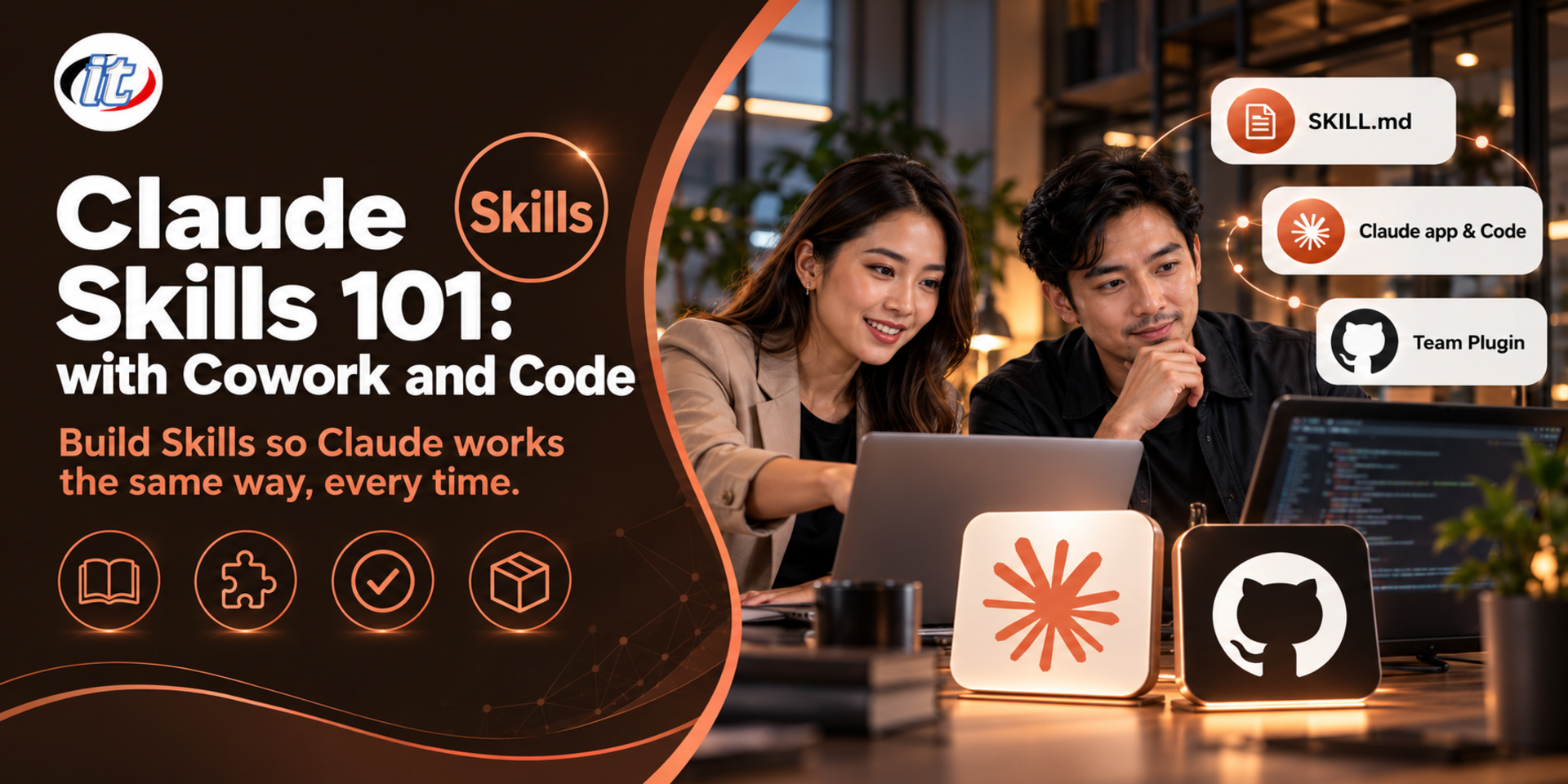
Section 1: Claude in 2026 and Where Skills Fit
The toolset: the Claude app, Claude Code, Projects, connectors, skills and plugins
The Claude app after Cowork merged into chat: what changed, what stayed and the role of Claude Code
When to use a skill instead of project instructions, CLAUDE.md, a connector (MCP) or a subagent
The Agent Skills open standard: write a skill once and use it in many tools
Section 2: Anatomy of a Skill and Progressive Disclosure
Skill folder structure: SKILL.md (required), references, assets and scripts
YAML frontmatter: name and description, and the rules the Claude app checks on upload
Layered loading: Claude sees only the name and description first, then loads the full skill when a task matches
Writing a good description: what it does, when to use it, and the words users actually say
Section 3: Lab: Designing Skills from Your Team's Real Work
Analyse repeated work: which tasks make good skills and which are not worth it
Reference skills (knowledge and standards) versus task skills (step-by-step procedures)
Keep skill content concise, with input/output examples and the questions to ask the user first
Lab: move long content into reference files to save context
Section 4: Lab: Creating and Managing Skills in the Claude App
Turn a conversation that already works well into a skill with skill-creator
Write a skill yourself, zip it, upload it through Customize and switch it on or off
Let Claude pick a skill from your request, or call it directly from the / menu
Combine your skills with Anthropic's ready-made skills for Word, Excel, PowerPoint and PDF
Section 5: Lab: Skills with Files, Connectors and Automation
Let a skill read several files you allow and produce a document, slides or a spreadsheet
Connect connectors such as Google Drive, Gmail or Slack and define in the skill what to fetch or send
Set up a scheduled task so a skill runs on a cycle, such as a report every Monday morning
Unattended runs: require confirmation before sending messages or changing data
Section 6: Workshop: Ready-made Plugins and the NovaDesk Skill Kit, Day 1
Add plugins from Anthropic's directory and Knowledge Work Plugins, and review their skills before use
Build novadesk-brand-voice to set the brand's tone and writing style
Build weekly-sales-report and meeting-to-actions from sample sales files and meeting notes
Test the skills working together and schedule the sales report to run every week