DevOps · DOP-12

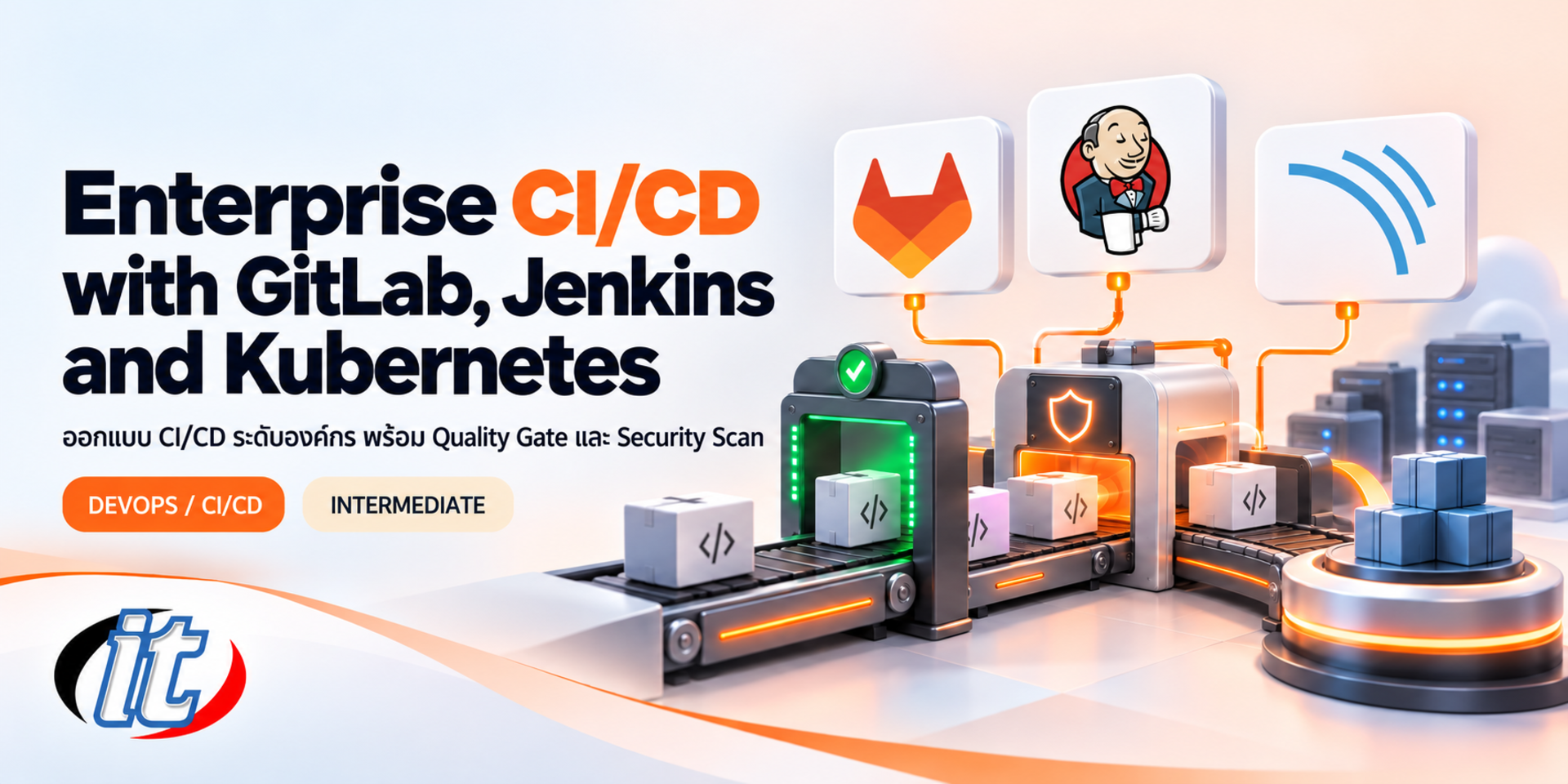
Enterprise CI/CD with GitLab, Jenkins and Kubernetes

Enterprise CI/CD with GitLab, Jenkins and Kubernetes is a hands-on course in building shared pipeline standards with GitLab CI/CD and Jenkins, SonarQube quality gates and security scans, then deploying to Kubernetes with Helm, blue-green and canary releases and Argo CD GitOps. It suits DevOps engineers, platform engineers and tech leads who own the release process for several teams.

Updated
From 12,510 THB / person 13,900 −10% excl. VAT 7% · group rates available
PDFDownload the course outline
  • Duration30 hours · 5 days
  • FormatOnsite / live online
  • Next roundOn request
  • CertificateIncluded

Course overview

Most organisations already run CI/CD, but the pipelines are often written by each team on its own, with no shared standard, no clear code quality criteria and security scans that run only some of the time, while production deployments still depend on a handful of people. Many organisations also run GitLab CI/CD and Jenkins side by side, so they need people who understand both and can make them work together.

This course takes the view of the person who sets pipeline standards for many teams. Learners design CI/CD with GitLab CI/CD and GitLab Runner, build Jenkins Pipeline as Code with agents on Kubernetes, make SonarQube quality gates and security scans mandatory checkpoints, manage artifacts and container images, deploy to Kubernetes with Helm 4 using rolling, blue-green and canary releases, and finish with GitOps using Argo CD, all on a single sample project, LedgerLine Payment Services. (5 days, 6 hours per day, 30 hours in total, Intermediate level.)

What you’ll gain

  • Design an enterprise CI/CD architecture with shared standards that is reusable and auditable
  • Use advanced GitLab CI/CD features such as CI/CD components, parent-child pipelines and merge request pipelines
  • Design a GitLab Runner fleet that is secure and serves many teams
  • Write Jenkins declarative pipelines and shared libraries, with dynamic agents on Kubernetes
  • Install SonarQube, connect it to pipelines and set quality gates that fit the organisation
  • Add SAST, dependency scanning, container scanning, secret detection and SBOMs to pipelines
  • Deploy to Kubernetes with Helm 4 using rolling, blue-green and canary releases, with rollback
  • Separate CI from CD with GitOps and promote releases between environments with Argo CD

Who this course is for

  • Developers who own or maintain their team's pipelines
  • DevOps and platform engineers who set CI/CD standards for several teams
  • Tech leads and software architects who define code quality criteria and the release process
  • Teams that run Jenkins today and are considering moving to, or combining it with, GitLab CI/CD
  • System administrators who prepare infrastructure for pipelines that deploy to Kubernetes

Prerequisites

  • Programming in at least one language, with an understanding of its build and test steps
  • Confident Git use, including branches, merge requests and tags, and everyday Linux command line work
  • Building and running Docker images, and basic Kubernetes such as pods, deployments and services
  • No prior experience with Jenkins, SonarQube, Helm or Argo CD is needed

Curriculum

Course Details

This course differs from Continuous Integration and Delivery with Jenkins (5 days), which focuses on Jenkins, and from Pro Automation with Jenkins, GitHub Actions and n8n. It takes the view of the person who sets pipeline standards for many teams, using both GitLab CI/CD and Jenkins on the same project and adding SonarQube quality gates, security scans, CI/CD components, a runner fleet, blue-green and canary releases, and GitOps with Argo CD. DevOps for Full Stack Developers looks at the same area from the point of view of a developer taking their own

application to Kubernetes. It runs for 5 days, 6 hours per day (30 hours in total, 09:00-16:00), as a continuous workshop on a sample project, LedgerLine Payment Services, using generated data only. Learners use their own laptop (16 GB RAM or more, 32 GB recommended) and their own gitlab.com account or their organisation's GitLab. Labs run on the learner's laptop with kind or k3d. Some of GitLab's built-in security scanners need an Ultimate licence, so the course also teaches Semgrep and Trivy. Content follows the latest versions available on the training day.

Day 1 Enterprise CI/CD Architecture and Advanced GitLab CI/CD

Section 1: Enterprise CI/CD Architecture

  • The parts of a good pipeline: build, test, quality gate, security scan, package, deploy and verify
  • Branching strategies (trunk-based versus GitFlow) and a release strategy that matches
  • DORA metrics: deployment frequency, lead time, change failure rate and time to restore
  • An overview of the LedgerLine Payment Services project: payment-api (Python) and notification-service (Node.js)

Section 2: Advanced GitLab CI/CD

  • rules, workflow and merge request pipelines to control which jobs run and when
  • Variables, protected variables and the CI/CD job token scope, including the changes in GitLab 19
  • Environments and deployment history for auditing
  • Lab: write the payment-api .gitlab-ci.yml so that it behaves differently for branches and merge requests

Section 3: Lab: Faster Multi-Service Pipelines

  • Parent-child and multi-project pipelines for systems with several services
  • needs and DAG pipelines to cut waiting time between stages
  • How cache and artifacts differ, and setting cache keys that really work
  • Lab: split the pipelines of the two services and measure the time before and after

Section 4: Lab: Shared Standards with CI/CD Components

  • Create a CI/CD component and publish it in the organisation's CI/CD Catalog
  • Define inputs, version components and use them from many projects
  • Enforcing a standard pipeline without stopping teams from extending it
  • Lab: build a shared build and test component that works for both services

Section 5: Workshop Day 1: The GitLab Runner Fleet

  • Choosing instance, group and project runners to match the organisation
  • Docker executor versus Kubernetes executor, and setting resources per job
  • Runner security: protected runners, separate runners for deployment and the risks of privileged mode
  • Workshop: install GitLab Runner with the Kubernetes executor and isolate deploy-capable runners with tags and protected branches
Day 2 Jenkins Pipeline as Code on Kubernetes

Section 6: Jenkins Architecture and Configuration as Code

  • Controller, agents, executors and the plugin ecosystem
  • The Java requirement of current Jenkins LTS releases (Java 21 or 25) and planning upgrades
  • Install Jenkins on Kubernetes and make its setup repeatable with Jenkins Configuration as Code (JCasC)
  • Lab: install Jenkins with JCasC, with credentials and plugins defined in files

Section 7: Lab: Declarative Pipelines and the Jenkinsfile

  • The pipeline, agent, stages, steps and post structure
  • Parameters, environment, credentials and when conditions
  • Multibranch pipelines and connecting Jenkins to a GitLab repository with webhooks
  • Lab: create a multibranch pipeline for notification-service

Section 8: Lab: Shared Libraries for Common Standards

  • Shared library structure (vars and src) and versioning a library
  • Build shared steps for build, test and publish that every team can call
  • Test and release a new library version without breaking existing pipelines
  • Lab: move repeated Jenkinsfile steps into shared library steps

Section 9: Lab: Dynamic Agents on Kubernetes

  • The Kubernetes plugin and pod templates with several containers per build
  • Managing agent workspace, cache and resources
  • Agent permissions on the cluster and separate namespaces for CI work
  • Lab: run the notification-service build and tests on a dynamic pod agent

Section 10: Workshop Day 2: GitLab CI/CD and Jenkins

  • Comparing pipeline syntax, maintenance, security and ecosystem
  • Ways to combine them, such as GitLab for source control and Jenkins for CI
  • Moving from Jenkins to GitLab CI/CD one project at a time
  • Workshop: report Jenkins build status back to the GitLab merge request
Day 3 Code Quality and Security Gates

Section 11: SonarQube for the Enterprise

  • Comparing SonarQube Server (its editions and the 2026.1 LTA release), SonarQube Community Build and SonarQube Cloud
  • Install SonarQube with PostgreSQL on Docker or Kubernetes
  • Bugs, vulnerabilities, security hotspots, code smells, coverage and duplication
  • Lab: install SonarQube Community Build and analyse a first project

Section 12: Lab: Quality Profiles and Quality Gates

  • Tune quality profiles to each language and the organisation's standards
  • The new code concept, and quality gates that are strict on new code without blocking existing work
  • Send coverage from pytest and Node.js tests to SonarQube
  • Lab: set a new code quality gate for LedgerLine

Section 13: Lab: Connecting SonarQube to Pipelines

  • SonarScanner in GitLab CI/CD, waiting for the quality gate result before the next stage
  • The SonarQube plugin in Jenkins and waitForQualityGate
  • Showing results on merge requests, depending on the edition in use
  • Lab: connect payment-api on GitLab and notification-service on Jenkins

Section 14: Lab: Security Scanning in the Pipeline

  • SAST with Semgrep and an overview of GitLab SAST
  • Dependency scanning and container image scanning with Trivy
  • Generate SBOMs and detect secrets leaked in code
  • Lab: add SAST, dependency scanning, container scanning and SBOMs to both services

Section 15: Workshop Day 3: Pipeline Security Policy

  • Set acceptable severity levels and handle false positives with evidence
  • Protect the supply chain: pin image and dependency versions and limit job token permissions
  • Workshop: push code with a vulnerability and a secret and watch the pipeline stop as the policy requires
  • Fix the code until it passes the quality and security gates, and record the results in the workbook
Day 4 Artifact Management and Kubernetes Deployment Strategies

Section 16: Artifacts, Versioning and Registries

  • Semantic versioning, image tagging and the build once, deploy many principle
  • GitLab Container Registry and Package Registry with cleanup policies
  • Promote artifacts between environments without rebuilding
  • Lab: set a versioning strategy and tag the images of both services

Section 17: Lab: Helm 4 for Standard Deployments

  • A standard chart structure for many services, with values per environment
  • Library charts and checking charts with helm lint and helm template in the pipeline
  • Key changes in Helm 4, such as server-side apply for new installs
  • Lab: build a standard Helm chart for LedgerLine

Section 18: Lab: Rolling Updates and Blue-Green

  • Rolling updates: maxSurge, maxUnavailable and readiness probes
  • Blue-green: switch traffic between two versions and roll back instantly
  • Choosing a strategy to match the risk of each release
  • Lab: deploy notification-service blue-green and switch back

Section 19: Lab: Canary Releases with the Gateway API

  • Weighted traffic splitting with a Gateway API HTTPRoute
  • Go or roll-back criteria such as error rate and latency
  • Increasing traffic in steps from the pipeline
  • Lab: deploy payment-api as a 10% canary and increase the share step by step

Section 20: Workshop Day 4: Deploying Safely from the Pipeline

  • Connect pipelines to the cluster with the GitLab agent for Kubernetes and Jenkins credentials
  • Protected environments, manual approval and deployment freezes
  • Smoke tests after deployment and automatic rollback when they fail
  • Workshop: ship a release that fails its smoke test and check that the rollback works correctly

Day 5 GitOps with Argo CD and the Master Workshop

Section 21: GitOps Concepts

  • The principles: declarative, versioned, pulled automatically and continuously reconciled
  • Separating the application repository from the environment (config) repository
  • Pros and cons of push-based deployment from the pipeline versus pull-based GitOps
  • Design the LedgerLine environment repository structure

Section 22: Lab: Argo CD 3.x

  • Install Argo CD and an overview of its architecture
  • Applications, projects, sync policies and self-heal
  • Promote between dev, staging and production through merge requests in the environment repository
  • Lab: have Argo CD deploy both services to dev and staging

Section 23: Lab: Connecting CI to GitOps

  • Have the pipeline update the image tag in the environment repository instead of deploying directly
  • Check sync status and alert on drift
  • Pipeline permissions on the environment repository and review before production
  • Lab: change the pipeline so that CI ends by opening a merge request to the environment repository

Section 24: Measuring and Scaling Across the Organisation

  • Collect DORA metrics from pipelines and deployment history
  • A step-by-step plan to roll the standard pipeline out to other teams
  • Governance: who owns components, shared libraries and quality gates
  • A checklist to review the pipeline blueprint from commit to production

Section 25: Master Workshop: A Failed Release

  • Learners work in teams on a chain of scenarios using the pipelines built over days 1-4
  • Simulated scenarios: a new dependency vulnerability, a failed quality gate and a canary with a high error rate
  • Find the cause, fix it and promote to production through Argo CD
  • Present a standard pipeline rollout plan for the organisation

Schedule & training options

For individuals — public rounds

No public rounds are open right now. Join the waiting list and we will contact you first when the next round opens, or ask us on LINE. Or call 02-570-8449 or 088-807-9770

For organisations — in-house / private

  • Tailor the content to your team’s tools and projects
  • Your dates, at your office or live online
  • Quotation with tax ID for procurement
Corporate training quote

Instructors

Frequently asked questions

How does this course differ from Continuous Integration and Delivery with Jenkins and DevOps for Full Stack Developers?

Continuous Integration and Delivery with Jenkins is a 5-day course centred on Jenkins, and DevOps for Full Stack Developers looks at the area from the point of view of a developer taking their own application to Kubernetes with GitLab CI/CD. This course takes the view of the person who sets standards for many teams. It uses both GitLab CI/CD and Jenkins on the same project and adds CI/CD components, a runner fleet, SonarQube quality gates, security scans, blue-green and canary releases, and GitOps with Argo CD. It expects learners to already use Docker and basic Kubernetes.

Our organisation uses only GitLab or only Jenkins. Is the course still a good fit?

Yes. Each day has a clear focus: day 1 is GitLab CI/CD and day 2 is Jenkins, while days 3 to 5 cover quality gates, security scanning, Helm, deployment strategies and GitOps, which apply to both. Seeing both tools on the same project also helps with later decisions about combining them or migrating.

Do we need GitLab Ultimate or a paid SonarQube licence?

No. Labs use the learner's own gitlab.com account or the organisation's GitLab, and SonarQube Community Build, which has no licence fee. Some of GitLab's built-in security scanners need the Ultimate tier, so the course also teaches the open source tools Semgrep and Trivy. Where a SonarQube feature, such as some kinds of merge request decoration, depends on the edition, the instructor points it out during the class.

What laptop and accounts do learners need?

Learners use their own laptop with at least 16 GB RAM (32 GB recommended, as Jenkins, SonarQube and Kubernetes run at the same time), 4 CPU cores and 60 GB or more of free disk. They install Docker, Git, VS Code, kubectl, Helm and kind or k3d, and need a gitlab.com account or an account on the organisation's GitLab, administrator rights on the laptop and internet access to GitLab, Docker Hub and the Jenkins update centre. A setup list is sent before the class.

Does the course teach installing and running a production Kubernetes cluster?

No. The course uses Kubernetes on kind or k3d as the pipeline's target and reviews only what deployment needs. Installing and running production clusters, service meshes, infrastructure as code and a full observability stack are out of scope. Learners who need more Kubernetes groundwork can take Kubernetes (K8s) Orchestration.

Which tool versions does the course use?

The content is based on GitLab 19, Jenkins LTS running on Java 21 or 25, SonarQube Server 2026.1 LTA and SonarQube Community Build, Helm 4, Argo CD 3.x and the current Kubernetes release. These tools release often, so the instructor uses the latest stable versions on the training day and points out what has changed from earlier releases.