Web Development · WDC-122

Road to Full Stack Developer

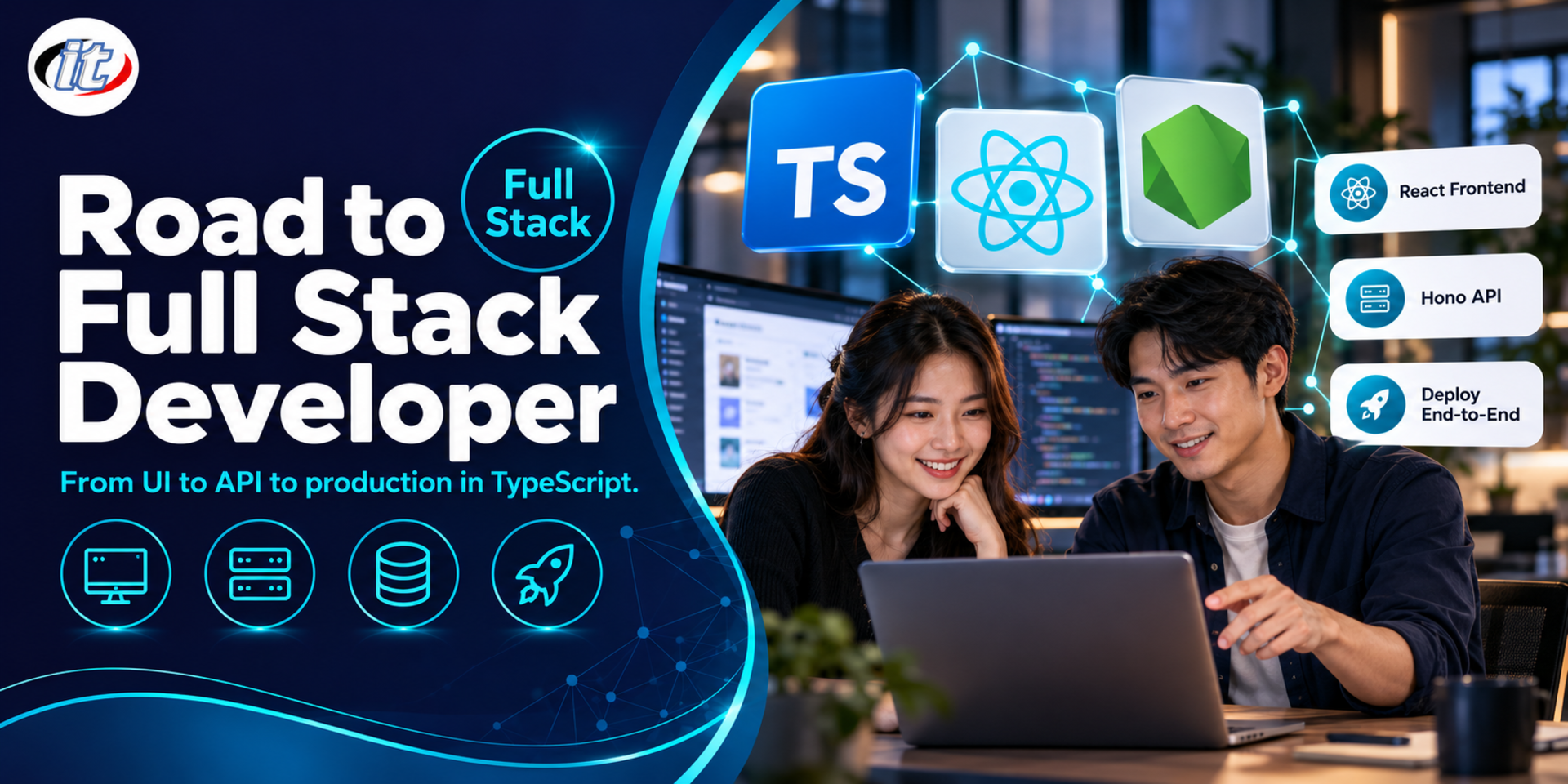
Road to Full Stack Developer is a hands-on course in building a complete web application with TypeScript, from a React frontend and a Hono API to PostgreSQL with Prisma, secure sign-in, testing and deployment with Docker. It suits frontend or backend developers who want to cover both sides and developers moving from other languages, and you leave with a working sample booking system.

Updated
From 9,450 THB / person 10,500 −10% excl. VAT 7% · group rates available
PDFDownload the course outline
  • Duration30 hours · 5 days
  • FormatOnsite / live online
  • Next roundOn request
  • CertificateIncluded

Course overview

Many organisations need developers who can deliver a feature end to end, from the user interface and the API to the database and putting the system into production. Most developers, however, are strong on one side only. When they work across both, they run into an unstructured project, data types that do not match between frontend and backend, insecure authentication and no repeatable way to test or deploy.

This course has learners build one real system with TypeScript across the whole stack: React 19, Vite 8 and Tailwind CSS v4 on the frontend, Hono on Node.js 24 LTS on the backend, and PostgreSQL 18 with Prisma ORM 7 for the database. Schemas are shared between both sides with Zod, testing uses Vitest and Playwright, and the course closes by packaging the system with Docker and a deployment pipeline. Everything is built on BookingNest, an internal resource booking system that grows each day until it runs end to end. (5 days, 6 hours per day, 30 hours in total, Beginner to Intermediate level.)

What you’ll gain

  • Understand the architecture of modern web applications and the role of each layer, from client, API and database to infrastructure
  • Use TypeScript confidently on both frontend and backend and share types across projects
  • Design and build well-structured RESTful APIs with input validation and consistent error handling
  • Design PostgreSQL schemas and manage migrations with Prisma ORM
  • Build secure authentication and authorisation following OWASP guidance
  • Build React frontends that handle server state, forms and loading/error states correctly
  • Write unit, integration and end-to-end tests for a full-stack system
  • Package the system with Docker and set up a repeatable build and deployment process

Who this course is for

  • Frontend developers who want to extend their skills to the backend and databases
  • Backend developers who want to build modern frontends with React confidently
  • Developers working in other languages, such as PHP, Java or C#, who want to move to a TypeScript stack
  • Tech leads who want to set a standard full-stack project structure for their team
  • In-house developers who build internal tools with a small team

Prerequisites

  • Programming experience in at least one language and an understanding of variables, functions, conditions, loops and objects
  • Basic HTML, CSS and JavaScript, such as array methods, promises and async/await
  • A basic grasp of HTTP requests and responses and SQL, and the ability to clone, commit, push and pull with Git
  • No prior experience of React, TypeScript, Prisma or Docker is needed; the parts used in the project are covered in class

Curriculum

Course Details

This course takes the SPA plus separate REST API approach with React and Hono so the responsibilities of each layer stay clear. That sets it apart from Full-Stack Web Application with Next.js 16 and Prisma, which uses a full-stack framework, and it goes further than React and NodeJS with Docker Workshop on security, testing and pipelines; Next.js is discussed for comparison. It runs for 5 days, 6 hours per day (30 hours in total,

09:00-16:00), as a continuous workshop on a single project, BookingNest, an internal resource booking system that uses generated data only. All tools are open source and run on the learner's own laptop with Docker, and the pipeline labs use the learner's own GitHub or GitLab account. Kubernetes, microservices, GraphQL and WebSockets are outside the scope of this course. Learners take home the monorepo source code, Docker files and pipeline files to use as a team project template.

Day 1 Modern Full Stack Foundations and TypeScript

Section 1: Full Stack Architecture Overview

  • The roles of client, API, database and infrastructure in a modern web system
  • SPA with a separate API compared with a full-stack framework such as Next.js, and why this course uses SPA plus API
  • How data flows from a user's click to the database
  • Lab: draw the architecture and the booking flow of BookingNest

Section 2: Preparing the Tools and Project Structure

  • Installing and managing versions of Node.js 24 LTS and pnpm
  • Creating a monorepo with pnpm workspaces, separating apps and packages
  • Configuring ESLint, Prettier and EditorConfig so the team shares one standard
  • Lab: create apps/web, apps/api and packages/shared and get them all to build

Section 3: TypeScript for Full Stack Developers

  • Commonly used types, interfaces, unions, generics and utility types
  • Configuring tsconfig for Node.js and the browser
  • What changed in TypeScript 6 and 7, such as dropping the ES5 target and the faster native compiler
  • Type narrowing and handling null/undefined safely
  • Lab: define Resource, Booking and User types and use them on both sides

Section 4: Zod and Shared Schemas

  • Define a schema once and infer types for both sides
  • Validating incoming data and turning errors into readable messages
  • Setting up packages/shared so both apps/web and apps/api can import it
  • Lab: write the booking Zod schema with date and time rules, plus unit tests in Vitest

Section 5: Workshop Day 1: Git Workflow and the BookingNest Monorepo

  • A simple branching strategy for small teams
  • Conventional Commits and writing good pull/merge requests
  • Workshop: bring all the tooling into the BookingNest monorepo and open the first pull request
  • Workshop: make sure the schemas in packages/shared pass tests and linting before merging
Day 2 Backend API with Hono, PostgreSQL and Prisma

Section 6: RESTful API Design Principles

  • Naming resources and choosing the right HTTP methods and status codes
  • Pagination, filtering, sorting and a standard error response format
  • API versioning and documenting the API with OpenAPI
  • Lab: design every Resource and Booking endpoint before writing code

Section 7: Hono on Node.js

  • App structure, routing, middleware and context
  • Splitting code into route, service and repository layers
  • Using the Zod validator on request bodies, queries and params
  • Lab: build the Resource API with validation from the shared schema

Section 8: PostgreSQL 18 and Prisma ORM 7

  • Designing one-to-many and many-to-many relationships
  • The Prisma schema, migrations and seed data
  • What changed in Prisma 7, where Prisma Client no longer relies on the Rust query engine
  • Lab: run PostgreSQL in Docker, migrate and seed meeting rooms and pool cars

Section 9: Efficient Queries

  • Selecting only the fields you need, including relations and avoiding N+1 queries
  • Transactions for work that must succeed together
  • Creating indexes that match search patterns
  • Lab: count queries before and after fixing an N+1 problem on the booking list

Section 10: Workshop Day 2: Error Handling, Logging and the BookingNest API

  • A global error handler and separating user errors from system errors
  • Structured logging and request IDs
  • Workshop: build the Resource and Booking API with full CRUD, search and date filters
  • Workshop: test every endpoint with an HTTP client and publish the OpenAPI docs for the frontend team

Day 3 Authentication, Authorisation and API Quality

Section 11: Modern Authentication Concepts

  • Sessions, JWTs and access/refresh tokens compared
  • Storing tokens in httpOnly cookies versus local storage, and the security trade-offs
  • Hashing passwords with Argon2
  • Lab: choose the BookingNest authentication approach and justify it on security grounds

Section 12: Building a Complete Sign-in Flow

  • Register, sign in, refresh token and sign out
  • Token rotation and revoking refresh tokens
  • Configuring CORS and cookies (SameSite, Secure) so the frontend can call the API safely
  • Lab: build sign-up and sign-in endpoints with rotating refresh tokens

Section 13: Role-based Authorisation

  • Designing roles and permissions: User, Approver and Admin
  • Middleware that checks permissions by role
  • Data-level checks, such as users editing only their own bookings
  • Lab: add approve and reject booking endpoints for approvers

Section 14: API Security

  • OWASP risks that apply to APIs: broken access control, injection and security misconfiguration
  • Rate limiting and security headers
  • Managing secrets through environment variables
  • Lab: try to access another user's data, then close the gaps you find

Section 15: Workshop Day 3: Testing the API

  • Unit tests for services with Vitest
  • Integration tests for routes that call the Hono app directly with a separate test database
  • Measuring code coverage and deciding what to test first
  • Workshop: write a test suite covering the booking flow, approvals and all three roles
Day 4 Frontend with React 19, Vite 8 and Tailwind CSS

Section 16: The React 19 Essentials

  • Components, props, state and splitting components so they are easy to maintain
  • Common hooks, including useActionState, useOptimistic and useEffectEvent
  • A feature-based folder structure
  • Lab: build the resource list component and the booking card

Section 17: Vite 8 and Tailwind CSS v4

  • A Vite 8 project using Rolldown as the bundler, with a proxy to the API
  • Tailwind CSS v4, CSS-first configuration and the project's design tokens
  • Building reusable UI components that work on every screen size
  • Lab: set up the main BookingNest layout and design tokens

Section 18: Routing and Server State

  • React Router for public pages, signed-in pages and role-based pages
  • TanStack Query: queries, mutations, cache invalidation and loading/error states
  • Optimistic updates when users create or cancel bookings
  • Lab: load resources and bookings from the API with TanStack Query

Section 19: Forms and Client-side Authentication

  • React Hook Form with the Zod schemas from packages/shared
  • Managing sign-in state and refreshing tokens automatically
  • Redirecting when the session expires or the user lacks permission
  • Lab: build a booking form that uses the same validation rules as the API

Section 20: Workshop Day 4: BookingNest Screens and E2E Tests with Playwright

  • Write tests that act like a real user, from signing in to a successful booking
  • Preparing test data and running E2E tests headless
  • Workshop: build the sign-in, resource search, booking calendar, my bookings and approval screens
  • Workshop: write E2E tests for the booking and approval flows
Day 5 Containerise, Deploy and Master Workshop

Section 21: Docker for Full Stack Applications

  • Multi-stage Dockerfiles for the API (Node.js) and the web app (static build served by Nginx)
  • Docker Compose for web, API and PostgreSQL with health checks
  • Managing environment variables and secrets per environment
  • Lab: run the whole BookingNest system with a single command

Section 22: Preparing for Production

  • Running migrations safely during deployment
  • Logging, health endpoints and graceful shutdown
  • A security checklist before going live
  • Lab: check the system against the checklist and fix what fails

Section 23: CI/CD Pipeline Basics

  • A pipeline with lint, test, build and container image stages
  • Deploying to the server or cloud your organisation uses
  • Rolling back when a deployment goes wrong
  • Lab: set up a GitHub Actions or GitLab CI pipeline that builds and tests automatically

Section 24: Designing a New Feature from Database to UI

  • Analysing the requirements for detecting overlapping bookings and notifying approvers
  • Designing the database constraint, the API changes and the affected screens
  • Planning the tests needed at each layer
  • Lab: write the plan and split the work into small pull requests

Section 25: Master Workshop: BookingNest Across Every Layer

  • Build the overlapping booking check from the database constraint through the API to the UI
  • Add unit, API and E2E tests for the new feature
  • Push it through the pipeline and deploy the system with Docker Compose
  • Present the result and review the code together

Schedule & training options

For individuals — public rounds

No public rounds are open right now. Join the waiting list and we will contact you first when the next round opens, or ask us on LINE. Or call 02-570-8449 or 088-807-9770

For organisations — in-house / private

  • Tailor the content to your team’s tools and projects
  • Your dates, at your office or live online
  • Quotation with tax ID for procurement
Corporate training quote

Instructors

Frequently asked questions

How does this course differ from Full-Stack Web Application with Next.js 16 and Prisma and React and NodeJS with Docker Workshop?

Full-Stack Web Application with Next.js 16 and Prisma uses a full-stack framework that keeps frontend and backend in one project, while React and NodeJS with Docker Workshop focuses on connecting React to Node.js and running it with Docker. This course uses the SPA plus separate REST API approach with React and Hono in one monorepo, and goes through every layer in depth: shared schemas with Zod, Prisma with PostgreSQL, authentication and RBAC following OWASP, tests at every level, Docker and a CI/CD pipeline, all on one 5-day project.

Do I need to know React or TypeScript already?

No. The parts used in the project are covered in class, but you should have basic JavaScript, such as array methods, promises and async/await, plus basic HTML, CSS and SQL, to keep up over the 5 days.

Why Hono and an SPA plus API instead of Next.js?

Separating the frontend from the API makes each layer's responsibilities clear and transfers easily to other frameworks. Hono has a simple structure and works well with Zod. Day 1 compares this with a full-stack framework such as Next.js so you can choose the right fit for each project.

What laptop and accounts do I need?

A laptop with at least 16 GB of RAM and 30 GB of free space, with Node.js 24 LTS, pnpm, Git, VS Code and Docker Desktop (with WSL2 on Windows), admin rights to install software and internet access to the npm registry and Docker Hub. You also need your own GitHub or GitLab account for the code and the pipeline labs.

What should I take after this course?

To set up full team deployment, continue with DevOps for Full Stack Developers, which covers GitLab Runner and Kubernetes. To raise backend code quality, take TDD with Node.js and TypeScript, and to split a system into services, take Building Microservices with NestJS.

Which tool versions does the course use?

The course is based on TypeScript 7, Node.js 24 LTS, React 19, Vite 8, Tailwind CSS v4, Hono 4, PostgreSQL 18 and Prisma ORM 7, the current stable releases. These tools release often, so the content follows the latest stable versions on the training day.