Figma for Beginners
Figma เป็นหนึ่งในเครื่องมือการออกแบบที่ถูกพูดถึงและได้รับความนิยมอย่างกว้างขวางในยุคปัจจุบัน โดยความสามารถของเครื่องมือที่ครอบคลุม รองรับทั้งการออกแบบ Website, Mobile App หรือสื่อนำเสนออื่นๆ ได้อย่างง่ายดาย…
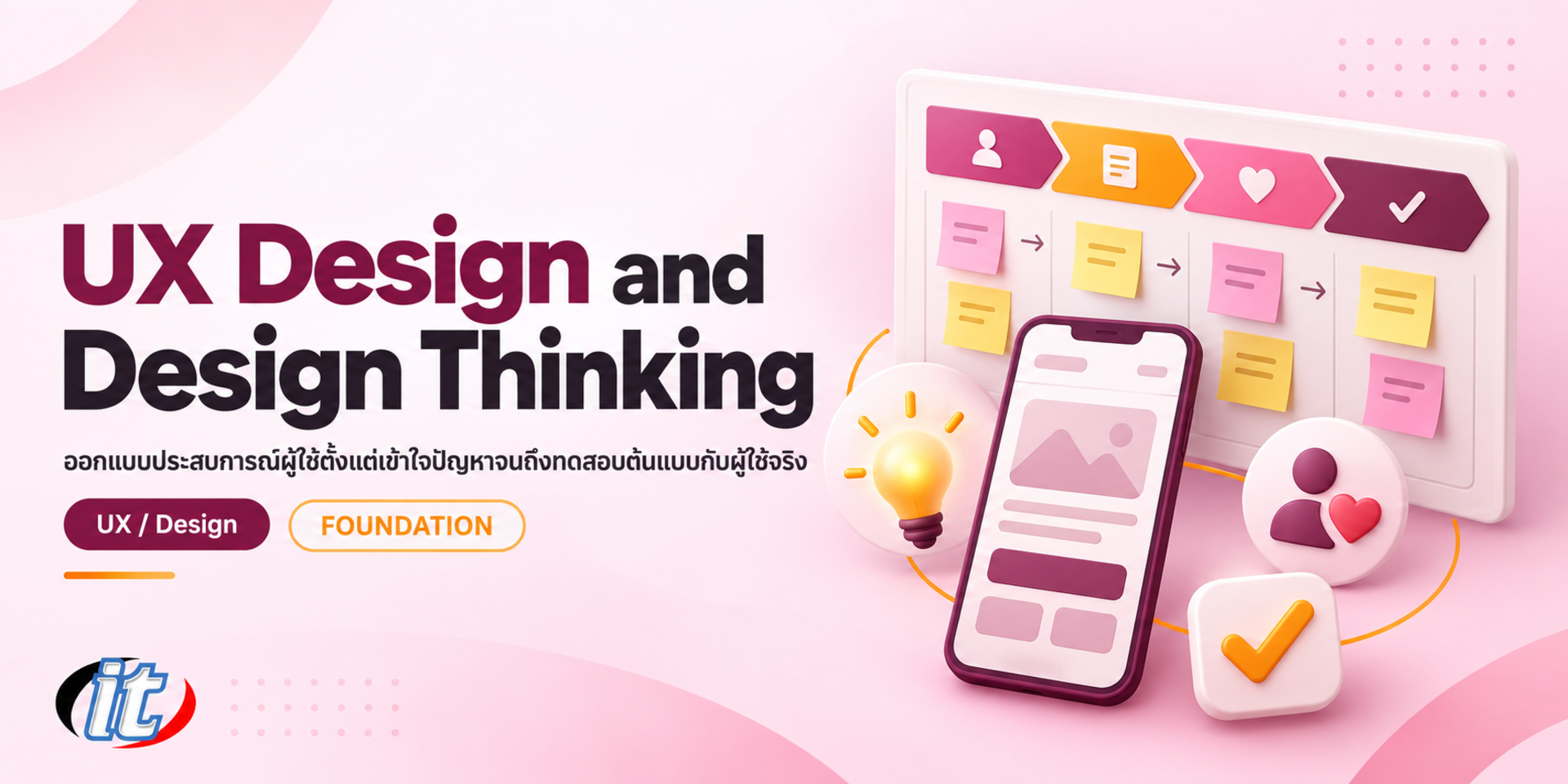
UX Design and Design Thinking is a hands-on course in user experience design that follows the design thinking process, from user interviews, personas and journey maps to defining the problem, prototyping in Figma and usability testing. It suits UX beginners, UI designers and product owners, and you leave with a tested prototype of a redesigned service flow.
Plenty of apps and services have every feature and a polished look, yet users still cannot find the right button, fail to get through a form or give up halfway, because the team designed from what it assumed users wanted instead of starting from real users. UX design and design thinking are ways of working that help a team see the problem from the user's side, try ideas cheaply and test them before investing in development.
This course walks learners through all five stages of design thinking on a real service. It starts by drawing a clear line between UX and UI, then plans user research, interviews users and synthesises the findings into an empathy map, personas and a customer journey map. Learners define the problem with a problem statement and How Might We questions, generate ideas, structure them with information architecture and user flows, and build prototypes from paper sketches up to a clickable prototype in Figma. They test with users and turn the results into insights, along with the basics of accessibility and UX metrics. The course closes with a capstone that redesigns a real service flow end to end. (2 days, 6 hours per day, 12 hours in total, Beginner level.)
Course Details
The course runs for 2 days, 6 hours per day (12 hours in total, 09:00-16:00), as team workshops on a single service brief that runs through the whole course. Beginner level, and no design background is needed. Learners work through all five stages of design thinking, from planning user research, interviewing users and building personas and journey maps to defining the problem with How Might We, generating ideas, structuring user flows, prototyping from paper up to Figma and testing with users, along with the basics of accessibility and UX metrics. Figma is used only for prototyping, and the course does not teach the tool in depth. Learners take home templates for a research plan, personas, a journey map and a usability test plan.
Section 1: UX, UI and Design Thinking
How UX differs from UI, and what makes up a user experience
The five stages of design thinking: Empathize, Define, Ideate, Prototype and Test
The Double Diamond and the rhythm of diverging and converging
The role of UX in a product team and working with developers and the business
Workshop: analyse good and bad experiences in apps you use every day
Section 2: Planning User Research
Set research questions and decide what the team needs to know before designing
Choose methods: interviews, observation, surveys and data the organisation already has
Recruit participants in numbers that fit the time and budget
Getting consent and looking after participants' personal data
Workshop: write a research plan for the service your team chose
Section 3: Lab: Interviewing Users (Empathize)
Build an interview guide and ask questions that do not lead the answer
Ask users to recount real events rather than give opinions
Probing, listening and note-taking as a team
Lab: interview users in pairs and record the findings
Section 4: Lab: Empathy Maps and Personas
Group findings with affinity mapping
Empathy maps: Says, Thinks, Does and Feels
Build personas from real data, not guesswork
Lab: create an empathy map and personas from the team's interviews
Section 5: Lab: Customer Journey Maps
The parts of a journey map: stages, actions, touchpoints, emotions and pain points
Find opportunities where users get stuck or frustrated
How a journey map differs from a service blueprint
Lab: build a journey map of the service your team chose
Section 6: Defining the Problem (Define)
Write a problem statement that names the user, the need and the insight
Point of view statements and turning them into How Might We questions
Choose which problem to solve with an impact/effort matrix
Workshop: settle the How Might We questions and pick the team's main challenge

Section 7: Workshop: Generating Ideas (Ideate)
Brainstorming ground rules and separating idea generation from judgement
Crazy 8s, SCAMPER and Worst Possible Idea
Dot voting and choosing which ideas to prototype
Workshop: run Crazy 8s and choose the team's design direction
Section 8: Information Architecture and User Flows
Structure content and menus with a sitemap
Open and closed card sorting
User flows and task flows from the starting point to the user's goal
Lab: draw the user flow for the journey you are redesigning
Section 9: Lab: Low-fidelity Prototypes
Sketches and paper prototypes for testing ideas quickly
Wireframes: layout, hierarchy and working with real content
Basic usability principles such as consistency, feedback and reducing memory load
Lab: sketch paper wireframes and run a quick test with another team
Section 10: Lab: Mid-fidelity Prototypes in Figma
Frames, auto layout and components, only as far as prototyping needs
Link screens with interactions in prototype mode and preview on a phone
UX writing: button labels, error messages and empty states
Lab: build a clickable prototype of the new flow
Section 11: Lab: Usability Testing and UX Metrics
Plan the test: task scenarios, participants, and the roles of moderator and note-taker
Run think-aloud tests and rate the severity of the issues found
Basic UX metrics: task success rate, time on task and SUS
Lab: test the prototype with participants from another team and list the fixes needed
Section 12: Workshop: Accessibility and Capstone Redesign
Accessibility basics based on WCAG: contrast, text size, touch targets and alt text
Revise the prototype from the test results and check its accessibility before presenting
Capstone: present the before and after of a real service flow with evidence from users
Get feedback from the instructor and classmates, and plan how to apply it in your own work
No public rounds are open right now. Join the waiting list and we will contact you first when the next round opens, or ask us on LINE. Or call 02-570-8449 or 088-807-9770
Built for People who want to start a career in UX or product design with no prior background · UI and graphic designers who want to design from user evidence rather than looks alone · Product owners, business analysts and project managers who make decisions about user experience Background you should have: No design or programming background needed · Comfortable using a computer and a web browser Not sure the fit is right? Talk to our team on LINE @itgenius or call 02-570-8449.
THB 6,500 (currently THB 5,850 on promotion). The course runs 12 hours. The price excludes 7% VAT (for payment in a company's name). Pay by bank transfer to the company account, confirm it on our payment page, and we can issue the receipt or tax invoice in your company's name.
Yes. Everyone who completes the course receives a Certificate of Completion from IT Genius Institute. Each certificate carries its own number, and anyone holding that number can verify it online on our certificate page, so you can add it to your portfolio or pass it to HR as evidence of training.
You can attend onsite at IT Genius Institute or arrange to join online, and we also run it as a private in-house session for your team. Ask about dates and venues on LINE @itgenius or call 02-570-8449.
Yes. You may retake the same course free of charge in a later round, under the institute's conditions. Tell our team which course and round you attended, and we will check it and offer you the rounds that still have seats. Ask us on LINE @itgenius or call 02-570-8449.
Enrol online with the registration form on this page. You can register several attendees at once and enter your tax ID and billing address for the tax invoice. Or request a company quotation straight from the quote button. For anything else call 02-570-8449 or reach us on LINE @itgenius.

Figma เป็นหนึ่งในเครื่องมือการออกแบบที่ถูกพูดถึงและได้รับความนิยมอย่างกว้างขวางในยุคปัจจุบัน โดยความสามารถของเครื่องมือที่ครอบคลุม รองรับทั้งการออกแบบ Website, Mobile App หรือสื่อนำเสนออื่นๆ ได้อย่างง่ายดาย…
We use cookies
We use cookies that the site needs to work. Other cookies are only used if you agree. Read our cookie policy