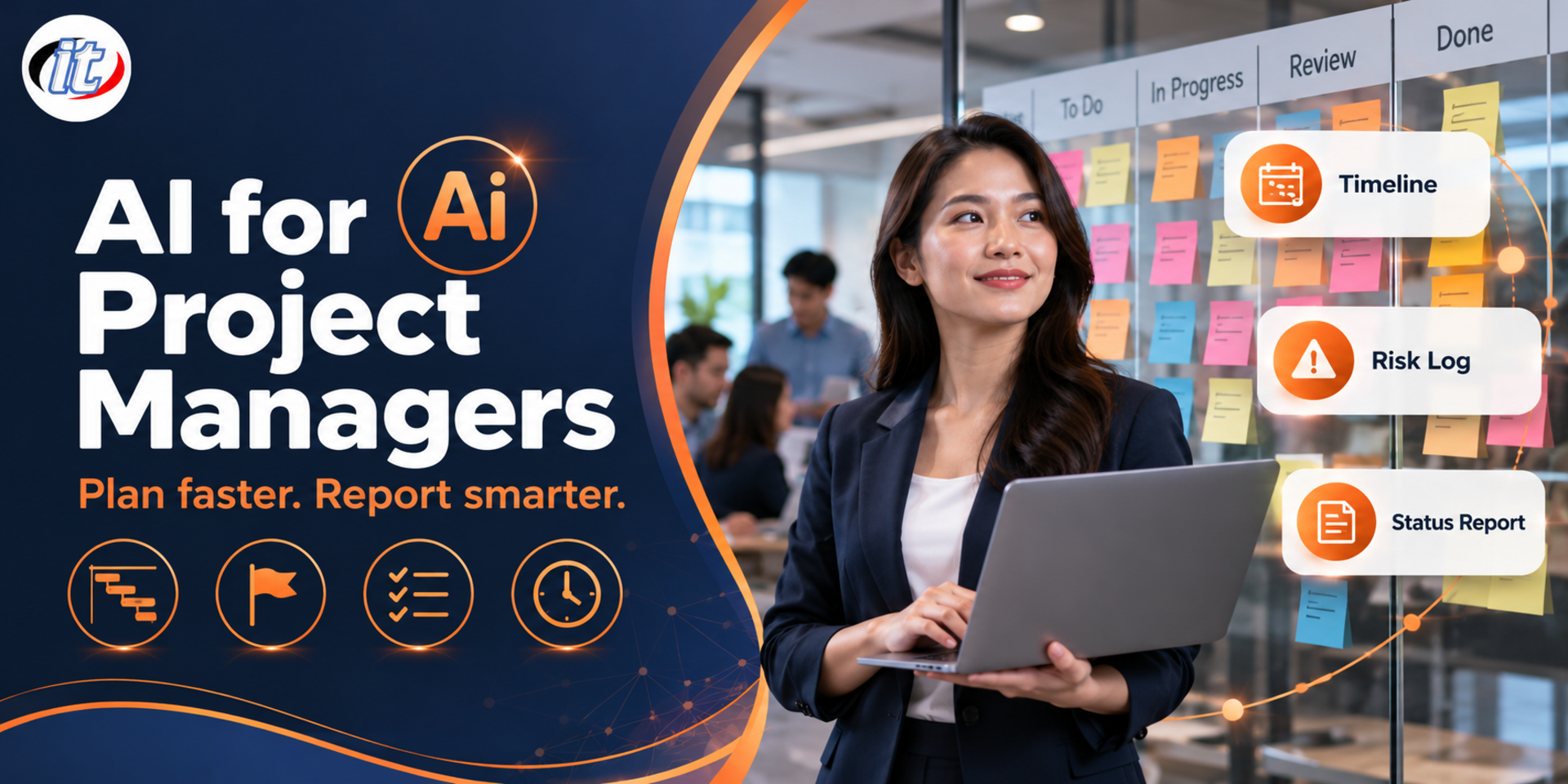
AI for Project Managers is a hands-on workshop in using AI as an assistant across the project lifecycle, from drafting a project charter and breaking down a WBS to planning in MS Project or Planner, building a risk register and writing status reports. It suits project managers, PMO staff and Scrum Masters, and you leave with a reusable prompt library and project templates.
Project managers spend a large share of their time on paperwork: drafting project charters, breaking down work, keeping risk registers, writing up meetings and producing weekly status reports, which leaves less time for decisions and for looking after people. AI tools such as ChatGPT and Microsoft 365 Copilot can draft this work very quickly, but used without a sound method they produce plans that look good but are unrealistic, figures with no source, or project data that leaves the organisation.
This course shows learners how to use AI as an assistant across the whole project lifecycle through a single case study that runs all day. It starts with prompts for project work, drafting the charter and scope, breaking down the WBS and estimating effort, then bringing the plan into MS Project or Planner. It continues with the risk register, communication plan, meeting summaries, user stories for agile teams and status reports built from Excel data, always with the project manager checking and owning every output, and closes with a workshop in which learners assemble their own AI project assistant kit. (1 day, 6 hours, Beginner level.)
What you’ll gain
Understand which parts of project management AI can help with and which must remain the project manager's decision
Write prompts that give full project context and return output in a format that can be used directly
Draft a project charter, scope statement and stakeholder register with AI
Use AI to help break down a WBS, estimate effort and bring the plan into MS Project or Planner
Build a risk register and response plan, and use AI to find weak points in the plan
Draft status reports, meeting summaries and user stories faster while keeping the data accurate
Who this course is for
Project managers and project coordinators who run projects in their organisation
PMO staff and team leads who prepare plans and progress reports regularly
Scrum Masters and Product Owners who manage backlogs and communicate with stakeholders
People who have taken an MS Project or Agile course and want to bring AI into real work
Prerequisites
A basic understanding of project management, such as scope, schedule, risk and stakeholders
Everyday use of Microsoft Excel and Word
No programming background is needed
A personal or company account for ChatGPT or Microsoft 365 Copilot
Curriculum
Course Details
A 1-day, 6-hour workshop (09:00-16:00) built around a single project case study that runs through every topic. Beginner level, with no programming background needed. Learners use their own or their company's ChatGPT or Microsoft 365 Copilot account, and Microsoft Project or Planner where they have access; Excel can be used instead where they do not. The course builds on the MS Project and Agile and Scrum Fundamentals courses, focusing on how AI supports a project manager's documents and decisions rather than re-teaching the basic tools. Learners take home a prompt library, templates for the project charter, WBS, risk register, communication plan and status report, and the case study files.
Day 1: Using AI as an Assistant Across the Project Lifecycle
Section 1AI in Project Management
Project tasks AI handles well, such as drafting, summarising, structuring and spotting gaps
Tasks that must stay with the project manager, such as budget figures, negotiation and accountability to the team
AI limitations: invented information, overconfidence and missing organisational context
Project data policy: customer data, contracts and prices that should not go into public tools
Choosing the right tool: ChatGPT, Microsoft 365 Copilot and the AI features in Planner or Jira
Section 2Lab: Prompts for Project Work
Prompt structure: role, project context, constraints and output format
Give AI project information systematically with a one-page project brief
Ask for output as CSV or Markdown tables to reuse in Excel and planning tools
Have AI ask clarifying questions before drafting to fill in missing information
Lab: write the case study's project brief and start your own prompt library
Section 3Lab: Project Charter and Scope
Turn the brief and kick-off meeting notes into a draft project charter
Write SMART objectives and measurable success criteria
Separate in-scope and out-of-scope work, with assumptions and constraints
Draft a stakeholder register with each group's level of influence and interest
Lab: have AI review the charter for vague or conflicting sections
Section 4Lab: WBS and Estimating
Have AI draft a WBS from the deliverables, then adapt it to how the team works
The WBS dictionary and the definition of done for each work package
Three-point estimates where the team sets the numbers and AI helps challenge the assumptions
Identify task dependencies and the points that put the schedule at risk
Lab: export the task list as an Excel table ready to import into a planning tool
Section 5Lab: Planning in MS Project and Planner
Import the task list from Excel into Microsoft Project and check dependencies and the critical path
Use AI to explain why the finish date has slipped and to propose options for the project manager to decide
Copilot in Microsoft Planner for drafting plans and tracking work (subject to the organisation's licences)
Project Online retired on 30 September 2026 and the options Microsoft recommends
Lab: build the case study's Gantt chart and save a baseline
Section 6Lab: Risk Register and Pre-mortem
Identify risks from the charter, the WBS and lessons from previous projects
Assess probability and impact, with the team giving the final scores
Draft responses, owners and early warning signs for each risk
Pre-mortem: have AI assume the project failed and trace the possible causes
Lab: build a risk register in Excel with a heat map
Section 7Lab: Communication Plan and Meeting Summaries
Draft a communication plan by stakeholder group with a suitable frequency
Summarise meeting notes into decisions, action items, owners and due dates
Summarising Teams meetings with Copilot, and care around recording and consent
Adapt the same message for executives, the team and the customer
Lab: draft a clear email that raises an issue and asks executives for a decision
Section 8Lab: User Stories and Backlog for Agile Teams
Turn requirements into user stories with acceptance criteria
Split epics into stories small enough to deliver within one sprint
Use AI to prepare backlog refinement and the questions the team should discuss
Summarise sprint reviews and retrospectives into lessons the team can act on
Lab: build the case study backlog in Jira and try the AI features available in your account
Section 9Lab: Status Reports from Excel Data
Prepare progress, budget and issue data so AI reads it correctly
Calculate schedule variance and cost variance with Excel formulas, then have AI help explain the results
Draft a RAG status report with reasons, risks and what is needed from executives
Check every figure in the report against the source data before sending
Lab: produce a one-page weekly status report for the case study
Section 10Workshop: Your AI Project Assistant Kit
Combine the day's prompt library and templates into one kit the team can share
Set rules for AI use on the project: permitted data, review and disclosing AI use
Next steps such as a custom GPT or a Microsoft 365 agent, subject to the organisation's licences
Workshop: apply the kit to one of your own real projects
Present, share feedback and plan how to use it in the first 30 days
Schedule & training options
For individuals — public rounds
No public rounds are open right now. Join the waiting list and we will contact you first when the next round opens, or ask us on LINE. Or call 02-570-8449 or 088-807-9770
Who is AI for Project Managers for, and what background is needed?
Built for Project managers and project coordinators who run projects in their organisation · PMO staff and team leads who prepare plans and progress reports regularly · Scrum Masters and Product Owners who manage backlogs and communicate with stakeholders Background you should have: A basic understanding of project management, such as scope, schedule, risk and stakeholders · Everyday use of Microsoft Excel and Word Not sure the fit is right? Talk to our team on LINE @itgenius or call 02-570-8449.
How much does AI for Project Managers cost and how long does it run?
THB 4,500 (currently THB 4,050 on promotion). The course runs 6 hours. The price excludes 7% VAT (for payment in a company's name). Pay by bank transfer to the company account, confirm it on our payment page, and we can issue the receipt or tax invoice in your company's name.
Do I get a certificate?
Yes. Everyone who completes the course receives a Certificate of Completion from IT Genius Institute. Each certificate carries its own number, and anyone holding that number can verify it online on our certificate page, so you can add it to your portfolio or pass it to HR as evidence of training.
Where does the training take place, and is there an online option?
You can attend onsite at IT Genius Institute or arrange to join online, and we also run it as a private in-house session for your team. Ask about dates and venues on LINE @itgenius or call 02-570-8449.
What if I fall behind or miss a session — can I retake it?
Yes. You may retake the same course free of charge in a later round, under the institute's conditions. Tell our team which course and round you attended, and we will check it and offer you the rounds that still have seats. Ask us on LINE @itgenius or call 02-570-8449.
How do I enrol, or request a quotation for my company?
Enrol online with the registration form on this page. You can register several attendees at once and enter your tax ID and billing address for the tax invoice. Or request a company quotation straight from the quote button. For anything else call 02-570-8449 or reach us on LINE @itgenius.
Architects, engineers, contractors and quantity surveyors spend a great deal of time on documents: reading tender terms of reference, writing specifications, preparing and checking bills of quantities, comparing quotations and writing progress reports. This…