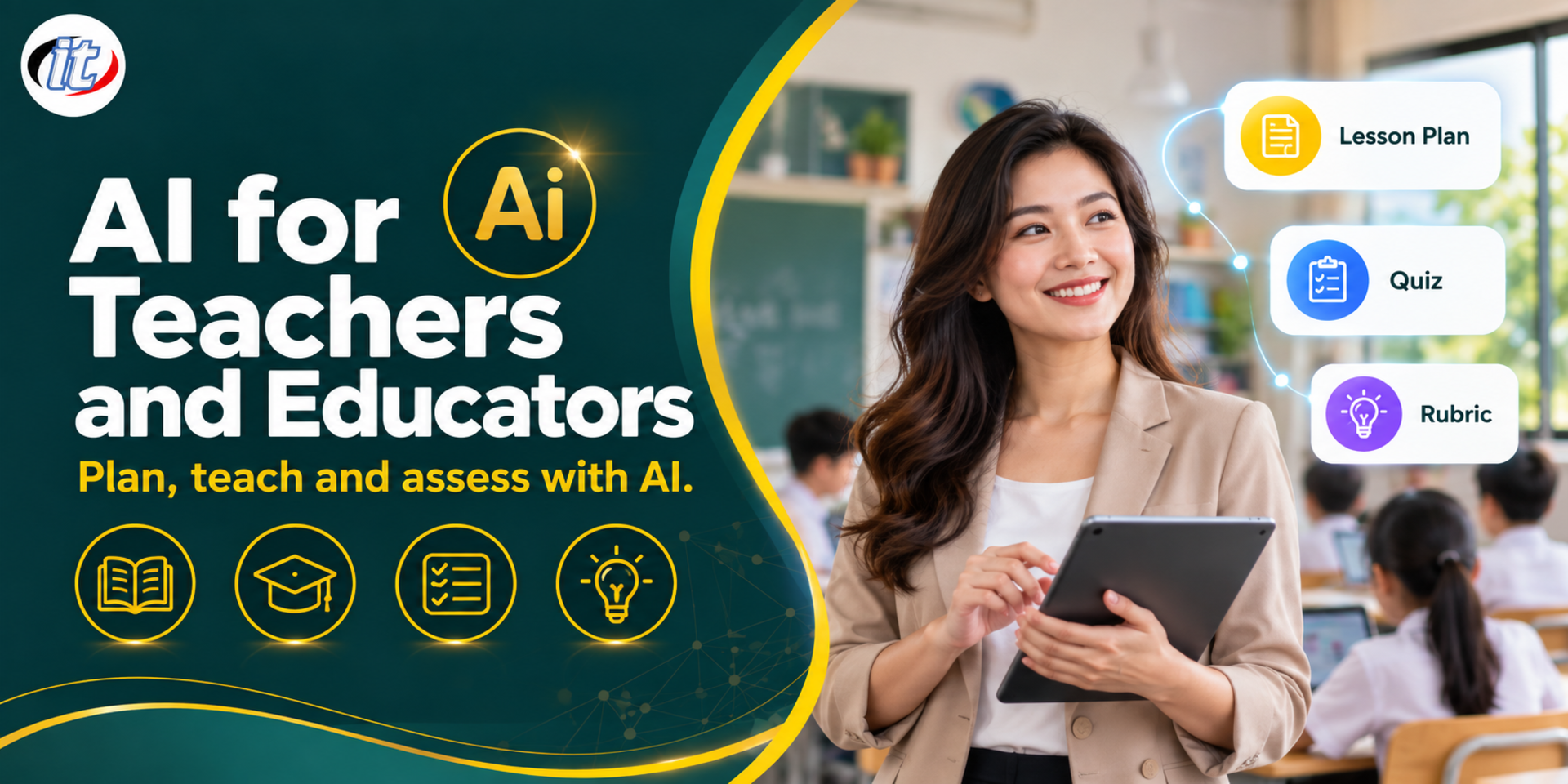
AI for Teachers and Educators is a hands-on course in using Gemini, ChatGPT, NotebookLM and Canva AI to draft lesson plans, create worksheets and materials, build quizzes in Google Forms and write rubrics, with the teacher checking every output and protecting student data. It suits school teachers, university lecturers and trainers, and you leave with a ready-to-use teaching pack for one lesson.
Teachers and lecturers spend a great deal of time preparing lesson plans, making materials, setting tests, marking and handling administration, leaving less time for their students. Generative AI tools such as Gemini, ChatGPT, NotebookLM and Canva AI can draft this work in minutes, but the results may contain errors, miss the curriculum or suit the wrong age group, and student information is personal data that must be handled with care. Teachers therefore always set the learning goals, check the output and make the final judgement on student results.
This course takes teachers through using AI across the whole teaching cycle: prompting for teaching, drafting lesson plans and activities, creating handouts, worksheets and materials, preparing lessons with NotebookLM, building quizzes in Google Forms, writing rubrics and feedback, and setting rules for students' own use of AI. Every lab uses sample data, and the day closes with a ready-to-use teaching pack for one of your own lessons. (1 day, 6 hours, Beginner level.)
What you’ll gain
Explain where AI fits in teaching work and protect students' personal data
Write prompts that state the grade level, learning outcomes and learner context clearly
Use AI to draft lesson plans, activities, handouts, worksheets and materials, then check them for accuracy
Prepare lessons and build revision sets with NotebookLM from materials you have the right to use
Write test items at different thinking levels and build quizzes in Google Forms
Design rubrics and use AI to draft feedback while the teacher makes the final judgement
Set rules for students' use of AI that support academic integrity
Who this course is for
Primary, secondary and vocational teachers in any subject
University lecturers and teaching staff in educational institutions
Trainers and tutors in tutoring schools and training providers
School leaders and lead teachers who need to set AI guidelines for their school
Prerequisites
Everyday use of a computer, web browser and office software
No programming or AI background is needed
A Google account (personal or school) and a ChatGPT or Canva account; free plans are enough
One real lesson topic or learning indicator you teach, for the end-of-day workshop
Curriculum
Course Details
A 1-day, 6-hour hands-on course (09:00-16:00) at Beginner level for teachers and lecturers in any subject, with no AI background needed. Learners use Gemini, ChatGPT, NotebookLM, Canva and Google Forms with their own or their school's accounts, and every lab uses sample data rather than real student work. Learners take home the course handbook, a prompt library for teachers, lesson plan and rubric templates, a checklist for reviewing AI-made materials, and a teaching pack for one lesson completed in class.
Day 1: Using AI to Plan, Create Materials and Assess
Section 1AI in Teaching: Opportunities, Boundaries and Student Data
Where AI helps teachers: planning, preparing materials, setting tests and drafting feedback
Limits: wrong information, bias and content that does not match the curriculum
Student information is personal data: what never goes into AI, and PDPA basics
Personal versus school accounts, and privacy settings
Section 2Lab: Prompting for Teachers
Prompt structure: grade level, subject, learning outcomes, learner context and output format
Ask AI to adjust difficulty, language and examples to suit the learners
Keep prompts that work in a shared library for your subject group or department
Lab: compare Gemini and ChatGPT on the same task
Section 3Lab: Lesson Plans and Activity Design
Draft a lesson plan from indicators or learning outcomes set by the teacher
Design active learning activities, group work and thought-provoking questions
Adapt the plan for learners with different starting points
Lab: draft a one-period lesson plan and check it against the indicators
Section 4Lab: Handouts, Worksheets and Teaching Materials
Create handouts, worksheets, vocabulary lists and case studies for a lesson
Make slides and illustrations with Canva AI or Gemini
Check facts, image rights and suitability for the learners' age
Lab: produce a set of materials for a sample lesson
Section 5Lab: Lesson Preparation and Revision Sets with NotebookLM
Build a notebook from teaching materials or articles you have the right to use
Ask questions with cited sources and summarise into a study guide
Create flashcards, quizzes and Audio Overviews for student revision
Lab: prepare a notebook for one lesson with a revision set
Section 6Lab: Test Items and Quizzes in Google Forms
Write multiple-choice, written-response and scenario items across Bloom's Taxonomy levels
Check answers, distractors and ambiguity before using items with students
Bring items into a Google Forms quiz with answer keys, points and answer explanations
Lab: build a self-marking quiz in Google Forms
Section 7Lab: Rubrics and Feedback on Student Work
Design rubrics where each quality level is clear and measurable
Use AI to draft feedback on sample work with no names or identifying details
The teacher always awards marks and decides results; AI only drafts
Lab: create a rubric and feedback for a sample piece of writing
Section 8Students Using AI: Rules and Academic Integrity
Decide which tasks allow AI, how much, and how its use must be declared
Design tasks that assess the thinking process, not just the final product
The limits of tools that claim to detect AI-written work
Teach students to verify information and cite sources
Workshop: draft AI rules for your own course
Section 9Lab: Teacher Administration and Gemini in Classroom
Overview of Gemini in Google Classroom for schools that have it switched on
Draft letters to parents, announcements and activity reports
Summarise subject group meetings and draft progress reports
Lab: draft a letter to parents and summarise a subject group meeting
Section 10Workshop: A Ready-to-use Teaching Pack
Workshop: take one of your real lessons and build the plan, materials, quiz and rubric
Check quality with a checklist: accuracy, suitability and personal data
Decide what to try in your first week and how to collect results
Present and share approaches with fellow teachers
Schedule & training options
For individuals — public rounds
No public rounds are open right now. Join the waiting list and we will contact you first when the next round opens, or ask us on LINE. Or call 02-570-8449 or 088-807-9770
How should a teacher write a prompt to get AI to help with a lesson plan?
A good prompt gives full context: grade level, subject, learning outcomes or indicators, lesson time, learner characteristics and the lesson plan format your school uses, such as introduction, teaching and wrap-up, then asks the AI to suggest aligned activities and assessment. The teacher then checks the content for accuracy, adapts it to the real classroom and keeps students' personal data out of the tool.
What are the steps for writing questions by thinking level with AI and turning them into a Google Forms quiz?
Start by setting the indicators and the thinking levels to assess, such as remembering, understanding, applying and analysing, then have the AI draft questions for each level with answer keys and reasons for each distractor. Check every question for accuracy and clarity, then build it in Google Forms as a quiz, assigning points and correct answers so it is marked automatically.
What is a rubric, and how can AI help draft feedback for learners?
A rubric is a scoring guide that breaks an assessment into criteria and describes each quality level clearly, so marking is consistent and learners know what to improve. AI can draft a rubric from learning outcomes and draft feedback that refers to it, but the teacher must read the work and make the judgement, and should remove names or identifying details before using AI.
Who is the AI for Teachers and Educators course for, and what should I know beforehand?
It suits primary, secondary and vocational teachers in every subject, university lecturers, trainers at training institutes or tutoring schools, and school leaders or lead teachers setting AI guidelines for their schools. It is a beginner course: general computer and office software skills are enough, with no programming or AI knowledge required.
What will I be able to do after the AI for Teachers and Educators course?
You will be able to draft lesson plans, activities, handouts, worksheets and materials with AI and check them, prepare lessons and review sets with NotebookLM, write questions by thinking level and build quizzes in Google Forms, design rubrics and draft feedback, and set rules for students' AI use, leaving with a complete teaching pack for one lesson. Participants receive a Certificate of Completion with its own number that can be verified online.
Can the AI for Teachers and Educators course be run for our own staff?
Yes, it can be run in-house for a school or organisation, with examples adapted to your grade levels, subjects and staff's work. All labs use mock data, so no real student work or data is needed. Request a quotation from this page, or contact LINE @itgenius or call 02-570-8449.
Many organisations have already opened AI tools to their staff, yet real use tends to stay with a handful of people, while most employees do not know where to start, worry about data security, or tried once, got poor results and gave up. A single training…
Every organisation keeps its knowledge in manuals, reports, slide decks and meeting notes, yet finding an answer still means opening one file after another. Meanwhile everyday work such as repair requests, equipment checks and approvals still runs on paper,…
Many organizations already use Google Workspace as their main work platform - Gmail, Google Docs, Sheets, Slides, Drive and Meet - but do not yet fully use the power of Google Gemini built into these tools, even though Gemini can help draft and summarize…