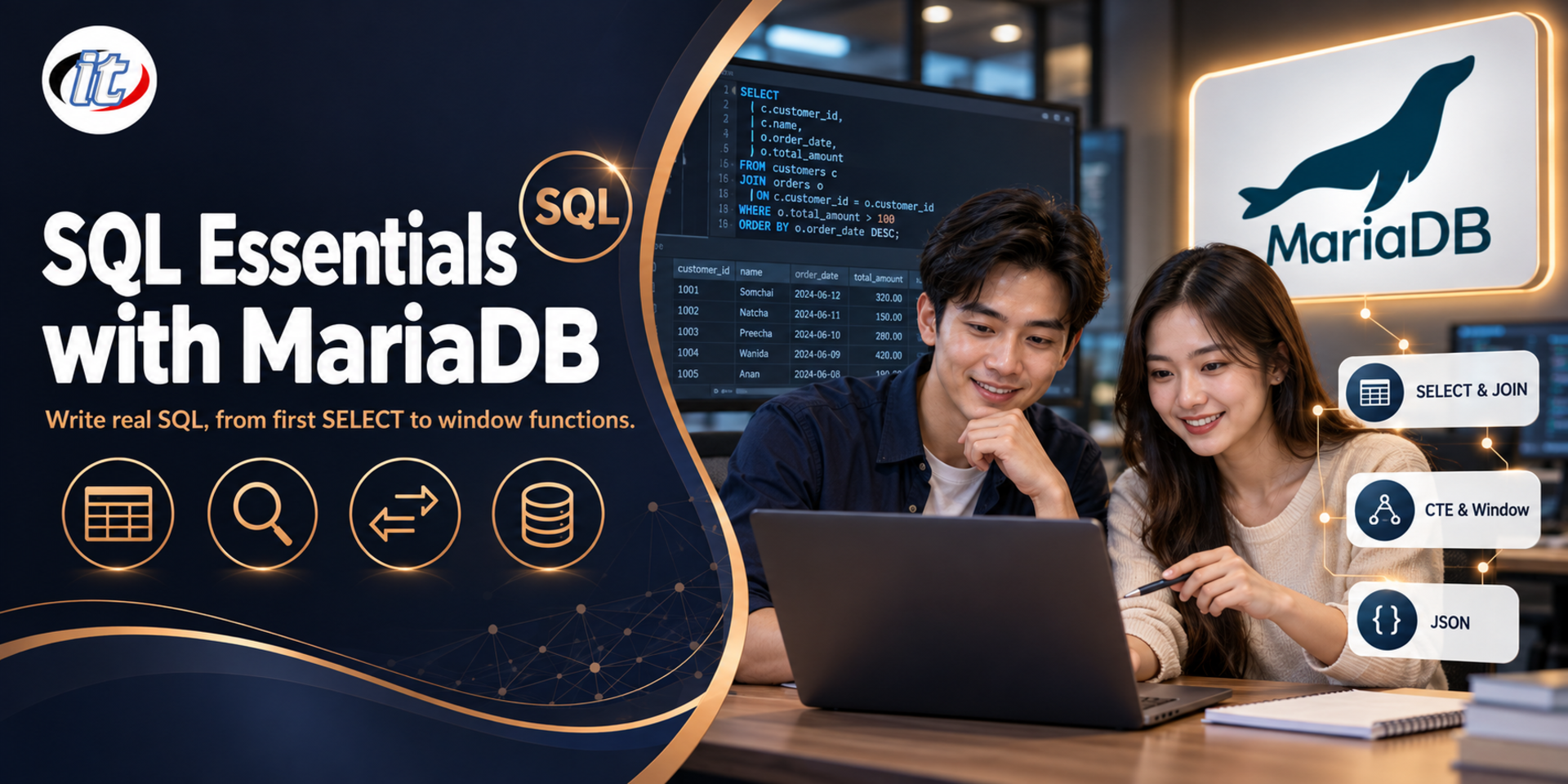
SQL Essentials with MariaDB is a hands-on course in SQL on MariaDB, from SELECT, joins and subqueries to CTEs, window functions and JSON, plus creating tables with constraints, indexes, views and transactions. It suits people starting a database career, developers and data analysts who work with MariaDB or MySQL and want practical, modern SQL skills.
SQL is still the most important basic skill for anyone who works with data, whether developer, data analyst or system administrator. MariaDB is a widely used open source database that runs websites, business systems and many systems migrated from MySQL. Yet many people can only write basic statements, and when a task calls for summarising several tables, ranking results or calculating running totals, they export the data to Excel and finish it there, even though modern SQL can do it in a single statement.
This course builds a solid SQL foundation on MariaDB 12.3 LTS, with hands-on practice in every topic. Learners install MariaDB with Docker and use database management tools, write SELECT queries with conditions, sorting, grouping, joins and subqueries, then move on to string, numeric and date functions, CTEs, window functions and JSON data. They go on to create databases and tables with constraints, use indexes and EXPLAIN, build views, manage data with INSERT, UPDATE and DELETE with RETURNING, and control transactions. The course ends with a workshop that answers business questions with SQL against a sample online store database. (3 days, 6 hours per day, 18 hours in total, Beginner to Intermediate level.)
What you’ll gain
Install MariaDB 12.3 LTS with Docker and use the mariadb client, DBeaver or HeidiSQL
Write SELECT queries with conditions, sorting, LIMIT, aggregates, GROUP BY and HAVING
Retrieve data from several tables correctly with JOIN, UNION and subqueries
Use string, numeric, date and time functions, including CASE and NULL handling
Write CTEs and window functions, and read JSON data with SQL
Create and alter databases, tables, constraints, indexes and views
Insert, update and delete data and control transactions with COMMIT, ROLLBACK and SAVEPOINT
Who this course is for
Beginners who want to start a career in databases or data
Web and app developers who use MariaDB or MySQL and want to write deeper SQL
Data analysts who need to pull and summarise data from databases themselves
Database administrators who want a solid SQL foundation before moving into DBA work
Prerequisites
A basic understanding of databases, such as tables, rows and columns
Basic computer skills and typing commands; no programming is required
No previous MariaDB or MySQL experience is required
A Windows, macOS or Linux laptop that can run Docker Desktop, with permission to install software
Curriculum
Course Details
This course is the 2026 edition of SQL Essentials with MariaDB, updated for MariaDB 12.3, the latest LTS release. It runs for 3 days, 6 hours per day (18 hours in total, 09:00-16:00), as lectures with labs on a single sample online store database throughout. Beginner to Intermediate level. Day one covers SELECT, GROUP BY, joins and subqueries, day two covers functions, CTEs, window functions
and JSON, and day three covers creating tables, constraints, indexes, views, data changes and transactions. Every lab runs on the learner's own machine with Docker and free tools. The course focuses on writing SQL; learners who want to administer MariaDB, including backup and replication, can continue with the institute's MariaDB DBA course. Learners take home a docker-compose file, the sample database and the SQL files for every lab.
Day 1Getting Started with MariaDB and SELECT
Section 1: Lab: Setting Up MariaDB 12.3 LTS and Tools
What MariaDB is, how it relates to MySQL, and the current LTS release
Run MariaDB 12.3 with Docker Compose and a data volume
Use the mariadb client and connect through DBeaver or HeidiSQL
SQL writing rules: case sensitivity, quotes, statement terminators and comments
Lab: load the sample online store database and explore the tables
Section 2: Lab: Basic SELECT
SELECT, FROM and column aliases
WHERE with comparison and logical operators
IN, BETWEEN, LIKE and testing for NULL
ORDER BY on several columns, and arithmetic expressions with operator precedence
Lab: find products and customers that match different conditions
Section 3: Lab: LIMIT, Aggregates and GROUP BY
DISTINCT, LIMIT and OFFSET for paging
COUNT, SUM, AVG, MIN and MAX
GROUP BY, HAVING and WITH ROLLUP for subtotals
UNION, UNION ALL, INTERSECT and EXCEPT
Lab: summarise sales by product category and month
Section 4: Lab: Joining Several Tables
Cartesian products and why joins need conditions
INNER JOIN, LEFT JOIN and RIGHT JOIN
JOIN ON compared with USING, and the pitfalls of NATURAL JOIN
Table aliases, self joins and multi-table joins
Lab: an order report with customer names and line items
Section 5: Lab: Subqueries
Scalar subqueries in SELECT and WHERE
Subqueries with IN, EXISTS and NOT EXISTS
Correlated subqueries and their effect on performance
Derived tables in FROM
Lab: find customers who have never ordered and products selling above average
Day 2Functions and Advanced Queries
Section 6: Lab: Numeric and String Functions
ROUND, TRUNCATE, CEILING, FLOOR and MOD
CONCAT, SUBSTRING, REPLACE, TRIM and LPAD
Search with REGEXP, and utf8mb4 collations for Thai text
Convert data types with CAST and CONVERT
Lab: standardise product codes and customer names
Section 7: Lab: Dates, Times and Conditions
How DATE, DATETIME and TIMESTAMP differ
DATE_FORMAT, NOW, CURDATE and extracting date parts
DATE_ADD, DATEDIFF and TIMESTAMPDIFF
CASE, IF, COALESCE and NULLIF
Lab: a weekly sales report and order ageing
Section 8: Lab: CTEs and Recursive CTEs
WITH to break complex queries into readable steps
Chaining several CTEs
Recursive CTEs for hierarchical data
Generate a continuous date series so reports have no missing days
Lab: a multi-level product category tree
Section 9: Lab: Window Functions
OVER, PARTITION BY and ORDER BY
ROW_NUMBER, RANK and DENSE_RANK
LAG and LEAD for comparing with the previous row
Running totals and moving averages with window frames
Lab: rank best-selling products in each category and compare with last month
Section 10: Lab: JSON Data in MariaDB
Store JSON in a column and validate the data
JSON_VALUE, JSON_EXTRACT and JSON_OBJECT
Turn JSON into rows with JSON_TABLE
When to use JSON and when to split data into columns
Lab: search products by attributes stored as JSON
Day 3Creating Tables, Managing Data and Transactions
Section 11: Lab: Creating Databases and Tables
CREATE DATABASE with the utf8mb4 character set
Choose data types: numbers, text, dates and UUID
AUTO_INCREMENT compared with sequences
ALTER TABLE to add, change and drop columns, with SHOW CREATE TABLE
Copy, rename and drop tables, and temporary tables
Section 12: Lab: Constraints and Data Integrity
Primary keys, UNIQUE, NOT NULL and DEFAULT
Foreign keys with ON DELETE and ON UPDATE
CHECK constraints for business rules
Generated columns for values calculated from other columns
Lab: design an orders table that blocks bad data from the start
Section 13: Lab: Indexes, EXPLAIN and Views
What an index is, and creating, reviewing and dropping indexes
Composite indexes and column order
Read EXPLAIN output to see whether a query uses an index
Create views, view restrictions and dropping views
Lab: speed up a sales report query and hide its complexity behind a view
Section 14: Lab: Managing Data and Transactions
Multi-row INSERT, INSERT ... SELECT and INSERT ... RETURNING
REPLACE and INSERT ... ON DUPLICATE KEY UPDATE
UPDATE, DELETE ... RETURNING and TRUNCATE
COMMIT, ROLLBACK, SAVEPOINT and implicit commits
Lab: record an order and reduce stock in a single transaction
Section 15: Workshop: Answering Business Questions with SQL
Take business questions from the sales and stock teams
Write queries with joins, CTEs and window functions to answer them
Use an AI assistant to draft SQL, then check the results against real data
Create a read-only user with GRANT for the analysis team
Present the results and wrap up with good SQL writing practice
Schedule & training options
For individuals — public rounds
No public rounds are open right now. Join the waiting list and we will contact you first when the next round opens, or ask us on LINE. Or call 02-570-8449 or 088-807-9770
What is the difference between WHERE and HAVING in SQL?
WHERE filters rows before grouping, so it works on individual row values but cannot use aggregate functions such as SUM or COUNT. HAVING filters after GROUP BY, so it can test each group's totals. For example, WHERE status = 'paid' keeps only paid orders, then GROUP BY customer_id with HAVING SUM(amount) > 10000 keeps only customers whose total exceeds the threshold.
What are window functions in MariaDB used for, and how do they differ from GROUP BY?
GROUP BY collapses many rows into one per group, while a window function calculates across rows and keeps every row. That makes it ideal for ranking with ROW_NUMBER or RANK, comparing with the previous row using LAG, and running totals such as SUM(amount) OVER (PARTITION BY customer_id ORDER BY order_date). Note that you cannot use a window function in WHERE; calculate it in a subquery or CTE first, then filter the result.
What is a view in MariaDB, and how does it differ from a table?
A view is a saved query given a name so it can be used like a table, created with CREATE VIEW name AS SELECT. It stores no data itself: each time you query it, it reads the latest data from the underlying tables, whereas a table holds data on disk. Views hide complex queries and can limit users to certain columns or rows. Only simple views can be used to update data.
Who is the SQL Essentials with MariaDB course for, and what should I know beforehand?
It suits people starting a database career, developers who use MariaDB or MySQL, data analysts who pull data themselves and administrators who want a solid SQL foundation. You should understand tables, rows and columns. No programming or previous MariaDB experience is needed, and you need a laptop that can run Docker Desktop.
What will I be able to do after the SQL Essentials with MariaDB course?
You will be able to install MariaDB with Docker, write SELECT queries with conditions and grouping, use joins and subqueries, apply string, numeric and date functions, write CTEs and window functions, read JSON data, create and alter tables, constraints, indexes and views, and insert, update and delete data with RETURNING and transactions using COMMIT, ROLLBACK and SAVEPOINT. Participants who complete the training receive a Certificate of Completion with its own number, which can be verified online.
Can the SQL Essentials with MariaDB course be run in-house for our team?
Yes. It can be run in-house for your team, with examples adapted to your own work, such as writing queries against table structures similar to the systems your team uses. You can request a quotation from this page, or contact us on LINE @itgenius or by phone on 02-570-8449.
Deep learning is the engine behind the AI systems people use every day, from image classification and object detection on camera feeds to sentiment analysis of text and large language models. But the tools move fast: the TensorFlow 1 and Keras 2 style code…
Preparing data in Excel often takes longer than the analysis itself: copying sales files from several branches together, trimming spaces and fixing dates column by column, or turning a report exported from another system into a proper table, and then doing it…
Elasticsearch is a distributed search and analytics engine widely used both for search inside applications and for storing system logs so they can be investigated later, while Kibana is the interface for exploring that data and building charts and dashboards.…