


วิธีตั้งค่า ChatGPT ไม่ให้แชร์ข้อมูล ทำตามง่ายๆ ในไม่กี่ขั้นตอน
เคยสงสัยไหมว่า เรื่องที่เราพิมพ์คุยกับ ChatGPT จะเป็นความลับแค่ไหน? โดยเฉพาะเวลาที่เผลอเล่าเรื่องส่วนตัว ปรึกษาปัญหาชีวิต หรือให้ข้อมูลที่ไม่อยากให้คนอื่นรู้ หลายคนอาจยังไม่รู้ว่า ChatGPT มีการตั้งค่าด้านข้อมูลและความเป็นส่วนตัวอะไรบ้างที่ควรเช็ก
แล้วถ้าไม่อยากให้ AI นำข้อมูลของเราไปใช้ ต้องปิดตรงไหน? ChatGPT มีการตั้งค่าที่ให้ผู้ใช้เลือกได้ว่าต้องการให้บทสนทนาถูกนำไปใช้เพื่อปรับปรุงโมเดลหรือไม่ ทำตามได้เลย
วิธีตั้งค่า AI ไม่ให้เอาข้อมูลเราไปใช้ ต้องปิดตรงไหน?
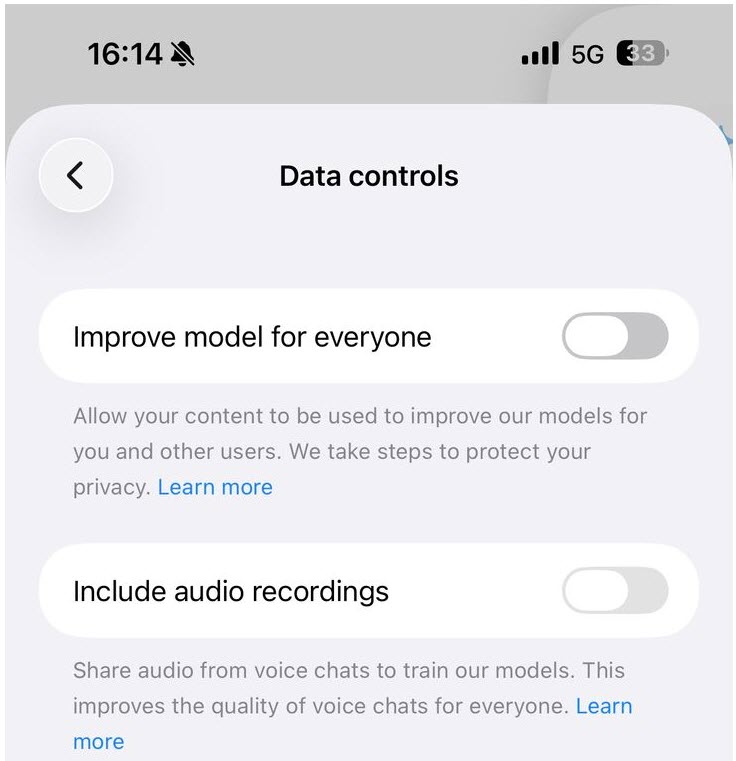
ใครที่ใช้งาน AI เป็นประจำและกังวลเรื่องความเป็นส่วนตัว สามารถตั้งค่าไม่ให้บทสนทนาถูกนำไปใช้ปรับปรุงโมเดล AI ได้ โดยเข้าไปที่ Settings > Data Controls แล้วปิดตัวเลือก Improve the model for everyone เพียงเท่านี้ แชตใหม่ก็จะไม่ถูกนำไปใช้เพื่อปรับปรุงโมเดลตามการตั้งค่าดังกล่าว
วิธีตั้งค่า AI ไม่ให้เอาข้อมูลไปใช้ฝึก AI
- เปิด ChatGPT แล้วเข้าไปที่ Settings (การตั้งค่า)
- เลือกเมนู Data Controls
- มองหาตัวเลือก Improve the model for everyone
- กดปิดให้เป็น Off
หลังจากปิดการตั้งค่านี้แล้ว ผู้ใช้ยังสามารถใช้งาน ChatGPT ได้ตามปกติ แต่บทสนทนาใหม่จะไม่ถูกนำไปใช้เพื่อปรับปรุงโมเดลตามตัวเลือกดังกล่าว
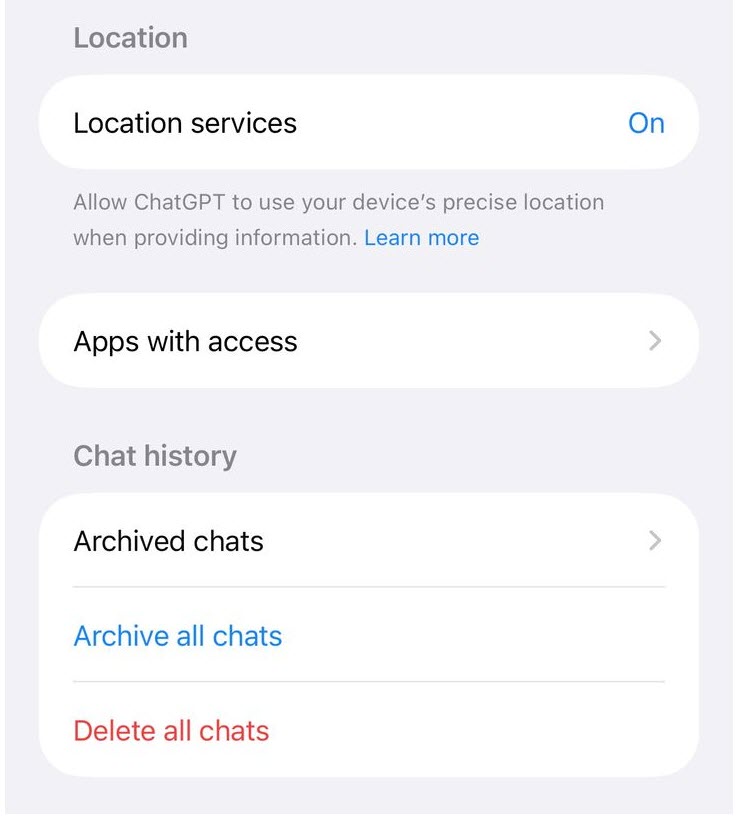
อย่างไรก็ตาม หากต้องการไม่ให้ ChatGPT จดจำข้อมูลส่วนตัว จะเป็นอีกส่วนหนึ่งที่ต้องตั้งค่าแยกกันในเมนู Memory ซึ่งสามารถปิดการจดจำได้เช่นกัน ต้องไปตั้งค่าที่ Settings > Personalization > Memory แยกต่างหาก
สนับสนุนเนื้อหา: .jpg)

ไอทีจีเนียส เอ็นจิเนียริ่ง (IT Genius Engineering) ให้บริการด้านไอทีครบวงจร ทั้งงานด้านการอบรม (Training) สัมมนา รับงานเขียนโปรแกรม เว็บไซต์ แอพพลิเคชั่น งานออกแบบกราฟิก และงานด้าน E-Marketing ที่กำลังได้รับความนิยมในปัจจุบัน ทั้ง SEO , PPC , และ Social media marketting
ติดต่อเราเพื่อสอบถามผลิตภัณฑ์ ขอราคา หรือปรึกษาเรื่องไอที ได้เลยค่ะ
Line : @itgenius (มี @ ด้านหน้า) หรือ https://lin.ee/xoFlBFeFacebook : https://www.facebook.com/itgeniusonline
Tel : 02-570-8449 มือถือ 088-807-9770 และ 092-841-7931
Email : contact@itgenius.co.th
แนะนำหลักสูตรอบรมที่น่าสนใจ
AI Web App Builder Workshop
Plenty of people have an idea for a web tool they want in their own work but stall because they cannot code, and hiring it out costs both time and budget. AI coding assist...
AI Next.js Fullstack Workshop
Most developers already use AI to help write code, but they use it one question at a time and paste the results in. That captures only part of the value and usually produc...

AI Fullstack Web Builder: From Zero to Production
This course walks learners the whole way in two days: from never having written code to building a fullstack web application with a database and user accounts, then deploy...
AI Governance and Responsible AI for Organizations
In most organizations staff are already using AI, but there is no policy saying how far they may go, what data must never be entered, who is accountable when the output is...

Claude Code Roadmap 12 Units: From Fundamentals to AI Coding Workflow
Claude Code is not merely a tool for asking an AI to write code. It acts as an AI coding agent that understands project structure, reads files, edits source code, runs com...
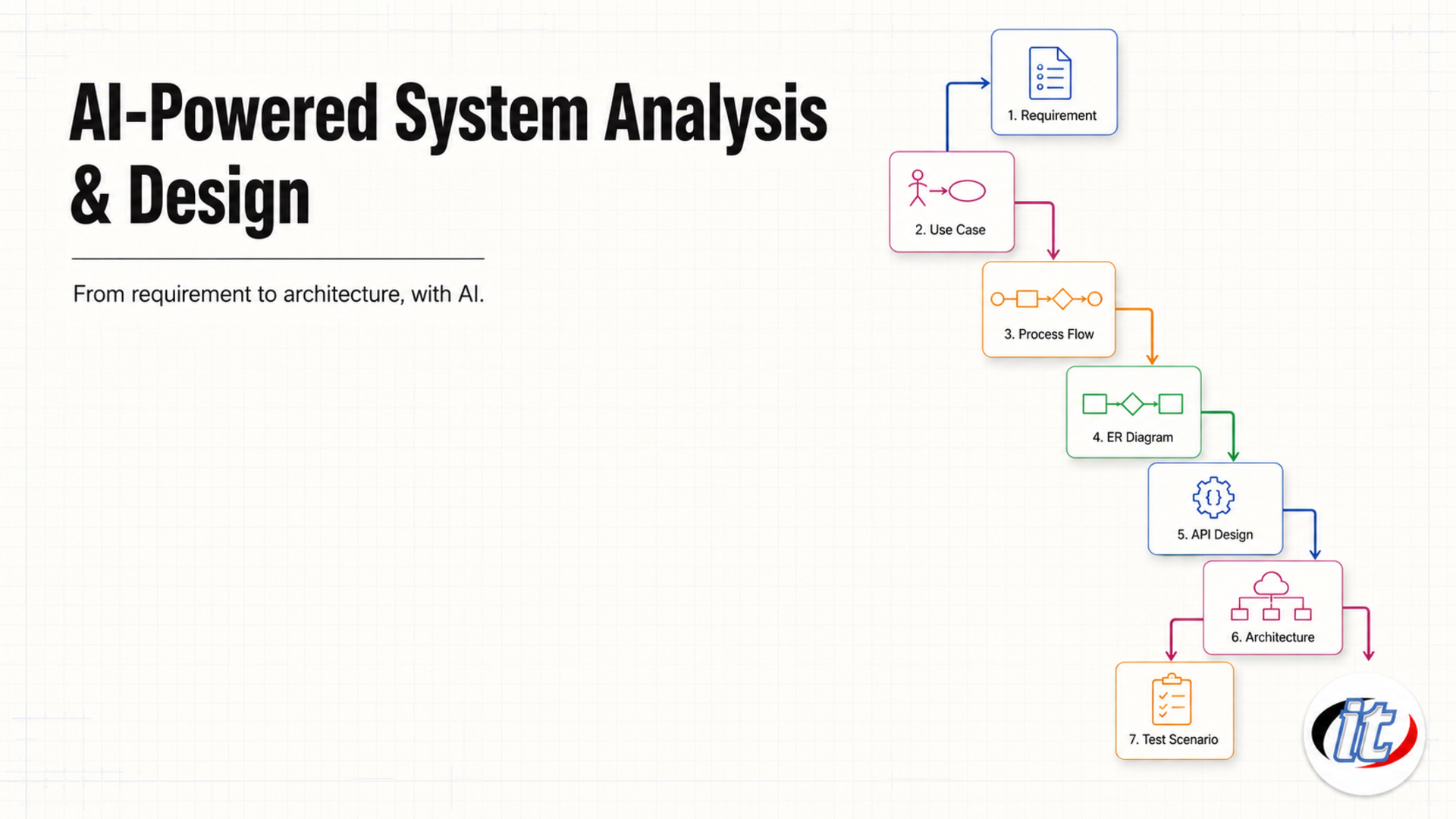
AI-Powered System Analysis and Design
System analysis and design work burns more time on writing documents and drawing diagrams than on the design thinking itself. Getting the use cases complete, finishing the...
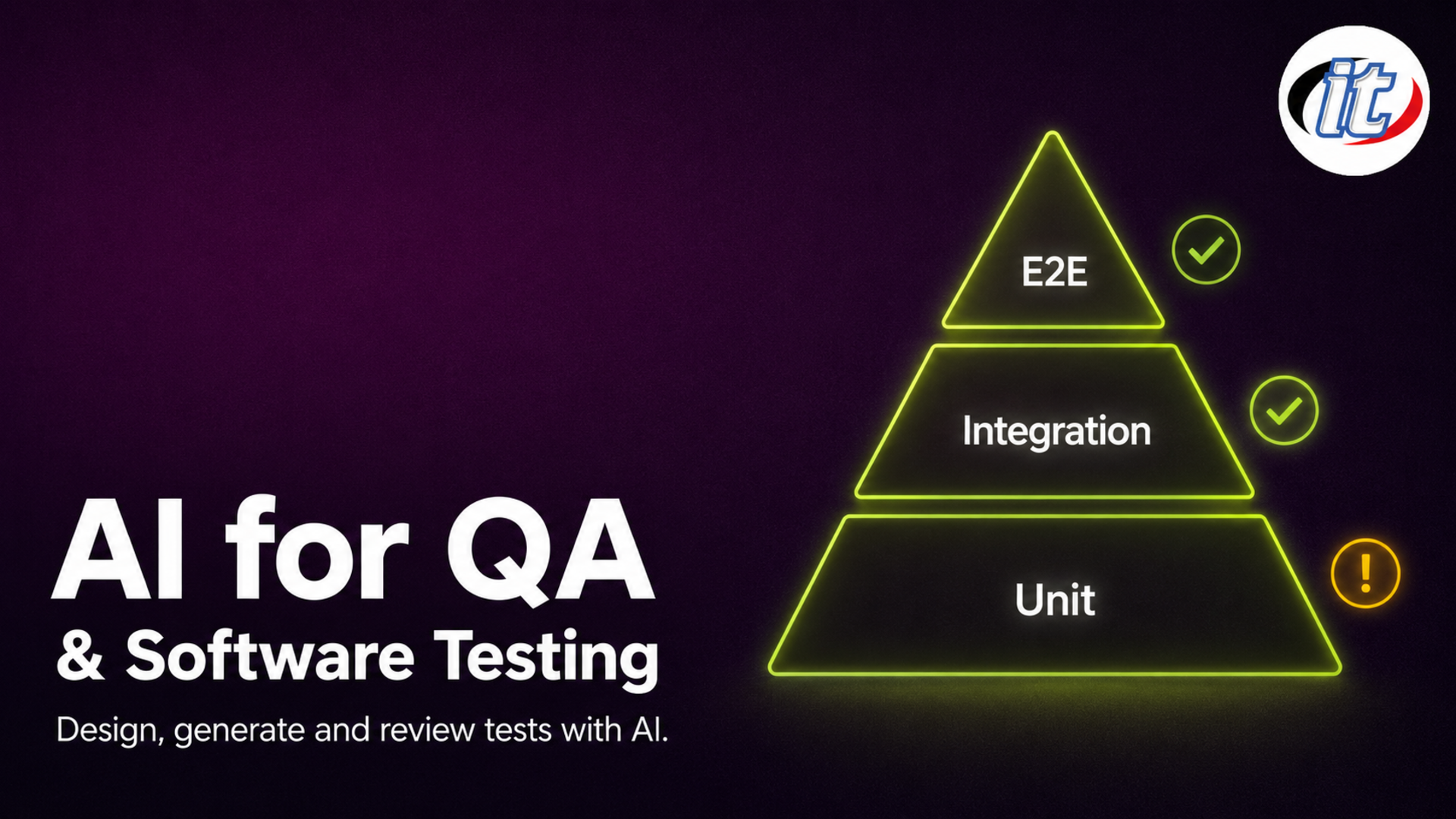
AI for QA and Software Testing
Most QA time disappears into repetitive work: writing test cases one by one from incomplete documentation, preparing test data set by set, chasing scripts that broke becau...
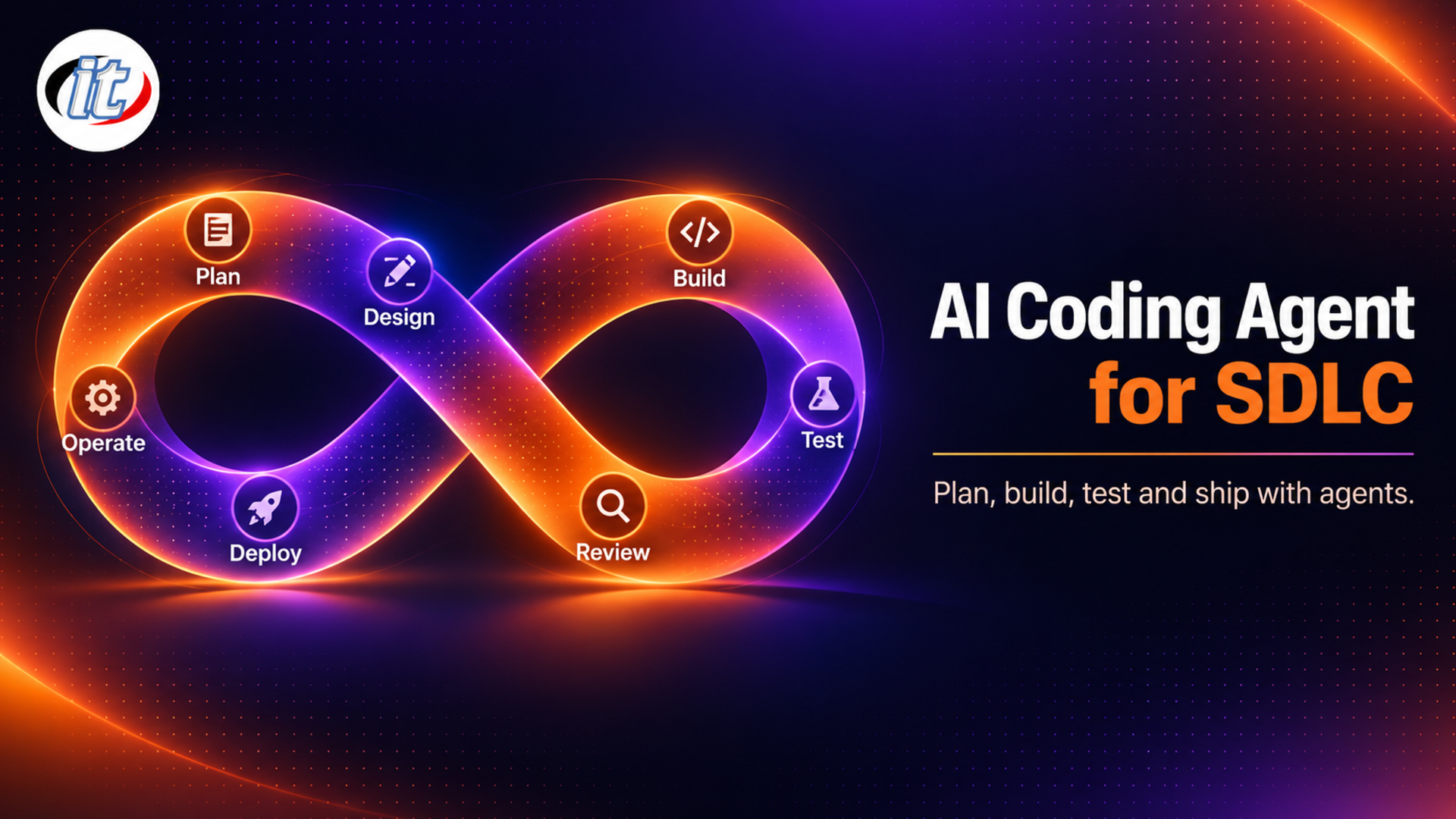
AI Coding Agent for SDLC
Most developers already use AI to help write code, but they use it one task at a time and paste the output back in, which captures value only during the coding step. The r...
คำค้นหา : chatgptตั้งค่าaiแชร์ข้อมูลเทรน aiข่าวไอทีวิธีตั้งค่า aiการตั้งค่า chatgptการกำหนดความเป็นส่วนตัวการใช้งาน chatgptรูปแบบ chatgptวิธีตั้งค่า chatgpt